API Key Authentication Header: Format, Examples, Fixes
September 3, 2026
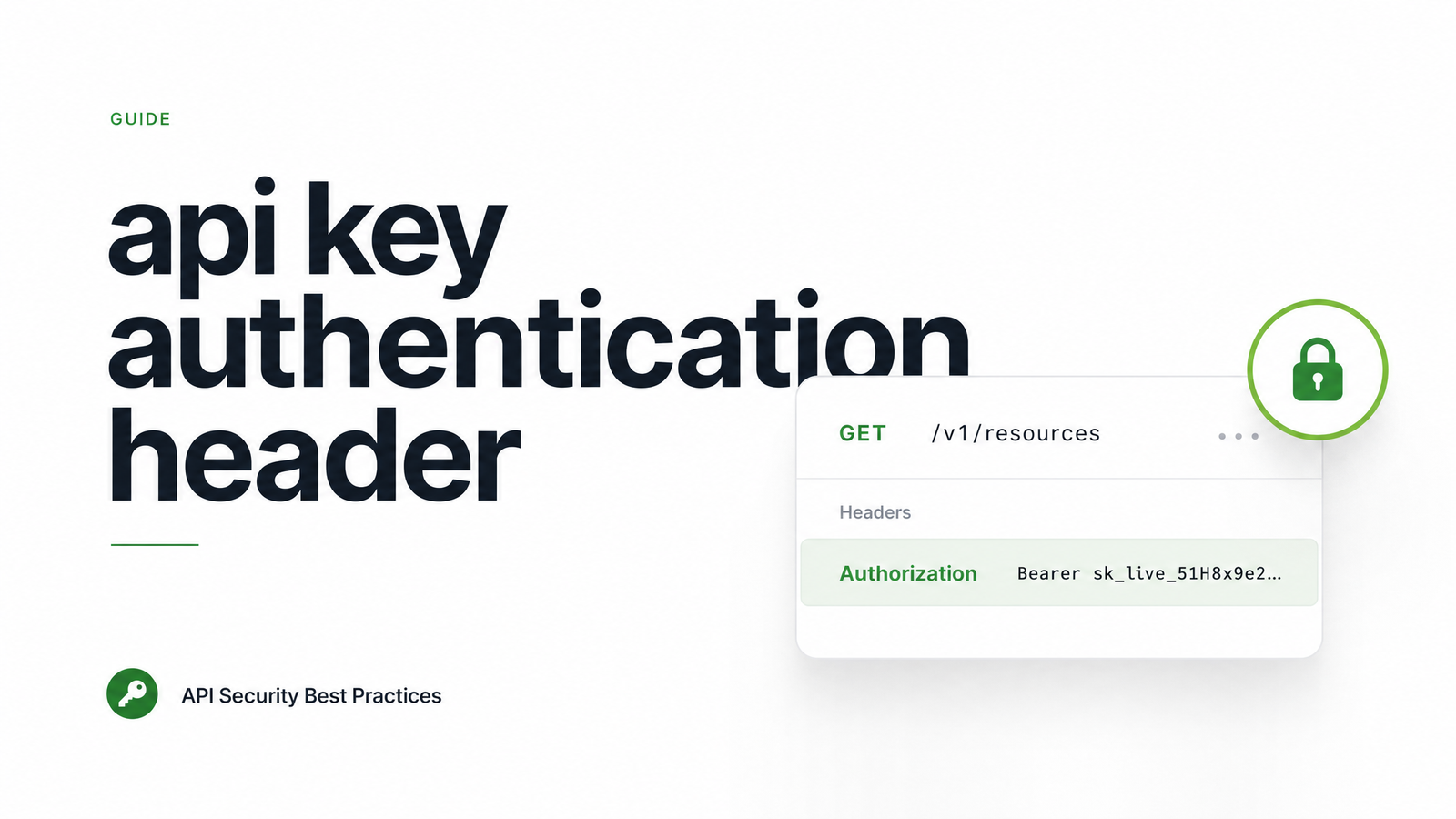
Every API call to a headless browser service, or any authenticated API, needs a credential attached to it — and the single most common integration failure is sending that credential in the wrong place or the wrong format. Get the api key authentication header right and everything else in your integration works; get it wrong and you'll spend an hour staring at a 401 that has nothing to do with your actual key being invalid.
This is a scoped, code-first reference for one credential type: static API keys. Not OAuth tokens, not JWTs — just the plain key you copy from a dashboard and need to attach to every request correctly.
What Is an API Key Authentication Header?
An API key authentication header is a static, long-lived credential string sent as part of the HTTP header on every request, rather than embedded in the URL, stored in a cookie, or exchanged through a multi-step OAuth flow. It's the simplest form of http header authentication: the server checks the header value against a stored key on each incoming request and either accepts or rejects it — no token refresh, no expiry negotiation, no redirect flow.
This distinguishes it from three adjacent mechanisms. Cookies are session-based and browser-managed, unsuitable for server-to-server calls. Query parameters put the credential in the URL string, which is functionally similar but far less secure (more on that below). OAuth 2.0 tokens are dynamic, short-lived, and issued through an authorization flow — a fundamentally different credential lifecycle than a static key you generate once in a dashboard and reuse indefinitely.
The 3 Header Formats You'll Actually See
There's no single universal standard for api key header format, which is exactly why developers get tripped up moving between APIs. In practice, you'll encounter three conventions:
| Format | Example | Why it exists |
|---|---|---|
| Custom header | X-API-Key: abc123 |
Popularized by AWS API Gateway; simple, explicit, no ambiguity about credential type |
| Authorization Bearer | Authorization: Bearer abc123 |
Inherited from OAuth 2.0 conventions; many APIs reuse the Bearer scheme for plain API keys too |
| Authorization scheme variant | Authorization: ApiKey abc123 or Authorization: Token abc123 |
Some frameworks (Django REST Framework, others) define their own scheme name |
The x-api-key header convention is dominant among infrastructure and gateway-fronted APIs because AWS API Gateway made it a default, and plenty of providers copied the pattern for consistency. The authorization bearer api key pattern persists because Bearer was originally an OAuth 2.0 scheme — but nothing stops an API from using it for a static key with no OAuth flow attached at all. That's a real source of the "api key vs bearer token" confusion: they're often the same string, just wrapped in a different header convention depending on the provider's design choice. As the Swagger/OpenAPI spec confirms, API keys can legally be sent via header, query string, or cookie — but header is the only one you should actually use in production.
Browsevra expects your key in the Authorization header using the Bearer scheme. Check the docs for the current exact syntax before you build your integration — this is the detail that will save you a debugging session.
How to Send an API Key Header: curl, Python, and Node Examples
Here's exactly how to send an api key in header form across three common tooling stacks, using a headless-browser-style screenshot endpoint as the example.
curl (api key header curl example):
curl -X POST https://api.browsevra.com/v1/screenshot \
  -H "Authorization: Bearer YOUR_API_KEY" \
  -H "Content-Type: application/json" \
  -d '{"url": "https://example.com"}'
Python (requests library):
import requests

headers = {
    "Authorization": "Bearer YOUR_API_KEY",
    "Content-Type": "application/json"
}

response = requests.post(
    "https://api.browsevra.com/v1/screenshot",
    headers=headers,
    json={"url": "https://example.com"}
)

print(response.status_code, response.json())
Node.js (fetch):
const response = await fetch("https://api.browsevra.com/v1/screenshot", {
  method: "POST",
  headers: {
    "Authorization": "Bearer YOUR_API_KEY",
    "Content-Type": "application/json"
  },
  body: JSON.stringify({ url: "https://example.com" })
});

const data = await response.json();
console.log(response.status, data);
If you're integrating against an X-API-Key-style API instead, the only change is the header itself: swap Authorization: Bearer YOUR_API_KEY for X-API-Key: YOUR_API_KEY and drop the scheme word entirely. Everything else — endpoint, body, content type — stays the same.
Header or Query Parameter? Why Headers Win
Putting an API key in a URL — ?api_key=abc123 — technically works on plenty of APIs, but it's the wrong default. The core problem with api key query parameter security is exposure surface: URLs get logged by proxies, load balancers, CDNs, and browser history; they show up in server access logs by default; they get pasted into Slack, bug trackers, and screenshots without anyone noticing the credential riding along in plain sight. A header value isn't typically captured by standard access logs and doesn't get accidentally shared when someone copies a URL.
The api key in url vs header decision isn't close: headers are the secure default, query params are a legacy fallback some APIs still support for convenience. As Sportmonks explains, this is precisely why so many providers now push developers toward the Authorization header even for plain API keys — it borrows the transport security posture of OAuth without the flow complexity. Always use HTTPS regardless of which method you choose; without TLS, both headers and query params are readable in transit.
Fixing 401 and 403 Errors From a Bad Header
An api key 401 error almost always means the server never recognized a valid credential at all — not that the key is "wrong" in the way you'd expect. An api key 403 error usually means the server did authenticate you but denied the specific action (wrong plan tier, IP restriction, insufficient scope). Before assuming your key itself is broken, check these in order:
- Header name casing and spelling —
X-Api-KeyvsX-API-KEYvsx-api-keyare usually treated the same by HTTP (headers are case-insensitive), but the key name itself must match exactly what the API expects. - Missing or wrong scheme prefix — sending just the raw key where
Beareris required (or vice versa) is the single most common cause of api key authentication failed errors. - Extra whitespace or newline characters — copy-pasting from a dashboard or
.envfile often drags in a trailing space or line break that invalidates the string silently. - Expired or rotated key — if you regenerated a key in the dashboard, old copies stop working immediately; check you're using the current one.
- Wrong environment — using a sandbox/test key against a production endpoint, or vice versa, produces a clean 401 with no other clue.
If you've ruled all of that out and still see failures, this walkthrough on adding an authentication header in a REST API covers the broader header-construction process step by step.
Frequently Asked Questions
What's the difference between X-API-Key and Authorization: Bearer for an API key?
They're two different header conventions for delivering the same kind of static credential. X-API-Key is a custom header popularized by AWS API Gateway; Authorization: Bearer reuses the OAuth 2.0 scheme name even when no OAuth flow is involved. Which one you use depends entirely on what the specific API you're calling expects — check its docs rather than assuming.
Why am I getting a 401 or 403 error even though my API key is correct?
The most common cause isn't an invalid key — it's a malformed header: wrong header name, a missing "Bearer" prefix, or trailing whitespace from a copy-paste. A 401 means the server couldn't authenticate the request at all, while a 403 means it authenticated you but rejected the action, often due to plan limits or IP restrictions.
Should I send my API key as a header or a query parameter?
Send it as a header. Query parameters get logged by proxies, CDNs, and access logs, and end up copied into URLs shared in chat or bug trackers, exposing the credential far more broadly than a header value ever would.
Can I use both an API key and OAuth on the same API?
Yes, and many APIs do exactly this — an API key for simple server-to-server calls and OAuth 2.0 for flows that need per-user scoped permissions or delegated access. OpenAPI/Swagger securitySchemes support defining multiple auth methods on the same API, so check the docs to see which endpoints accept which.
Is it safe to put an API key in the Authorization header without OAuth?
Yes — the Authorization header is just a transport mechanism, and using the Bearer scheme for a static key doesn't require running an OAuth flow. It's a common, accepted pattern precisely because it keeps the header format consistent even when the underlying credential is simple.
How do I test an API key header with curl before writing any code?
Run a single curl command with -H "Authorization: Bearer YOUR_API_KEY" (or -H "X-API-Key: YOUR_API_KEY") against the API's simplest GET endpoint and check the response status code. A 200 confirms the header format is correct before you invest time writing client code around it.
You now know the exact header format expected by well-built APIs — the fastest way to confirm it is to grab a real key and fire a test request. Head to the Browsevra docs to generate your API key and make your first authenticated call in under a minute, or check pricing if you're evaluating usage tiers for screenshots, PDFs, or structured extraction at scale.