Authenticated Session Headless Browser API: A Dev Guide
September 20, 2026
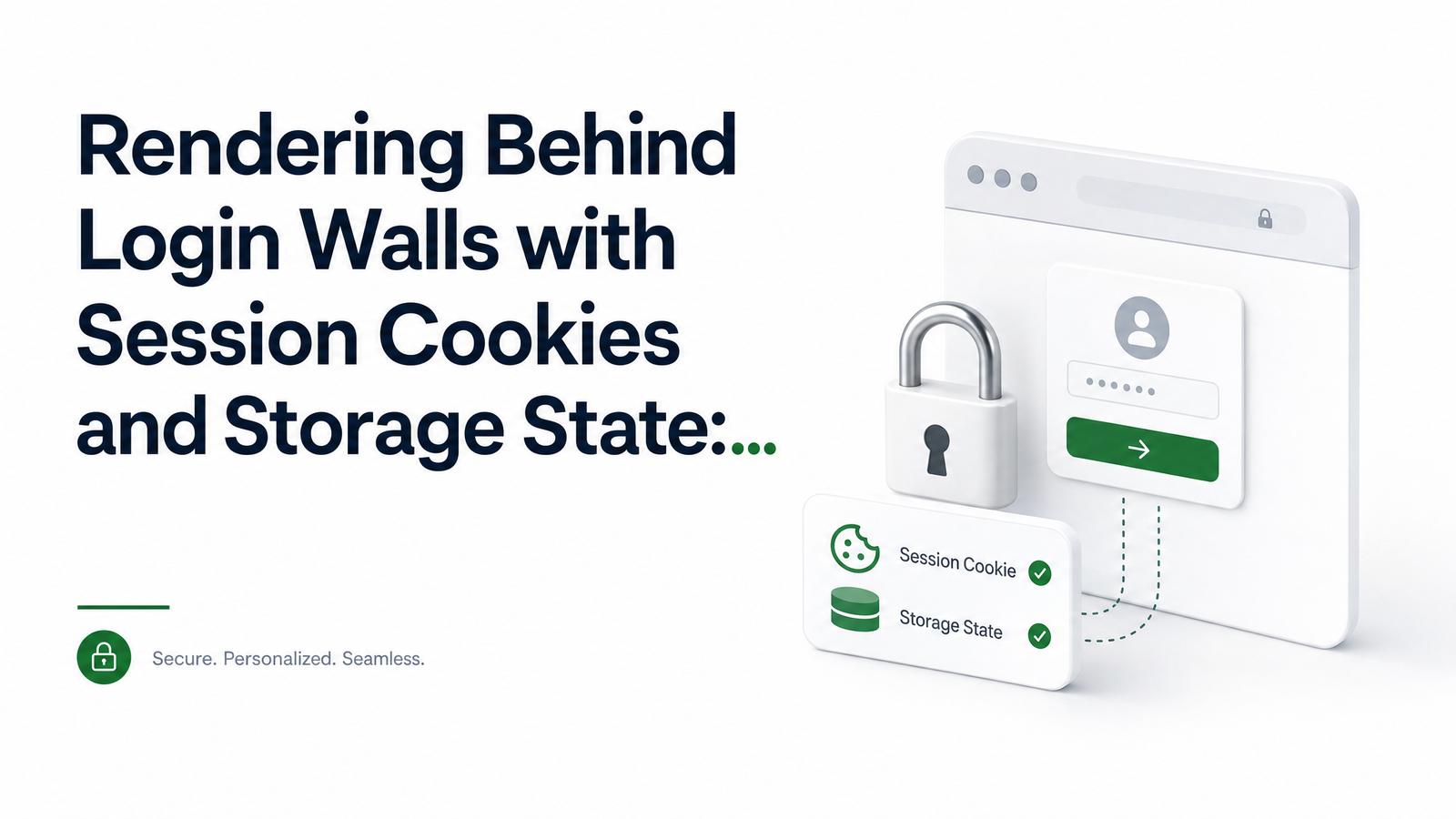
Why Rendering Behind a Login Wall Is Different
A headless browser API call is stateless by default: send a URL, spin up a fresh context, navigate, capture whatever's publicly visible. That works for marketing pages and public listings — it breaks the moment a page sits behind a login wall.
Dashboards, gated reports, admin tools, and most SaaS screenshots require an authenticated session. Without one, your render job hits a redirect to /login and returns a sign-in form instead of data. The instinct is to automate the login form on every request — fill credentials, submit, wait, then render. In practice this is slow (every call pays for a full login flow), fragile (selectors change, rate limits kick in, 2FA or bot-detection can trigger on repeated logins), and wasteful at scale. Running hundreds of renders a day means hundreds of login attempts hitting the target app's auth system. Headless browser authentication needs a smarter pattern: log in once, then reuse that proof of identity across every subsequent call.
Cookies vs. Storage State vs. Full Login Automation
There are three realistic ways to reach an authenticated page programmatically, and they aren't equivalent.
Scripting the login form on every call is the most fragile option — slow, dependent on stable form markup, and most likely to trip 2FA or CAPTCHA challenges designed to catch repeated automated logins.
Injecting session cookies is a step up. Most server-rendered apps track login state through HTTP cookies — often httpOnly, secure, and scoped with a sameSite policy. Capture those cookies once and inject them into a new browser context, and the target server treats the request as logged in. This is the right call for classic session-cookie architectures.
Reusing a full storage state snapshot is the most robust option for modern web apps. Many single-page applications store auth tokens not just in cookies but in localStorage, sessionStorage, or IndexedDB — especially OAuth or token-based apps where a JWT or refresh token lives in the browser rather than a cookie jar. Playwright's storageState concept captures all of this in one artifact: cookies plus origin-scoped storage. The comparison really comes down to what the app relies on; if you're unsure, storage state is the safer default since it captures everything cookies would and more. Playwright's own authentication documentation covers this distinction in depth, including how IndexedDB and local storage factor into modern auth flows. If your target is a React or Vue SPA, this matters even more — see our guide on scraping React/Vue apps for how client-side rendering interacts with token storage.
Capturing a Reusable Session (One-Time Login)
The capture step happens once, not on every render. Log in — manually through a real browser, or via a scripted flow you run yourself — then export the session as a JSON artifact before tearing the browser down.
With Playwright, this looks like:
const context = await browser.newContext();
const page = await context.newPage();
await page.goto('https://app.example.com/login');
// fill credentials, submit, wait for redirect to dashboard
await context.storageState({ path: 'session.json' });
Puppeteer users typically do the cookie-only equivalent with page.cookies() after login, then persist that array to disk. Either way, the output is a small JSON file: an array of cookies (with domain, path, httpOnly, secure, and sameSite attributes intact) and, for storage state, the localStorage/sessionStorage entries per origin. Treat this file exactly like a password — because functionally, it is one. Playwright's Python docs make the same point explicitly: session artifacts contain sensitive cookies and headers and should never be committed to a repository.
Injecting the Session Into API Calls
Once you have that JSON artifact, every subsequent render, screenshot, PDF, or extraction call can start already logged in — no login step, no redirect chain, no risk of tripping 2FA on a bot account. Capture once, inject everywhere.
A typical request to an authenticated headless browser API passes the cookies array or full storage state object as a parameter alongside the target URL:
{
  "url": "https://app.example.com/reports/monthly",
  "storageState": { "cookies": [...], "origins": [...] },
  "format": "pdf"
}
The API spins up a browser context, seeds it with your captured cookies and storage entries, then navigates directly to the gated URL as if the session had been active the whole time. Browsevra's docs walk through the exact parameters for passing cookies or storage state on render, screenshot, PDF, and extract endpoints, including how they're scoped per request so parallel jobs don't interfere with each other.
Keeping Sessions Alive: Expiry, Refresh, and Rotation
Sessions don't live forever. Expect expiry for a few distinct reasons: the token or cookie has a hard TTL, the issuing server invalidates sessions on IP or device changes, or the app enforces periodic re-authentication.
Build failure detection into your pipeline rather than assuming a captured session stays valid indefinitely. Watch for two signals: an HTTP 401/403 response, or a 200 response that's actually a redirect to the login page (check the final URL or page title, since a redirect can still return 200). When either fires, re-run your one-time capture flow and overwrite the stored artifact. Some teams re-capture on a fixed schedule instead of waiting for failure, especially for high-volume batch jobs where a mid-run expiry would otherwise silently corrupt results. Storing artifacts with a short TTL and an automatic refresh job is more reliable than trusting a session to outlive your job.
Security Practices for Storing Session Data
A captured session artifact grants the same access as the password used to create it — sometimes more, since it can bypass MFA prompts entirely. Store it in a secrets manager or encrypted-at-rest storage, never in a git repository, never in plaintext logs, and never passed through a CI log output. Access should be scoped to the specific automation job that needs it.
Wherever possible, capture sessions from a dedicated service account rather than a real employee's login. A service account can be permissioned narrowly, rotated on a schedule, and revoked instantly without affecting a real person's access elsewhere. Rotate captured sessions periodically even if they haven't expired, and revoke old artifacts once replaced. Finally, only apply this pattern to content you're authorized to access — reusing a login session to reach data you don't have rights to view raises real legal and ethical issues separate from the technical setup.
Frequently Asked Questions
How do I render a page that requires a login using a headless browser API?
Capture a session once by logging in and exporting cookies or a full storage state snapshot, then pass that artifact as a parameter on your render, screenshot, PDF, or extract request. The API seeds a fresh browser context with your session data before navigating, so the page loads already authenticated instead of redirecting to a login form.
What's the difference between passing cookies vs. a full storage state to an API?
Cookies alone cover apps that track login purely through HTTP cookies, which works for many traditional server-rendered sites. Full storage state additionally captures localStorage, sessionStorage, and IndexedDB, necessary for modern SPAs and token-based auth where the session isn't stored in a cookie at all.
How often do I need to refresh a saved login session?
It depends on the target app's session TTL, but treat expiry as inevitable rather than exceptional. Detect failures via 401/403 responses or unexpected redirects to a login page, and re-capture the session immediately, or on a fixed schedule for high-volume jobs.
Is it safe to store session cookies for automated scraping or rendering jobs?
It's safe if handled like a credential: encrypted at rest, stored in a secrets manager, never committed to a repository, and scoped to a dedicated service account rather than a personal login. Treated carelessly, a leaked session artifact grants the same access as a stolen password.
Can one captured session be reused across multiple parallel API requests?
Yes — a single storage state or cookie artifact can be injected into multiple concurrent browser contexts, since each request typically gets its own isolated context seeded from the same session data. This is what makes the pattern efficient for batch rendering jobs.
What should I do if my authenticated render job suddenly starts returning a login page?
That's a clear signal the stored session has expired or been invalidated, often due to a TTL, an IP/device change, or a forced re-authentication policy. Re-run your one-time login capture, overwrite the stored artifact, and retry the failed jobs with the refreshed session.
Capture once, render everywhere: that's the pattern an authenticated session headless browser API should support out of the box. Check the docs for the exact cookie and storage-state parameters on render, screenshot, PDF, and extract endpoints, review pricing to size a plan for your usage, and test the flow on your own login-gated page with browsevra.