Browser Rendering Engine, Explained for Backend Developers
August 31, 2026
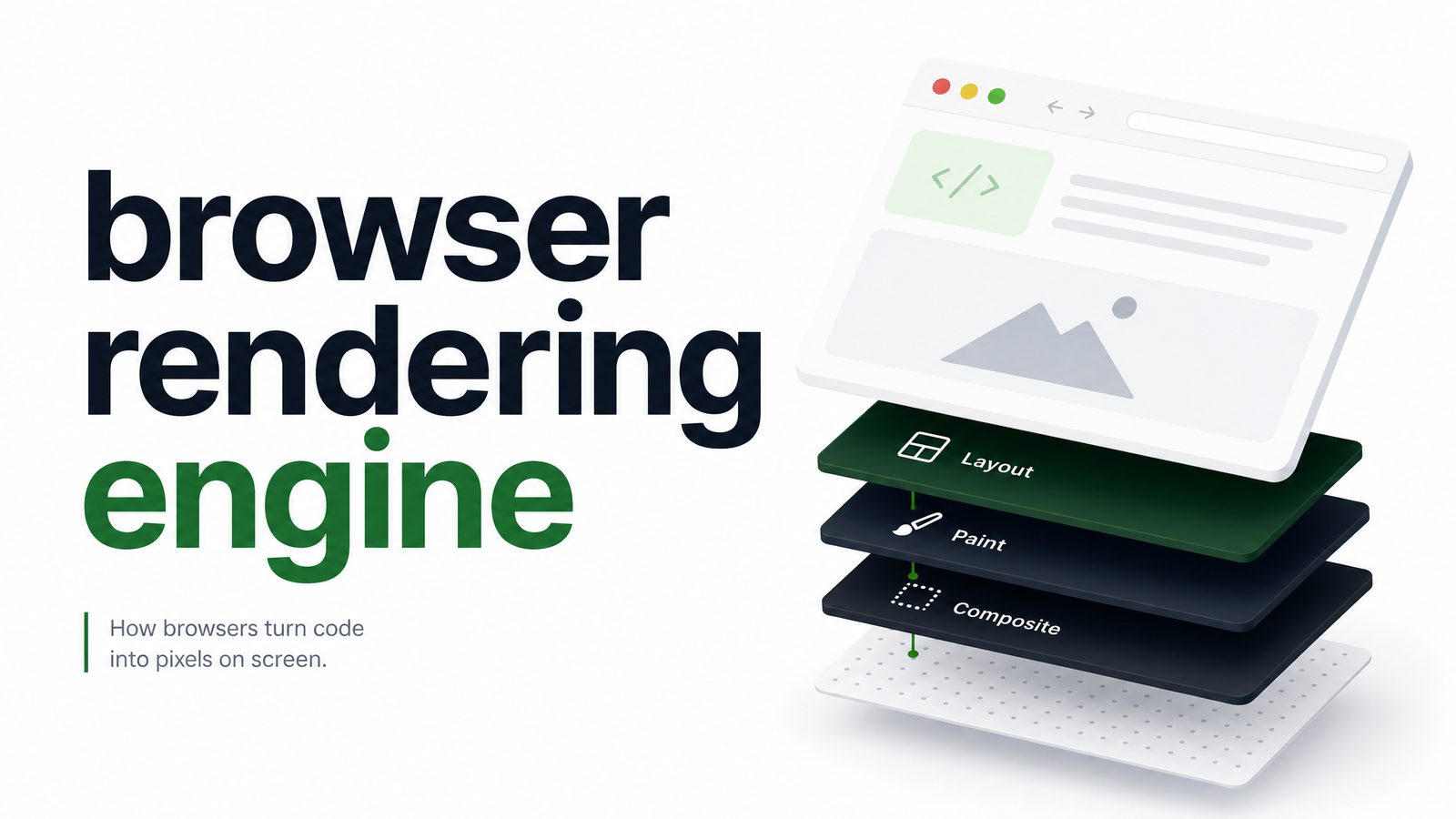
Most explanations of the browser rendering engine target front-end developers debugging Safari quirks. If you're calling a rendering engine programmatically — for screenshots, PDFs, or scraping at scale — you need to understand it as infrastructure. Get the mental model wrong and you'll misdiagnose blank screenshots, truncated PDFs, and incomplete scrapes as "bugs" when they're actually engine behavior you haven't accounted for.
What Is a Browser Rendering Engine?
A browser rendering engine parses HTML, CSS, and JavaScript and computes what appears on screen — layout, pixels, visual output. It is not the browser itself. The browser is the shell: tabs, address bar, bookmarks, extensions, sync, the UI you click through. The engine turns markup into a rendered page.
This distinction matters more than it seems. Chrome, Edge, Opera, Brave, and most Chromium-based browsers wrap the same underlying engine — Blink — inside different shells with different UI, extensions, and defaults. When you use a headless automation tool, you're not using "a browser" in the consumer sense — you're driving the engine directly, without most of the shell. WebKit itself describes its project as an engine, not a browser, a useful reminder that the terms aren't interchangeable, even though they get used that way constantly in documentation and marketing copy.
How a Rendering Engine Turns Code Into Pixels
The sequence an engine follows to go from raw markup to a finished frame is the critical rendering path. Most "why didn't this render" issues in automated pipelines trace back to a step in this sequence not finishing before the engine is asked to capture output.
- HTML parsing — the engine parses HTML into the DOM (Document Object Model), a tree representing page structure.
- CSS parsing — stylesheets are parsed into the CSSOM (CSS Object Model), representing computed styles.
- Render tree construction — DOM and CSSOM combine into a render tree containing only the visible, styled nodes.
- Layout — the engine calculates exact size and position for every element on the page.
- Paint — pixels are drawn to the screen (or, in your case, to a buffer that becomes a screenshot or PDF).
MDN's critical rendering path documentation is the authoritative reference for full detail. The key takeaway for programmatic use: this path is not instantaneous, and it doesn't always complete in the order or timeframe you'd assume from testing in a normal browser window.
Rendering Engine vs. JavaScript Engine
A rendering engine handles parsing, layout, and paint. A JavaScript engine is a separate component that executes script logic — and on modern JS-heavy pages, that logic frequently rewrites the DOM after the initial render pass, triggering the rendering engine to redo layout and paint. Chrome and other Chromium browsers pair Blink with the V8 JavaScript engine; Firefox pairs Gecko with SpiderMonkey; Safari pairs WebKit with JavaScriptCore. This pairing is consistent across the major browser families.
This distinction explains a huge share of scraping and screenshot failures. If you capture output before the JS engine finishes executing — before an SPA framework hydrates, before an async data fetch resolves and re-renders the DOM — you get a technically complete render of an incomplete page. That's not a rendering engine bug; it's a timing gap between when the engine considers the initial paint "done" and when your application's JavaScript has finished mutating the page into its final state.
Blink, Gecko, and WebKit: The Engines Behind Today's Browsers
Three engine families cover almost the entire browser market:
- Blink — powers Chrome, Edge, Opera, Brave, and most other Chromium-based browsers. It's also the dominant engine behind headless infrastructure, since Chromium's headless mode and automation protocol (CDP) are mature and widely supported.
- Gecko — Firefox's engine, with its own layout and CSS quirks distinct from Blink.
- WebKit — powers Safari and, by extension, all browsers on iOS, which are required to use WebKit under the hood regardless of branding.
For a straightforward engine-to-browser mapping, this comparison of Blink, WebKit, and Gecko lays it out clearly. The practical implication: Blink's dominance in headless tooling makes it the path of least resistance, but if your product needs to verify how a page actually renders in Safari or Firefox specifically, engine choice becomes a real requirement.
Why This Matters When You're Rendering Programmatically
A human loading a page tolerates a few extra seconds, sees lazy-loaded content pop in while scrolling, and rarely notices font substitution during webfont load. An automated pipeline calling a headless rendering engine has none of that tolerance — it captures whatever state the page is in at the moment you tell it to.
This is why rendering engine behavior matters so much more for automated screenshots, PDFs, and scraping than for casual browsing:
- JS execution completion — if capture fires before async rendering finishes, you get partial content, not a bug report-worthy error.
- Font rendering — headless environments often lack system fonts a normal desktop has installed, producing fallback fonts in screenshots.
- Viewport and device emulation — the engine renders exactly to the viewport dimensions you specify; get this wrong and layouts break in ways a human resizing a window would never trigger.
- Headless-specific quirks — some sites detect headless mode and serve different markup, JS, or blocking pages entirely.
If you're still deciding whether a headless setup is right at all, our breakdown of what headless browsers are and where they're used covers that groundwork in more depth than fits here.
Self-Hosting an Engine vs. Using a Managed Rendering API
Running a rendering engine reliably at scale is a genuine infrastructure commitment. You're responsible for Chromium version upgrades (security patches ship constantly), sandboxing for untrusted page content, memory and CPU overhead per concurrent render, and mitigating headless detection so target sites don't silently serve broken pages. None of this is exotic engineering, but it's ongoing operational load unrelated to your actual product. For more on what "Chromium" specifically means here, our disambiguation of browserless Chromium is worth a read if the terminology has been fuzzy for your team.
A managed rendering API abstracts the engine away entirely: you send a URL and configuration, and get back a screenshot, PDF, HTML snapshot, or extracted data — without owning Chromium version drift, sandbox hardening, or fleet capacity planning.
Teams that need rendering as an output — not as a product feature they're building themselves — shouldn't have to manage engine versions, sandboxing, or Chromium flags to get there. Check the Browsevra docs to see the rendering API in practice, and the pricing page to compare it against what self-hosting actually costs your team. browsevra handles the engine so you can focus on what you build with its output.
Frequently Asked Questions
Is a rendering engine the same as a browser?
No. The rendering engine parses HTML, CSS, and JavaScript and computes what appears on screen, while the browser is the full product wrapped around it — UI, tabs, extensions, settings. Multiple browsers, like Chrome, Edge, and Brave, share the same underlying engine (Blink) despite being distinct products.
What rendering engine does Chrome use?
Chrome uses Blink, developed by Google and shared across most Chromium-based browsers including Edge, Opera, and Brave. Blink pairs with the V8 JavaScript engine and is the most common engine used in headless automation infrastructure.
What's the difference between a rendering engine and a JavaScript engine?
The rendering engine handles parsing, layout, and paint — turning markup and styles into visible pixels — while the JavaScript engine executes script logic that can dynamically mutate the DOM. Each major browser pairs a specific rendering engine with a specific JS engine: Blink with V8, Gecko with SpiderMonkey, and WebKit with JavaScriptCore.
Why does the rendering engine matter for web scraping and screenshots?
Automated capture tools snapshot whatever state the page is in at that exact moment, with none of the tolerance for loading delays a human browsing casually wouldn't notice. Incomplete JS execution, missing fonts, or wrong viewport settings at capture time produce broken screenshots or missing scraped data — even though the page works fine for a real visitor.
Can I choose which rendering engine my API calls use?
It depends on the provider, but most headless rendering infrastructure defaults to Blink because of its maturity and strong automation protocol support. Some managed APIs offer engine or browser options for cross-engine testing, so check the specific provider's documentation for what's configurable.
Does headless mode change how the rendering engine behaves?
Yes, in some cases. Headless environments often lack installed system fonts, may render at different default viewport sizes, and can be detected and blocked by sites looking for automation signatures — all of which can alter output compared to a full desktop browser session.