Gemini Developer API Pricing in 2026: The Real Cost Guide
September 1, 2026
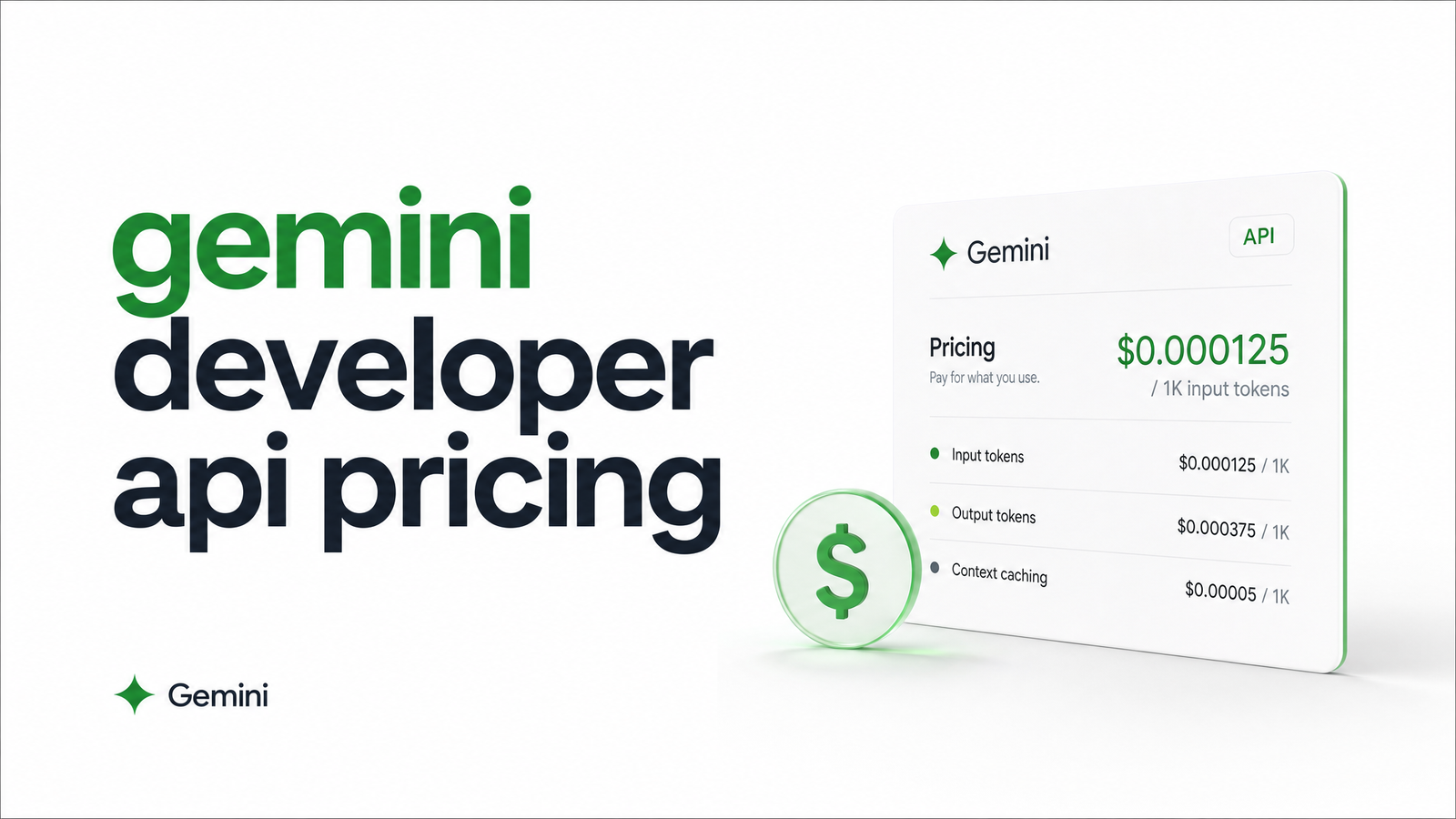
Gemini developer API pricing runs on a pay-per-token model, split by input and output tokens, with rates that shift depending on model tier and prompt size. If you're piping rendered HTML, screenshots, or PDFs into Gemini to turn messy pages into structured JSON, the headline per-token number on Google's pricing page only tells part of the story — the rest is thinking tokens, grounding fees, and a 200K-token cliff that can quietly double your bill.
This guide gives you the current per-model pricing table, explains what's actually free in 2026, and shows how to translate a rendered page's HTML size into a real dollar estimate for your extraction pipeline.
Gemini Developer API vs. Vertex AI and Consumer Plans
Three separate things get lumped together under "Gemini pricing," and confusing them leads to bad budgeting. The Gemini Developer API, accessed through Google AI Studio, is the pay-per-token option this article covers — you get an API key, send requests, and pay per million tokens processed. Vertex AI wraps the same underlying models in Google Cloud's enterprise billing, IAM, and SLA structure; token rates are often similar but packaged with infrastructure commitments most solo developers and small teams don't need. Then there's the consumer Gemini app — Plus, Pro, and Ultra subscriptions — a flat monthly fee for chat access, unrelated to API usage. If you're building a scraping or extraction pipeline, you want the Developer API. A subscription-vs-API mix-up is the most common reason developers think they're "already paying" for API access when they aren't.
Gemini API Pricing by Model (2026 Rates)
Gemini API pricing per token varies significantly across the three active tiers. Based on current published rates (BenchLM's 2026 pricing table is a solid reference for the latest figures):
- Gemini 3.1 Pro pricing: higher input and output rates than Flash, with a distinct pricing cliff once a prompt exceeds 200,000 tokens — both rates step up substantially past that threshold. This detail is what most calculators miss, and it matters if you're feeding in long HTML documents or multi-page PDFs.
- Gemini flash pricing (3.7 Flash): a mid-tier rate, well below Pro, aimed at high-volume production workloads that still need decent reasoning quality.
- Gemini flash-lite pricing (2.5 Flash-Lite): the cheapest tier by a wide margin, for lightweight tasks like classification, tagging, and structured extraction on well-formed input.
Output tokens cost more than input tokens across every tier — often several times more per million. That gap is easy to ignore when prototyping with short answers, but it becomes the dominant cost driver once your extraction task returns long structured JSON payloads rather than a one-word classification.
What's Actually Free (and What Changed in 2026)
The Gemini API free tier still exists, but its scope narrowed considerably. As of April 1, 2026, Pro-tier models moved to paid-only access — you can no longer prototype flagship reasoning capability for free (CloudZero's pricing writeup confirms this shift). Free-tier access today is limited to Flash and Flash-Lite, with strict rate limits unsuitable for production traffic, plus a data-usage tradeoff: free-tier requests may be used by Google to improve its products, a nonstarter for teams handling anything sensitive.
So, is the Gemini API free for developers? Yes, for evaluation and low-volume prototyping on Flash or Flash-Lite. No, for anything resembling a production scraping or extraction pipeline with real request volume, or for any workload requiring Pro-level reasoning.
Hidden Costs That Inflate Your Bill
Thinking tokens. Gemini's reasoning models generate internal "thinking" tokens before producing a final answer, billed at output rates — not a separate, cheaper category. A seemingly simple extraction task can rack up thinking-token cost if extended reasoning is enabled unnecessarily.
Google Search grounding. Enabling grounding so Gemini can verify facts against live search results adds a per-query fee on top of token costs. Unless your extraction task genuinely requires real-time verification, skip it — most HTML-to-JSON extraction doesn't need grounding.
Context caching. If you're sending the same system prompt or schema definition across thousands of requests, context caching lets you store that shared portion once and pay a much lower rate for reuse, plus a small storage fee. It's one of the highest-leverage optimizations for extraction pipelines with repeated prompt structure.
The output-input gap. As above — this is where structured extraction bills balloon, since JSON output tokens are billed at the pricier rate. (Puter's breakdown covers the mechanics of the 200K surcharge and grounding fees in more depth.)
Estimating Gemini Costs for Scraping & Extraction Pipelines
Here's the calculation that matters: Gemini pricing for data extraction depends on how much rendered content you're sending, not just the model rate.
A typical e-commerce product page, after rendering, runs 15,000–40,000 characters of meaningful HTML/text — roughly 4,000–10,000 tokens once tokenized. Run that through Flash-Lite for structured JSON extraction (product name, price, availability, specs), and input cost is a few thousand tokens at Flash-Lite's low rate; output — the JSON itself — might be 300–800 tokens, billed at the higher output rate but still small in absolute terms. Flash-Lite extraction on a page like this typically costs a fraction of a cent per page at scale.
The model-selection rule is straightforward: use Flash-Lite as your default for well-structured extraction (pulling defined fields from clean, rendered HTML). Reserve Pro for reasoning-heavy parsing — ambiguous layouts, nested tables, content requiring inference across sections. Most structured-extraction cost blowouts come from defaulting to Pro when Flash-Lite would have done the job. If your pipeline starts with raw scraped pages, it's worth reviewing how scraping methods and legality affect what you're allowed to feed into an extraction model, and how a headless browser's rendering cost factors into the same budget.
Cutting Your Gemini API Bill
A few tactics compound quickly at scale. Model cascading — route every request to Flash-Lite first, escalating to Flash or Pro only when a confidence check or validation step flags the output — keeps your average cost near the cheapest tier while reserving expensive reasoning for genuinely hard cases. Batch API pricing offers a meaningful discount for asynchronous, non-latency-sensitive jobs; if your pipeline processes pages in bulk rather than in real time, batch pricing is worth adopting outright. Caching repeated system prompts via context caching pays off fast when your extraction schema and instructions stay constant across thousands of pages. And chunking large documents to stay under the 200K-token threshold avoids Pro's pricing cliff entirely — split a long PDF or multi-page HTML dump into sections rather than sending it as one oversized request.
Frequently Asked Questions
Is the Gemini Developer API free to use?
Only partially. Flash and Flash-Lite models are available on a free tier with rate limits, and Google may use that data for product improvement, but Pro-tier models became paid-only as of April 1, 2026. Production workloads of any real volume need a paid plan regardless of model.
What's the difference between Gemini API pricing and the Gemini Advanced/Ultra subscription?
Gemini API pricing is pay-per-token usage through the Developer API or Vertex AI, billed by request volume. The Gemini Advanced/Ultra subscription is a flat monthly consumer fee for chat access in the Gemini app and has no connection to programmatic API usage or token costs.
Why does Gemini charge more once my prompt goes over 200,000 tokens?
Gemini Pro models apply a pricing cliff at the 200,000-token mark, where both input and output rates step up to a higher tier. This affects long documents, large rendered pages, or multi-page PDFs sent in a single request, so chunking content below that threshold avoids the surcharge.
Which Gemini model is cheapest for structured data extraction from HTML?
Gemini Flash-Lite is the cheapest tier and handles well-structured extraction tasks — pulling defined fields from clean, rendered HTML — reliably. Reserve Pro or Flash for cases requiring deeper reasoning, like ambiguous layouts or inference across nested content.
How does Gemini's Batch API pricing work and when should I use it?
Batch API pricing offers a discount over standard synchronous rates in exchange for asynchronous processing, typically with results returned within a set turnaround window. It's the right choice for bulk extraction jobs that don't need real-time responses, like processing a backlog of scraped pages overnight.
How do I estimate Gemini API costs for a web scraping or data extraction pipeline?
Estimate by converting your rendered page's HTML/text into an approximate token count (roughly 4 characters per token), then multiply by your chosen model's input rate, adding expected JSON output tokens at the output rate. For a typical rendered page, Flash-Lite extraction usually costs a fraction of a cent per page.
Once you know your Gemini token cost per page, remember it's only half the pipeline bill — the other half is fetching and rendering the page before extraction can even start. See how browsevra's rendering API pricing pairs with your LLM extraction costs, check the pricing page for rendering rates, or dive into the docs to start feeding clean HTML and screenshots into Gemini today.