Headless Browsers Explained: Definition, Uses, and Costs
August 31, 2026
What Is a Headless Browser?
A headless browser is a real browser engine — Chromium, Firefox, or WebKit — running without a visible window or GUI, controlled through code or a protocol like the Chrome DevTools Protocol (CDP). It's not a lightweight simulation or a fake stand-in for a browser; it's the same rendering engine and JavaScript engine that power the desktop browser you use every day, just stripped of the part that draws pixels to a screen for a human.
This matters because "headless" gets used loosely in marketing copy to mean anything from "runs in the background" to "some kind of scraping tool." Technically, launching Chromium in headless mode gives you the Blink rendering engine and the V8 JavaScript engine doing exactly what they'd do in a normal Chrome window — parsing HTML, executing scripts, laying out CSS, firing network requests — minus the window manager, toolbar, and mouse/keyboard input loop. Tools like Puppeteer, Playwright, and Selenium drive that engine programmatically: navigate, click, wait for elements, extract content, or capture output.
Headless vs. Regular Browsers: What Actually Changes
Strip away the UI and surprisingly little else changes. The rendering pipeline, JS engine, network stack, and DOM implementation are identical to what ships in the consumer browser. What's missing is the window itself, the GUI chrome (tabs, address bar, extensions UI), and any expectation of a human clicking or typing directly. Everything else — cookies, storage, service workers, WebGL, even audio/video decoding in most cases — still works because it's the same browser binary underneath.
Where things get genuinely confusing is Chrome's own history with headless modes, and this is exactly where outdated tutorials lead developers astray. Chrome originally shipped a mode often called "old headless," built as a separate, purpose-built rendering path that didn't share code with the full browser. It behaved differently enough from real Chrome that sites and test suites sometimes produced inconsistent results between headless and headed runs. Google later replaced it with new headless mode, which runs on the same codebase as regular Chrome — same architecture, same behavior — just without a UI, launched via --headless=new. As Google explains in its Chrome Headless mode documentation, this unification closes the behavioral gaps that made old headless a poor proxy for real-world rendering.
The old mode wasn't just deprecated — it was eventually removed entirely from the main Chrome binary. As of Chrome 132, old Headless mode no longer ships in Chrome itself; it now lives only in a separate binary called chrome-headless-shell, maintained for tooling that still needs that legacy behavior. If you're following a tutorial that references --headless=old or assumes flags from a few years ago, expect breakage. Anyone maintaining scraping or testing infrastructure should check which mode their tooling defaults to and confirm it matches the Chromium version actually installed.
What Developers Use Headless Browsers For
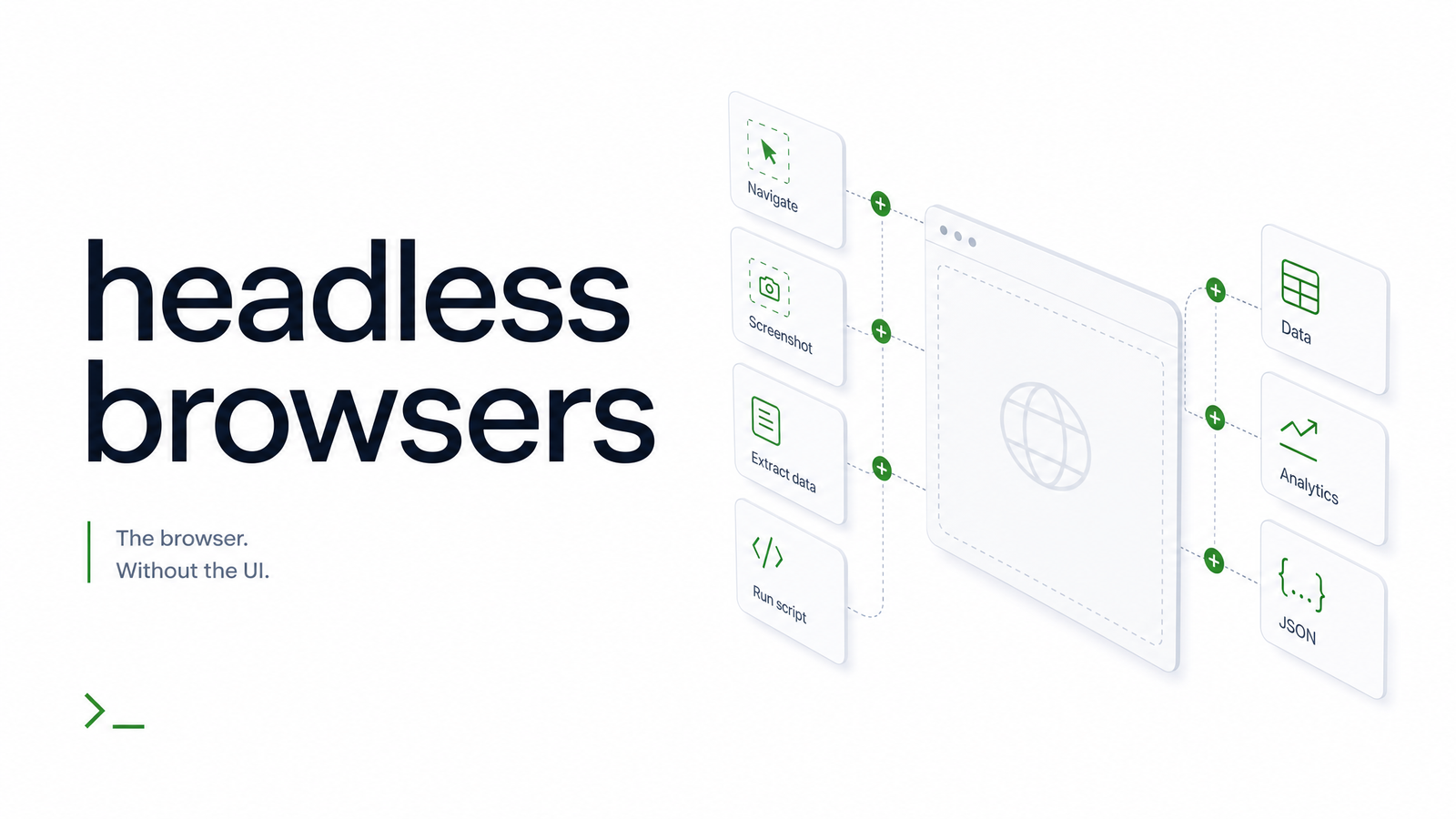
The core use-case taxonomy is fairly stable across teams: rendering pages to generate screenshots or PDFs, scraping content from JavaScript-heavy sites that don't expose data in the initial HTML response, structured data extraction from rendered DOM output, automated testing (functional, visual regression, end-to-end), and uptime or content-change monitoring.
Headless browser automation is the connective tissue for all of these — code drives navigation, waits for network idle or specific selectors, then extracts or captures the result. For a deeper look at the automation layer that typically sits above raw browser control, see Automated Web Browsing: What It Is and How It Works. If screenshots specifically are your focus, Screenshot API: What It Is and How to Choose One covers that use case in more depth. The common thread: you need a real, JS-capable browser because static HTTP requests can't execute the client-side rendering modern sites depend on.
The Hidden Cost of Running Headless Browsers Yourself
A single headless Chromium instance is not free to run, and the cost compounds fast once you're spinning up dozens or hundreds concurrently. Each instance carries real memory and CPU overhead — often 100-300MB of RAM per tab depending on page complexity — and that overhead scales roughly linearly with concurrency, not sub-linearly the way developers sometimes hope.
At scale, three operational problems show up reliably. First, crashes and zombie processes: pages with runaway JavaScript, infinite redirects, or memory leaks can hang or crash a browser instance, and if your process management isn't airtight, orphaned Chromium processes quietly eat memory until the host falls over. Second, version drift: Chromium ships frequent security and behavior updates, and keeping a fleet of containers patched — often via Docker — without breaking existing automation scripts is ongoing maintenance, not a one-time setup task. Third, and increasingly significant, is headless browser detection. Anti-bot systems fingerprint far more than the navigator.webdriver flag — they check rendering timing, canvas output, font lists, and behavioral patterns — so even a "real" browser engine running headless can get flagged if it doesn't closely mimic organic usage patterns. This is why a technically correct headless browser can still get blocked; the arms race is about behavioral fidelity, not just engine authenticity.
If terminology around "browserless" infrastructure has you second-guessing what's actually being offered, Browserless Chromium: Disambiguating the Term for Developers untangles that specifically.
Headless Browser Libraries vs. Managed APIs
Puppeteer, Playwright, and Selenium remain the default starting point for most teams, and each has a reasonable claim depending on your needs. Puppeteer is Chromium-first and tightly coupled to CDP; Playwright extends that model across Chromium, Firefox, and WebKit with a more modern API surface; Selenium predates both and still leads in cross-language support and legacy enterprise test suites. The Puppeteer vs Playwright debate mostly comes down to whether you need multi-engine coverage and how much you value Playwright's built-in auto-waiting and tracing tools.
All three give you full control — but that control means you own the infrastructure problems described above: scaling, patching, detection evasion, and crash recovery. A managed headless browser API shifts that operational weight elsewhere. You send a request, get back a screenshot, PDF, or extracted HTML, and the provider handles instance lifecycle, scaling, and Chromium version management. Browsevra is built around that tradeoff: same underlying rendering engine developers already trust, accessed as an API instead of a fleet you maintain yourself.
Getting Started with Headless Browsers
The decision point is usually simple: if you're prototyping, running occasional jobs, or want maximum control over browser behavior, a library running locally or in your own Docker containers is the right call. Once volume, uptime requirements, or detection headaches start eating engineering time better spent elsewhere, a managed headless browser API becomes the more economical choice.
If you're at that point, the Browsevra docs are the fastest way to see a managed headless browser API in action, and the pricing page lays out what running headless rendering at scale actually costs compared to maintaining your own infrastructure. When you're ready to stop managing browser processes and start calling an endpoint instead, browsevra is built for exactly that.
Frequently Asked Questions
Is a headless browser the same as a regular browser?
Yes, at the engine level — it uses the identical rendering engine (e.g., Blink) and JavaScript engine (V8) as the desktop version. The only meaningful difference is the absence of a visible window and GUI interaction, not the underlying behavior of how pages render or scripts execute.
What's the difference between old and new headless mode in Chrome?
Old headless mode used a separate rendering path that behaved inconsistently compared to regular Chrome, while new headless mode (--headless=new) shares the same codebase as the full browser. Old mode was removed from the main Chrome binary as of Chrome 132 and now only exists in the separate chrome-headless-shell binary for legacy tooling.
Can websites detect that I'm using a headless browser?
Yes — anti-bot systems check far more than a single flag, examining canvas rendering, font lists, timing patterns, and navigation behavior. A technically genuine headless browser can still be flagged if its behavioral fingerprint doesn't resemble organic human browsing.
Do I need a headless browser for web scraping?
You need one whenever the data you're after is rendered client-side via JavaScript rather than present in the raw HTML response. Simple static-content scraping can often skip a browser entirely and just parse the HTTP response, saving significant memory and CPU overhead.
What's the difference between a headless browser and a headless browser API?
A headless browser is the engine itself (Chromium, Firefox, WebKit) that you run and manage in your own environment. A headless browser API is a managed service that runs that engine for you and returns results — screenshots, PDFs, HTML — over HTTP, removing the need to handle scaling, crashes, and version patching yourself.
Which headless browser should I use: Puppeteer, Playwright, or Selenium?
Puppeteer is the simplest choice for Chromium-only automation with tight CDP integration, Playwright is the better pick if you need cross-browser coverage (Chromium, Firefox, WebKit) with modern auto-waiting features, and Selenium remains strongest for cross-language support and long-established enterprise test suites. The right choice depends more on your browser coverage and language needs than any raw performance difference.