Headless Chrome API: What It Means and How to Use One
September 3, 2026
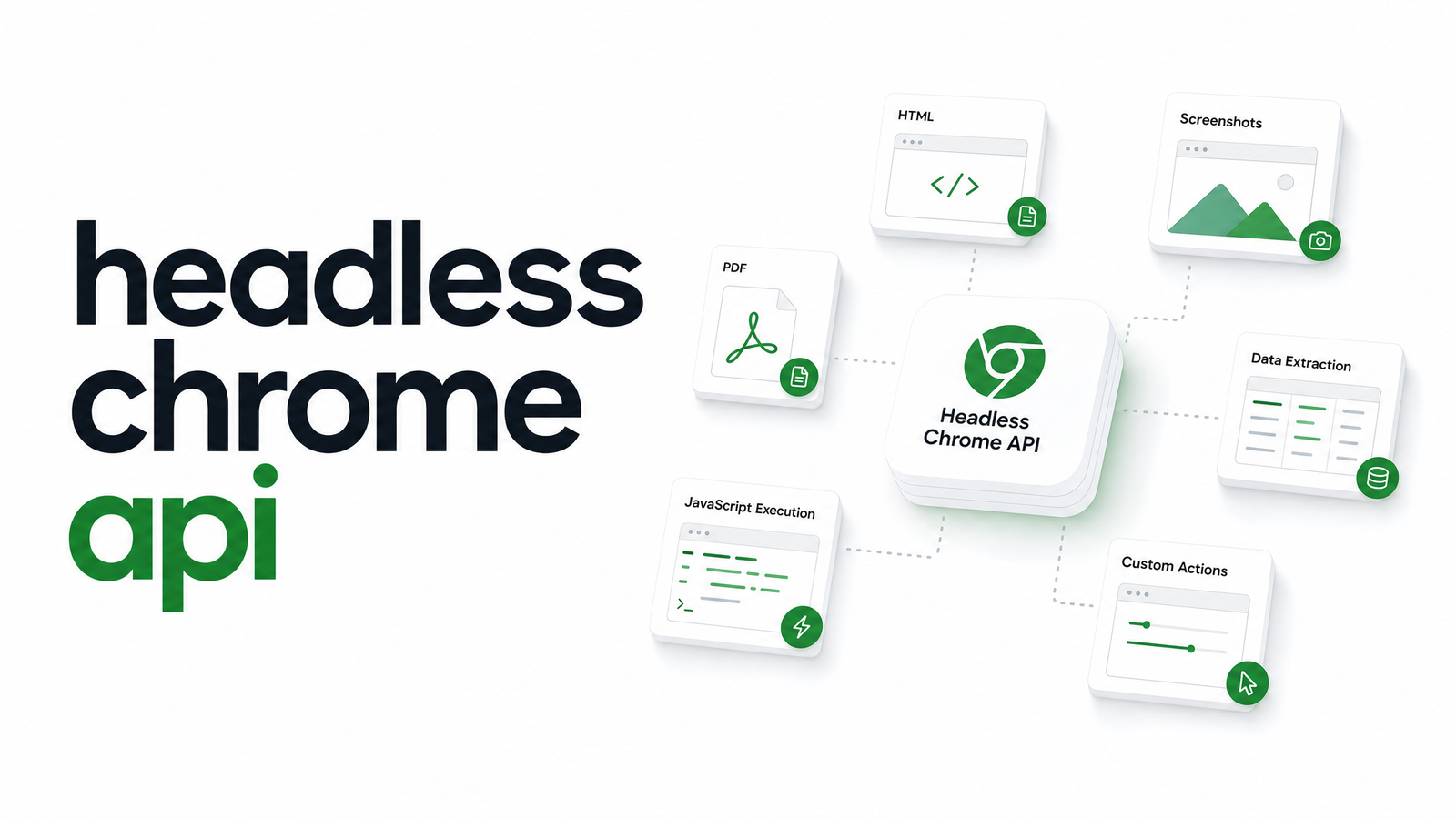
Search for "headless Chrome API" and you'll land on either dense protocol-level Chrome DevTools documentation or a Puppeteer tutorial that never uses "API" the way a backend developer means it. Neither answers the real question — how do I make one HTTP call and get a screenshot or PDF back? This article defines the term precisely, explains what changed with Chrome's headless mode, and shows a minimal path from raw protocol to production endpoint.
What Is a Headless Chrome API, Exactly?
"Headless Chrome API" gets used to describe three different things, and conflating them causes most of the confusion.
The first layer is the Chrome DevTools Protocol — the low-level, JSON-based interface Chrome exposes over a WebSocket connection. This is the browser's actual API surface, but it's not something you typically call directly from application code; it's the substrate everything else is built on.
The second layer is a library — Puppeteer or Playwright — that wraps CDP in a developer-friendly language binding. You write page.goto() or page.screenshot() in Node.js, and the library translates that into underlying protocol commands. This is what most "headless Chrome API" tutorials actually mean: a Node.js library's method signatures.
The third layer is a hosted REST API — a service that runs Chrome instances for you, manages Puppeteer/Playwright orchestration internally, and exposes a simple HTTP endpoint. You send a URL and some parameters; you get back a screenshot, a PDF, or rendered HTML. This is the layer most developers searching this term actually want, since it lets them skip browser infrastructure entirely.
The rest of this article works through all three in order, so you can see where the abstraction happens and what you gain or lose at each level.
How It Works Under the Hood: CDP and the New Headless Mode
The Chrome DevTools Protocol organizes functionality into domains — Page, Network, DOM, Runtime, and dozens more — each exposing commands and events. To take a screenshot via raw CDP, you'd open a WebSocket connection to a running Chrome instance, send a Page.navigate command, wait for Page.loadEventFired, then call Page.captureScreenshot. Every higher-level tool, including Puppeteer and Playwright, ultimately issues these same commands on your behalf.
One current fact matters if you're building on this protocol: Chrome's headless mode has changed. Since Chrome 112, Google introduced a "new" headless mode that runs the full Chrome browser binary in headless form, rendering pages identically to the visible browser — closing gaps in font handling, extensions behavior, and rendering fidelity that plagued the old implementation. Starting with Chrome 132, the old --headless=old mode was removed entirely; --headless now always maps to the new mode. If you or a library you depend on hardcoded old-mode flags, or your infrastructure pins an older Chrome version expecting old-mode behavior, upgrades can silently change rendering output or break scripts.
For workloads that specifically need a lightweight, old-mode-style binary — fast screenshots and scraping without full Chrome's overhead — Google maintains chrome-headless-shell as a separate, purpose-built package. It's not a drop-in for new headless mode; it trades some rendering accuracy for speed and a smaller footprint, so the right choice depends on whether your job cares more about pixel-perfect fidelity or raw throughput.
Raw CDP vs. Puppeteer/Playwright vs. a Hosted API
Three levels of abstraction, three tradeoffs.
Working directly against the chrome devtools protocol api gives total control — you can subscribe to any event, tune any parameter, and build exactly the behavior you need. The cost is writing and maintaining a browser automation layer from scratch, including connection handling, timeouts, and error recovery.
Puppeteer (and Playwright, its closest competitor) sits one level up. The puppeteer headless chrome api — its method-based interface — turns multi-step CDP sequences into single function calls. A headless chrome node api call like page.pdf() or page.screenshot() does in one line what would otherwise take several CDP round-trips. This is the right layer if you're building custom automation logic and have the capacity to run and maintain Chrome processes yourself.
A hosted REST API sits above both. You send an HTTP request with a URL and options; the service handles browser lifecycle, retries, and scaling internally. You lose the fine-grained control of raw CDP, but you gain the ability to ship a feature — a PDF export button, a screenshot preview — in the time it takes to write one API call, with no infrastructure to run in production.
Common Use Cases for a Headless Chrome API
Four jobs come up repeatedly:
- Screenshots — capturing full-page or viewport-sized images of URLs for previews, monitoring, or visual regression. See our breakdown of a screenshot api headless chrome workflow for implementation details.
- PDF generation — converting invoices, reports, or web pages into print-ready documents. Our PDF Generation API: A Developer's Build vs. Buy Guide covers this in depth, including the same build-vs-buy tradeoffs below.
- Rendering JavaScript-heavy pages for scraping — many modern sites render content client-side, so a plain HTTP fetch returns an empty shell. A headless browser executes the JavaScript first, then hands you complete HTML.
- Automated testing — running end-to-end browser tests in CI, often via Puppeteer or Playwright directly rather than a hosted endpoint, since tests typically run inside your own pipeline.
Headless chrome pdf generation and screenshot capture are the two most commonly outsourced to a hosted API, since they're stateless, high-volume, and don't require custom automation logic per request.
Build vs. Buy: Self-Hosting vs. a Managed Headless Chrome API
Running headless Chrome yourself at API-style volume is a genuine operational commitment, not just an npm install. Chrome processes leak memory over long-running sessions and need periodic recycling. A single hung page can cascade into a stuck queue without aggressive timeout and kill logic. Chrome ships new versions frequently, and — as the headless mode transition shows — behavior can shift between versions in ways that silently change your output or break scripts that assumed old-mode defaults.
A self-hosted headless chrome api setup makes sense when you need custom automation logic, have specific compliance or data-residency requirements, or already run browser infrastructure at scale. Headless chrome as a service — a managed API — makes sense when your actual goal is the output (a screenshot, a PDF, rendered HTML), and running Chrome fleets isn't work you want on your team's plate. The decision isn't about which is technically superior; it's about where you want engineering time spent.
Making Your First Call to a Headless Chrome API
Here's a minimal headless chrome rest api call against Browsevra — a headless chrome api example that returns a screenshot with a single POST request:
curl -X POST https://api.browsevra.com/v1/screenshot \
  -H "Authorization: Bearer YOUR_API_KEY" \
  -H "Content-Type: application/json" \
  -d '{"url": "https://example.com", "format": "png"}' \
  --output screenshot.png
The response is the image file itself (or a JSON payload with a hosted URL, depending on options). No browser to launch, no WebSocket handshake, no CDP domains to learn. Swap the endpoint and body for /v1/pdf and you get a document back instead. Full parameters, authentication, and response formats are in the Docs, and plan details are on the Pricing page.
Frequently Asked Questions
Is Puppeteer the same thing as a headless Chrome API?
No. Puppeteer is a Node.js library that wraps the Chrome DevTools Protocol into convenient method calls like page.screenshot(). It's a client for controlling headless Chrome, not a hosted API — you still have to run and manage the Chrome process yourself.
What's the difference between the old and new headless Chrome mode?
The old mode used a separate, lightweight headless-only implementation, while the new mode (default since Chrome 112) runs the full Chrome browser binary in headless form for more accurate rendering. Chrome 132 removed the old mode entirely, so --headless now always launches new mode.
Can I use the headless Chrome API without writing browser automation code?
Yes, through a hosted REST API like Browsevra. You send an HTTP request with a URL and options, and the service handles the browser lifecycle, CDP commands, and scaling internally — no Puppeteer or CDP code required.
Does the headless Chrome API support JavaScript-heavy single-page apps?
Yes. Because it runs an actual Chrome engine, it executes client-side JavaScript before capturing output, so single-page apps render fully rather than returning an empty HTML shell like a plain HTTP fetch would.
How do I generate a PDF or screenshot with a headless Chrome API?
Send a POST request with a target URL to the relevant endpoint — /v1/screenshot or /v1/pdf on Browsevra — and the service returns the rendered file or a link to it. No local Chrome installation or automation script is needed.
Is chrome-headless-shell still available for screenshots and scraping?
Yes, Google maintains chrome-headless-shell as a separate, lightweight package for teams that want old-mode-style speed and a smaller footprint. It trades some rendering fidelity versus full new headless mode, so it suits high-throughput scraping more than pixel-accurate rendering.
Skip the CDP boilerplate and the Chrome fleet management — send one request and get the result back. Check the Docs for full parameters, the Pricing page for plan details, or head to browsevra to get an API key and try it now.