How to Add an Authentication Header in a REST API
September 2, 2026
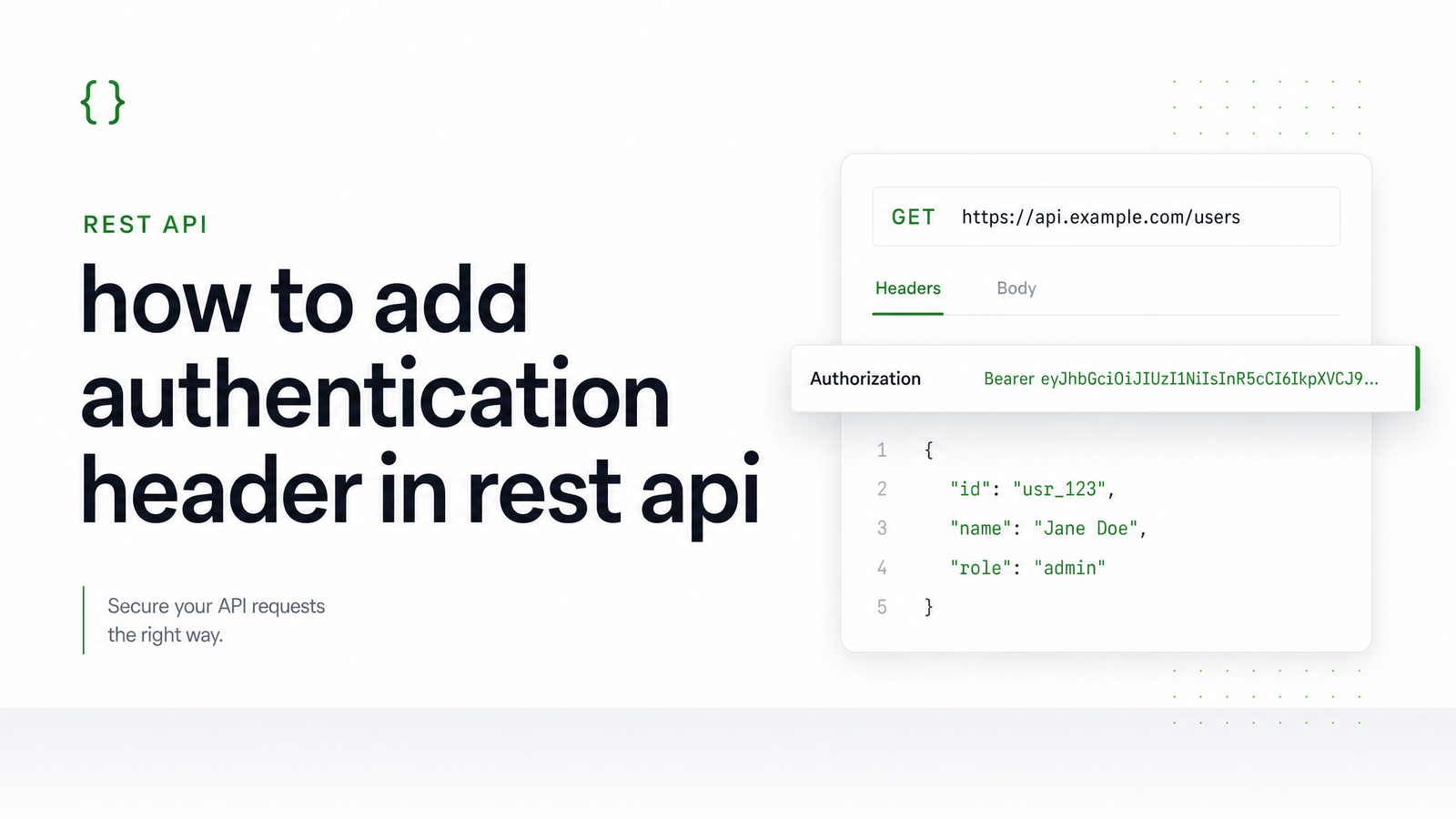
Most failed API calls aren't caused by bad credentials — they're caused by a header that never made it onto the request correctly. Adding an authentication header is a one-line change in most tools, but the syntax differs just enough between curl, JavaScript, Python, and Node.js to trip people up. Below is the exact syntax for each, plus a troubleshooting checklist for the errors you'll actually hit.
What an Authentication Header Actually Is
An authentication header is an HTTP header — almost always named Authorization — sent along with each request to prove who's calling the API. The server reads it before doing anything else and decides whether to process or reject the request. You'll typically encounter three formats: a Bearer token (Authorization: Bearer ), Basic auth (Authorization: Basic ), or a custom API key header with its own name, like X-API-Key. Every example below uses one of these three, since together they cover the vast majority of REST APIs you'll integrate with, including Browsevra's own rendering endpoints.
Adding an Authentication Header with curl
curl is the fastest way to sanity-check whether your credentials work before writing any application code. The -H flag attaches a header — here's a Bearer token example:
curl -H "Authorization: Bearer YOUR_TOKEN" https://api.example.com/v1/resource
Basic auth, base64-encoded automatically when you use -u:
curl -u username:password https://api.example.com/v1/resource
And a custom API key header, which is how Browsevra's rendering endpoints authenticate requests:
curl -H "X-API-Key: YOUR_API_KEY" https://api.browsevra.com/v1/render
If any of these return a 401 or 403, the problem is almost always the header name or a missing prefix — covered in the troubleshooting section below.
Adding an Authentication Header in JavaScript (fetch)
In fetch, headers are a plain object passed in the headers key of the request config. This looks the same whether you're in a browser or Node 18+:
fetch("https://api.example.com/v1/resource", {
  method: "GET",
  headers: {
    "Authorization": "Bearer YOUR_TOKEN"
  }
})
  .then(res => res.json())
  .then(data => console.log(data));
For a custom API key header, swap the key name:
fetch("https://api.browsevra.com/v1/render", {
  headers: { "X-API-Key": "YOUR_API_KEY" }
});
One browser-specific gotcha: not every header can be set freely from client-side JavaScript. Authorization is not on the CORS safelist, meaning the server must explicitly allow it via Access-Control-Allow-Headers, or the browser will block the request before it's sent. This is a server-side configuration issue, not something you can fix by changing your fetch call.
Adding an Authentication Header in Python (requests)
The requests library uses a headers dictionary passed into get() or post(). A Bearer token example:
import requests

headers = {"Authorization": "Bearer YOUR_TOKEN"}
response = requests.get("https://api.example.com/v1/resource", headers=headers)
print(response.json())
For POST requests, the pattern is identical — just add a json or data payload:
response = requests.post(
    "https://api.example.com/v1/resource",
    headers={"Authorization": "Bearer YOUR_TOKEN"},
    json={"key": "value"}
)
And for an API key header instead of Bearer tokens:
headers = {"X-API-Key": "YOUR_API_KEY"}
response = requests.get("https://api.browsevra.com/v1/render", headers=headers)
Adding an Authentication Header in Node.js (axios)
Axios accepts headers per-request in the config object, or globally via axios.defaults. For a single call:
const axios = require("axios");

axios.get("https://api.example.com/v1/resource", {
  headers: { Authorization: "Bearer YOUR_TOKEN" }
})
  .then(res => console.log(res.data));
If every request in your app needs the same credential, set it once and skip repeating it:
axios.defaults.headers.common["Authorization"] = "Bearer YOUR_TOKEN";
This is the cleanest way to handle auth when a single service account or key backs your entire integration — you set it at startup and never think about it again.
Common Mistakes That Break Authentication Headers
Most authentication failures trace back to one of these:
- Wrong header name or casing. HTTP header names are case-insensitive, but the key you write in code —
X-Api-KeyvsX-API-KEYvsapikey— must match what the server expects exactly in spelling, even if case doesn't matter. - Missing the
Bearerprefix. Sending just the raw token without the wordBearerand a space in front of it is one of the most common causes of an authorization header not sending correctly — the server parsesBeareras a unit and rejects anything else. - Headers dropped on redirect. Some HTTP clients strip the
Authorizationheader when following a redirect to a different host, silently breaking auth on the second request. - Hardcoded secrets client-side. Embedding a token directly in frontend JavaScript exposes it to anyone who opens dev tools — treat it as public the moment it ships in a browser bundle.
- Confusing 401 vs 403. A 401 Unauthorized means the header is missing or the credential is invalid — the server doesn't know who you are. A 403 Forbidden means it does know who you are, but that identity isn't allowed to access this resource. Fixing a 403 by resending the same header won't work; you need different permissions, not a different request.
GitHub's own API documentation is a good reference for how a production system enforces this: see Authenticating to the REST API - GitHub Docs for real examples of correct Bearer syntax and the errors it returns when a token is missing or invalid. For the conceptual side — what tokens are, how they're issued, and why formats differ — the companion piece Web API Authentication Token Header: A Practical Guide covers that in depth.
Try It Against a Real API
Reading syntax is one thing; testing it against a live endpoint is what actually confirms you've got it right. Browsevra's rendering API uses a standard API key header, so it's a realistic target for testing your authentication header code in any of the languages above — screenshots, PDFs, HTML rendering, and structured extraction endpoints all authenticate the same way. Check the Docs · Browsevra for the exact request format, headers, and response shape.
Try It Yourself
Grab an API key from Pricing · Browsevra and run one of the snippets above against a real render or screenshot endpoint — it takes a few minutes to see your authentication header working end-to-end. Head to browsevra to get started.
Frequently Asked Questions
What's the difference between an Authorization header and a custom API key header?
Authorization is a standardized HTTP header with defined formats like Bearer or Basic , recognized by most HTTP libraries and proxies. A custom API key header, like X-API-Key, is a non-standard header name the API provider defines themselves — functionally similar, but you must check that provider's docs for the exact expected header name.
Why does my request return 401 Unauthorized even though I added the header?
The most common causes are a misspelled header name, a missing Bearer prefix before the token, or sending an expired or revoked credential. Double-check the exact header key and value format against the API's documentation, since even a small casing mismatch in the value structure can cause rejection.
Can I send an authentication header with a GET request, or only POST?
Authentication headers work identically on every HTTP method — GET, POST, PUT, DELETE, and others all support the same Authorization or custom header. There's no method restriction; headers are part of the request envelope, separate from the body or query string.
Do I need to add 'Bearer' before my token, or just the raw token value?
If the API uses Bearer authentication, you must include the word Bearer followed by a space before the token, formatted as Authorization: Bearer YOUR_TOKEN. Sending just the raw token without that prefix will typically fail, since the server expects that exact pattern to parse the credential.
Why is my Authorization header missing when I call an API from the browser with fetch?
This usually happens because Authorization isn't on the CORS safelist, so the browser blocks it unless the server explicitly allows it via Access-Control-Allow-Headers. If the target API's CORS policy doesn't include Authorization, the browser strips or blocks the request before it reaches the server — this must be fixed server-side.
Is it safe to put an authentication header directly in my frontend JavaScript code?
No — any header value hardcoded in client-side JavaScript is visible to anyone who inspects the page or network requests. Frontend code should call your own backend, which then attaches the real credential server-side, keeping tokens and API keys out of the browser entirely.