Link Preview API: Fixing Broken Og:Image Unfurling
September 22, 2026
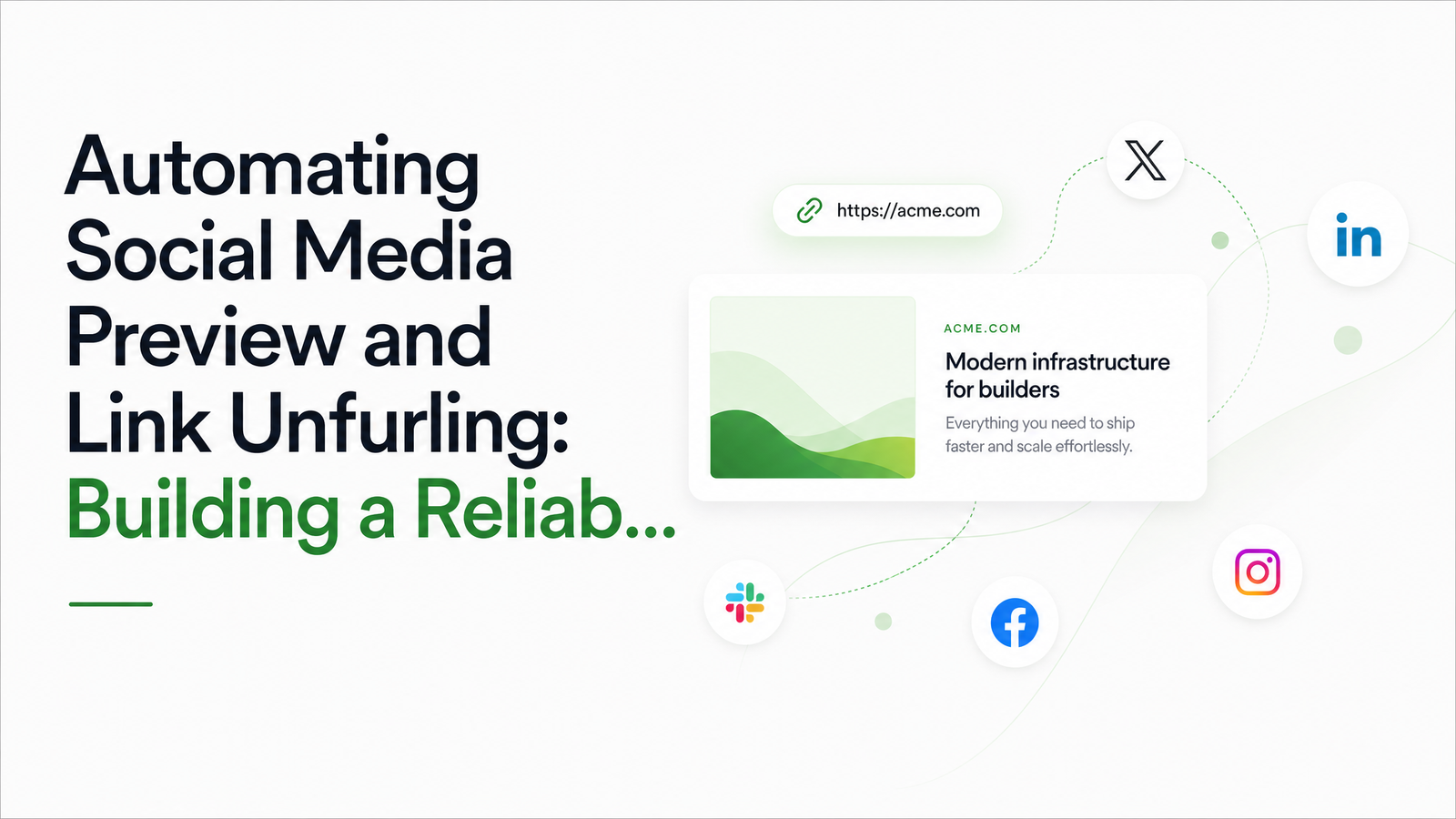
Why Link Unfurling Breaks in Production
Everything looks fine until someone pastes your URL into Slack and gets a blank card, or shares it on LinkedIn and the thumbnail is from a page you redesigned six months ago. Link unfurling — a platform fetching a URL and rendering a title, description, and image — looks trivial until you're running it at scale.
Three failure modes show up constantly: the broken preview (no image, no description, just a bare URL); the wrong image (often because og:image never resolved to an absolute URL, or pointed at a since-deleted asset); and, most confusing for teams shipping fixes, the stale cache — you update your metadata, reshare the link, and the old preview persists anyway.
Underneath most of these is a single root cause: your unfurler does a plain HTTP fetch and parses raw HTML, but the page is a React, Vue, or Next.js app that injects tags client-side after hydration. The crawler never runs JavaScript, so it sees an empty — no matter how correct your og:tags look in a browser's dev tools.
What a Link Preview Pipeline Actually Needs to Do
A production-grade metadata extraction pipeline treats unfurling as a tiered problem rather than a single fetch-and-parse step. Most well-built marketing pages, blogs, and static sites hand over complete Open Graph and Twitter Card tags in the initial HTML response — so a fast, cheap static parse should always run first.
But a meaningful slice of modern web traffic — SPAs, gated dashboards, lazy-loaded content — won't expose usable tags to that first pass. For those you need a second tier: a headless browser that executes JavaScript, waits for hydration, and re-parses the rendered DOM. For pages with no metadata at all, even after rendering, a third tier generates a screenshot as the preview image itself.
This three-tier design is what separates a reliable link preview API from a script that works in a demo and falls apart on real-world URLs.
Tier 1: Fast Static Metadata Parsing
For most requests, a lightweight fetch plus HTML parse is all you need. Request the page with a reasonable timeout and a descriptive user agent, then pull og:title, og:description, og:image, and the twitter:card family of tags out of the raw response.
const res = await fetch(url, { timeout: 5000 });
const html = await res.text();
const $ = cheerio.load(html);
const ogTitle = $('meta[property="og:title"]').attr('content');
const ogImage = $('meta[property="og:image"]').attr('content');
const twitterCard = $('meta[name="twitter:card"]').attr('content');
This is fast, cheap, and correct for anything server-rendered — WordPress sites, static generators, most e-commerce platforms. The Open Graph Protocol guide is a solid reference for which tags to expect and how platforms differ — notably, Slack ignores twitter:* tags entirely and relies solely on Open Graph. The mistake is stopping here and assuming a missing tag means a broken page, rather than one that needs tier two.
Tier 2: When You Need a Headless Browser
The trigger conditions are specific: an empty or missing og:image, a title tag that just says the SPA's default shell title, or a response body under a size threshold suggesting meta tags haven't been injected yet. Any of these should route the request to a headless browser rendering tier instead of giving up.
A headless Chrome instance loads the page, waits for network idle or a fixed delay, and hands back fully-hydrated HTML — with client-injected, JS-rendered meta tags now present in the DOM for parsing exactly as in tier 1.
const rendered = await fetch('https://api.browsevra.com/v1/render', {
  method: 'POST',
  body: JSON.stringify({ url, waitUntil: 'networkidle' })
});
const { html } = await rendered.json();
// re-run the same og:tag parser against `html`
This render fallback fixes the SPA problem completely — no maintaining a Puppeteer cluster, no fighting Chrome memory leaks under load. The API docs cover the full parameter set for wait conditions and timeouts.
Tier 3: Screenshot Fallback When There's No og:image at All
Some pages — internal tools, legacy sites, PDFs served without metadata — have no usable image even after full rendering. Rather than shipping a blank card, generate a screenshot of the page and use it as the preview image.
The standard target is a 1200x630 screenshot, matching the aspect ratio Facebook, LinkedIn, and most link preview consumers expect. Set your headless browser's viewport to roughly 1200x630 (or capture wider and crop), and avoid capturing below-the-fold content that won't read well as a thumbnail. Platform-specific minimums vary — Twitter/X, Telegram, and Slack each have slightly different recommended dimensions, which MetaHead's guide breaks down platform by platform. When in doubt, 1200x630 is the safest universal default for an og:image screenshot generator.
Caching, TTLs, and Avoiding Bot Loops
Facebook's crawler fetches a page once, stores the preview, and won't re-fetch until the cache expires or someone manually triggers a re-scrape through the Facebook Sharing Debugger — exactly why an updated og:image can still show the old version days later. LinkedIn's Post Inspector behaves similarly and enforces stricter validation before accepting a refreshed image. Slack and Discord tend to re-scrape more readily but still cache for a period per link.
Your own preview cache should always use a shorter TTL than these platforms do — if you cache for a week while Facebook caches for 30 days, you'll at least serve fresh data to your own users even when the social platform hasn't caught up. Also guard against your unfurler recursively fetching its own site's preview endpoint, and add SSRF protections — reject internal IP ranges, localhost, and cloud metadata endpoints — since you're fetching arbitrary user-submitted URLs at scale. A hanging headless render tab is worse than a failed static fetch; enforce hard timeouts on every tier.
Putting It Together: A Minimal Pipeline Example
A reference flow for building a link unfurler that holds up in production:
- Check cache for the URL; return immediately if fresh.
- Static fetch + parse (tier 1). If
og:titleandog:imageare both present and valid, cache and return. - If missing or the page looks like an SPA shell, call the render API (tier 2), re-parse, cache and return.
- If still no usable image, call the screenshot endpoint (tier 3) at 1200x630, use it as the preview image, cache and return.
- Set a TTL shorter than major platforms' cache windows, and store failures briefly too, so a broken URL doesn't get hammered repeatedly.
This is the shape of a real link preview API example — three tiers, one cache layer, sane timeouts throughout.
Get Started
Building and securing your own headless browser fleet just to catch the SPA and no-metadata cases is expensive engineering effort for a supporting feature. Add one API call instead: point tiers 2 and 3 at browsevra's managed headless rendering and screenshot endpoints, check the docs for the render and screenshot parameters, and review pricing to see the cost at your unfurling volume. If you're also monitoring visual regressions or uptime, the screenshot monitoring API guide covers that adjacent use case.
Frequently Asked Questions
Why does my og:image not show up when a link is shared?
The most common cause is a relative image URL instead of an absolute one, or a tag injected by JavaScript that never appears in the raw HTML a crawler fetches. Check that og:image uses a full https:// URL and confirm the tag is present in your server-rendered response, not just the client-hydrated DOM.
How do I generate a preview image for a page that has no Open Graph tags?
Fall back to a screenshot of the rendered page as the preview image when no og:image exists after both static parsing and headless rendering. Capture it at roughly 1200x630 to match the standard social preview aspect ratio, and crop to above-the-fold content for the clearest thumbnail.
How do I handle JavaScript-rendered pages when unfurling links?
Route requests with missing or empty metadata to a headless browser that executes the page's JavaScript, waits for hydration, and then re-parses the fully-rendered HTML for og:tags. A plain HTTP fetch never runs JavaScript, so it can't see meta tags injected client-side by React, Vue, or similar frameworks.
How long do Facebook/LinkedIn/Slack cache link previews, and how do I force a refresh?
Facebook stores a preview after its first crawl and won't re-fetch until the cache expires or you manually trigger a re-scrape via the Facebook Sharing Debugger. LinkedIn's Post Inspector works similarly with stricter validation, while Slack and Discord tend to re-scrape sooner but still cache for a period. Always run your own preview cache with a shorter TTL than these platforms so your users see fresh data faster.
What image size should a fallback screenshot use for social previews?
1200x630 pixels is the safest universal default, matching Facebook and LinkedIn's expected aspect ratio for link preview cards. Other platforms like X, Telegram, and Slack accept slightly different minimums, so check platform-specific guidance if you need pixel-perfect rendering everywhere.