REST API Basic Authentication Header Example (RFC 7617)
September 3, 2026
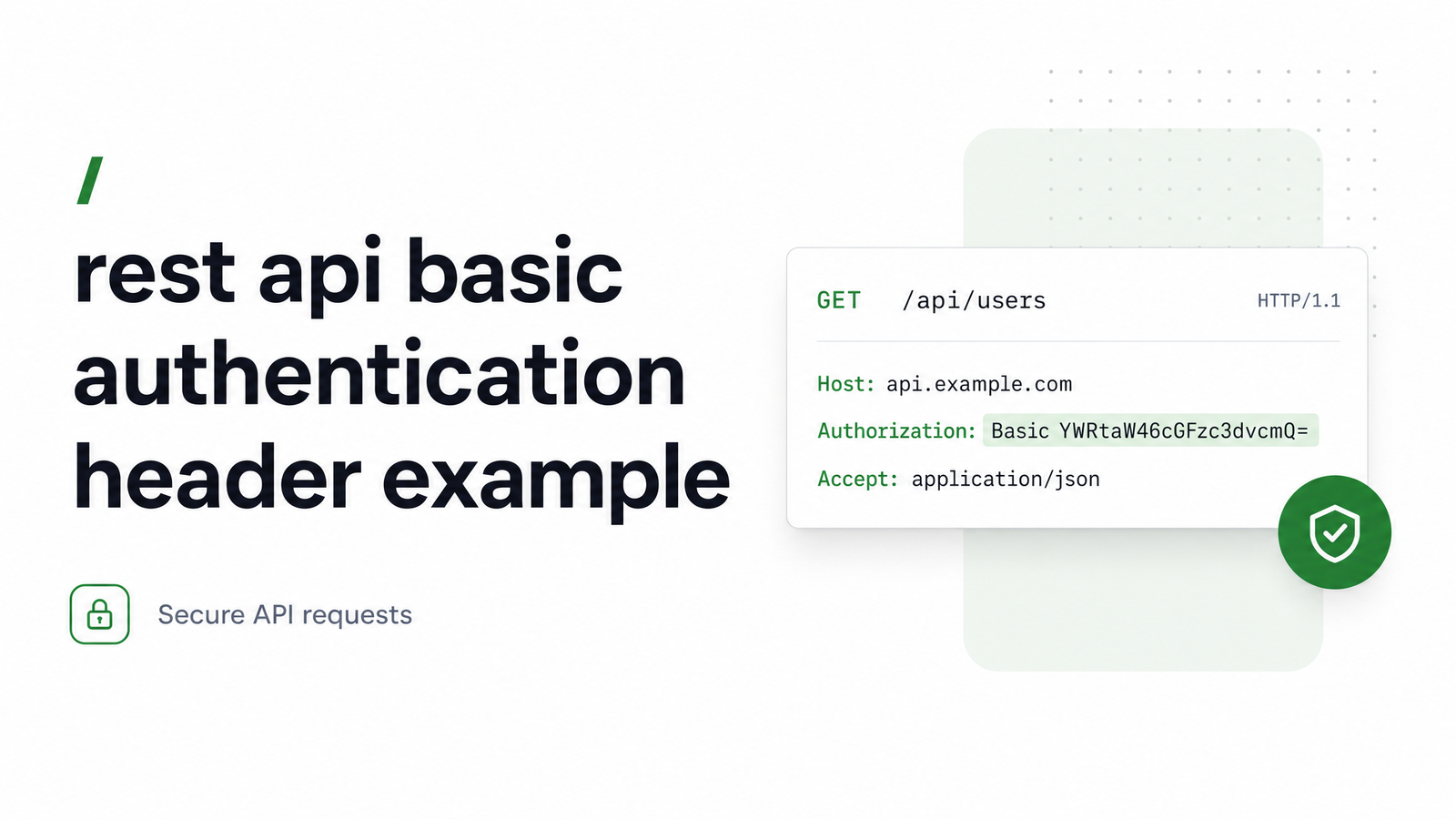
What a Basic Auth Header Actually Looks Like
On the wire, a Basic Authentication header is a single line sent with every request:
Authorization: Basic QWxhZGRpbjpvcGVuIHNlc2FtZQ==
That's the canonical example from RFC 7617, the IETF standard defining the "Basic" HTTP authentication scheme. The string after Basic is the base64 encoding of Aladdin:open sesame — a username, a literal colon, and a password. There's no username field, no password field, no JSON body: just one header, one keyword, one encoded blob.
If a request omits this header, or sends an invalid one, a compliant server responds with HTTP 401 Unauthorized and a WWW-Authenticate: Basic realm="..." header naming the scheme and realm to authenticate against. That handshake — 401 followed by a retried request with the Authorization header attached — is the entire mechanic of Basic Auth. Get the header exactly right — case, spacing, encoding — and the rest is trivial.
How to Build the Header: username:password → Base64
Three steps, in this exact order, produce a valid basic auth header format:
- Join the username and password with a single colon:
username:password. - Base64-encode the resulting byte string.
- Prepend
Basic(with one space) to the encoded output and set it as the value of theAuthorizationheader.
Most 401 errors trace back to a broken step here, not a server-side bug:
- Wrong join order or missing colon. It must be
user:pass, neverpass:useroruser pass. Skip the colon and the server can't split the decoded string back into two fields. - Encoding the wrong thing. Base64-encode the
username:passwordstring as a whole — not the username and password separately, then concatenated. - A colon inside the username. RFC 7617 explicitly allows this — the first colon in the decoded string is the separator, and everything after it (including further colons) belongs to the password. Some client libraries split naively and truncate the password, so if you control the credentials, avoid colons in usernames.
- Non-ASCII characters. RFC 7617 specifies UTF-8 encoding before base64 by default. If a username or password contains accented letters or symbols outside ASCII, encode as UTF-8 bytes first, then base64 — otherwise you'll get a decode mismatch on the server.
- Trailing whitespace or newlines. A stray
\nfrom a shell command or file read gets baked into the encoded value and silently breaks authentication.
Once you understand this base64 encode username password sequence, every language implementation below is just a one-line wrapper around it.
Code Examples: curl, Python, Node.js, Postman
curl — the -u flag handles the join-and-encode step for you:
curl -u username:password https://api.example.com/resource
Equivalent, with the header built manually — useful when you need to see or log the exact curl basic auth authorization header value:
curl -H "Authorization: Basic $(printf '%s' 'username:password' | base64)" \
  https://api.example.com/resource
Python — using the standard library, no dependencies:
import base64
import requests

credentials = "username:password"
encoded = base64.b64encode(credentials.encode("utf-8")).decode("ascii")

headers = {"Authorization": f"Basic {encoded}"}
response = requests.get("https://api.example.com/resource", headers=headers)
Or let requests do it via its built-in auth parameter:
import requests

response = requests.get(
    "https://api.example.com/resource",
    auth=("username", "password"),
)
Node.js — with the built-in Buffer object, no external library needed:
const credentials = Buffer.from("username:password", "utf-8").toString("base64");

const response = await fetch("https://api.example.com/resource", {
  headers: { Authorization: `Basic ${credentials}` },
});
Postman — open the request's Authorization tab, select type "Basic Auth," enter the username and password in the plain fields, and Postman generates the encoded header automatically. Switch to the "Headers" tab afterward to see the literal Authorization: Basic ... value it produced — a fast way to sanity-check your own manual encoding against a known-good implementation.
Is Basic Auth Safe to Use? When to Choose It vs. API Keys or Tokens
Base64 is an encoding, not encryption — anyone who intercepts the header can decode it back to plaintext credentials in one line of code. Basic Authentication is only as secure as the transport it rides on. Over plain HTTP, credentials travel in the clear; over HTTPS/TLS, the whole request (including the header) is encrypted in transit, which is the minimum bar MDN's HTTP authentication guide sets for using this scheme at all.
Basic Auth is a reasonable choice when:
- The API is internal, on a private network, or behind a VPN.
- You need something working in five minutes for scripts, cron jobs, or admin tooling.
- The client is a single trusted service, not a browser-based app exposing credentials to end users.
It's a liability when:
- You're exposing a public production API to many third-party clients.
- You need revocation without rotating a shared password.
- You want scoped permissions, expiry, or per-client audit trails — none of which Basic Auth provides natively.
That's the real basic auth vs bearer token decision point. Bearer tokens and API keys can be scoped, rotated, and expired independently of a user's actual password — see our guide on web API authentication token headers for the mechanics, or API key authentication header formats if you're weighing that alternative. For the general pattern of attaching any auth header to a REST request, this companion guide covers the broader mechanics.
Using Basic Auth Headers With Browsevra's Rendering API
If the page or API you need to screenshot, render, or scrape sits behind Basic Auth, you don't need to reverse-engineer its login flow — you just forward the header. Browsevra's rendering API accepts a custom Authorization header on incoming requests and passes it through when fetching the target page, so a headless browser can load an authenticated dashboard, internal tool, or staging environment exactly as a logged-in user would see it, then return a screenshot, PDF, or rendered HTML.
This is the same custom authorization header headless browser pattern whether your target uses Basic Auth, a bearer token, or an API key — you set the header once in your request to Browsevra, and it's relayed to the destination. To render an authenticated page via API, check the Browsevra docs for the exact request shape, and see pricing if you're evaluating usage at scale.
Frequently Asked Questions
Why am I getting a 401 error even though my Basic Auth header looks correct?
The most common causes are encoding the username and password separately instead of the joined username:password string, a missing or extra space after Basic, or trailing whitespace/newlines baked into the base64 value from a shell command. Decode your header value locally and check it reads back exactly as user:pass with no stray characters before assuming the server is at fault.
Can I use Basic Authentication over plain HTTP instead of HTTPS?
Technically yes, but you shouldn't — base64 is trivially reversible, so credentials sent over plain HTTP are effectively transmitted in cleartext. Basic Auth is only acceptable when paired with HTTPS/TLS, which encrypts the entire request including the Authorization header.
Does the base64 string in a Basic Auth header count as encryption?
No, base64 is an encoding scheme, not encryption — it has no secret key and can be decoded by anyone in one step. Security comes entirely from the transport layer (HTTPS/TLS), not from the encoding itself.
What's the difference between Basic Auth and Bearer token authentication?
Basic Auth sends a base64-encoded username and password on every request, while Bearer tokens send an opaque, typically short-lived token that can be scoped and revoked independently of a user's actual credentials. Tokens are generally the better fit for public or multi-client production APIs; Basic Auth suits internal tools and simple scripted access.
Can a username or password with special characters break a Basic Auth header?
Yes — non-ASCII characters need UTF-8 encoding before base64, and colons inside the username can trip up naive parsers even though RFC 7617 permits them (the first colon is the designated separator). If you control the credentials, stick to ASCII characters and avoid colons in usernames to prevent parsing bugs.
How do I test a Basic Auth header without writing code?
Use Postman: open a request, go to the Authorization tab, select "Basic Auth," enter the username and password, then check the Headers tab to see the exact encoded value Postman generated. This lets you compare it against your own manually built header to catch encoding mistakes.
Once your Basic Auth header is working, the next step for many teams is sending that same authenticated request through a rendering or scraping pipeline — browsevra's docs show exactly how to pass custom Authorization headers, Basic Auth included, into screenshot, PDF, and HTML rendering requests.