Scheduled Web Scraping API: A Reliable Cron Blueprint
September 11, 2026
Why 'Just Add Cron' Breaks Headless Browser Jobs
Cron feels solved. Add a line to crontab, point it at a script that boots Puppeteer or Playwright, and walk away. It works for a week. Then memory climbs because Chromium doesn't always exit cleanly, zombie processes pile up, and eventually a run just hangs. Nobody notices until the data has a gap.
This isn't a scheduling problem — cron is reliable at firing on time. It's an execution problem: you've bolted a resource-heavy, stateful browser process onto a tool designed to fire lightweight commands. Every scheduled run spins up a new Chromium instance, renders a page, and — if everything goes right — tears itself down. If a selector changes, a page hangs on a redirect, or a site throttles you, the browser process doesn't get told to close. Multiply that by hundreds of daily runs and you get a slow leak that eventually takes down the host.
The fix isn't a smarter cron job. It's separating the trigger — the thing that decides "now" — from the execution — the thing that actually renders a page. A scheduled web scraping API does exactly that: the schedule stays dumb and cheap, and the rendering work moves to a service built to isolate, scale, and recycle browser instances per request.
The Pipeline Pattern: Dumb Trigger, Smart Render API
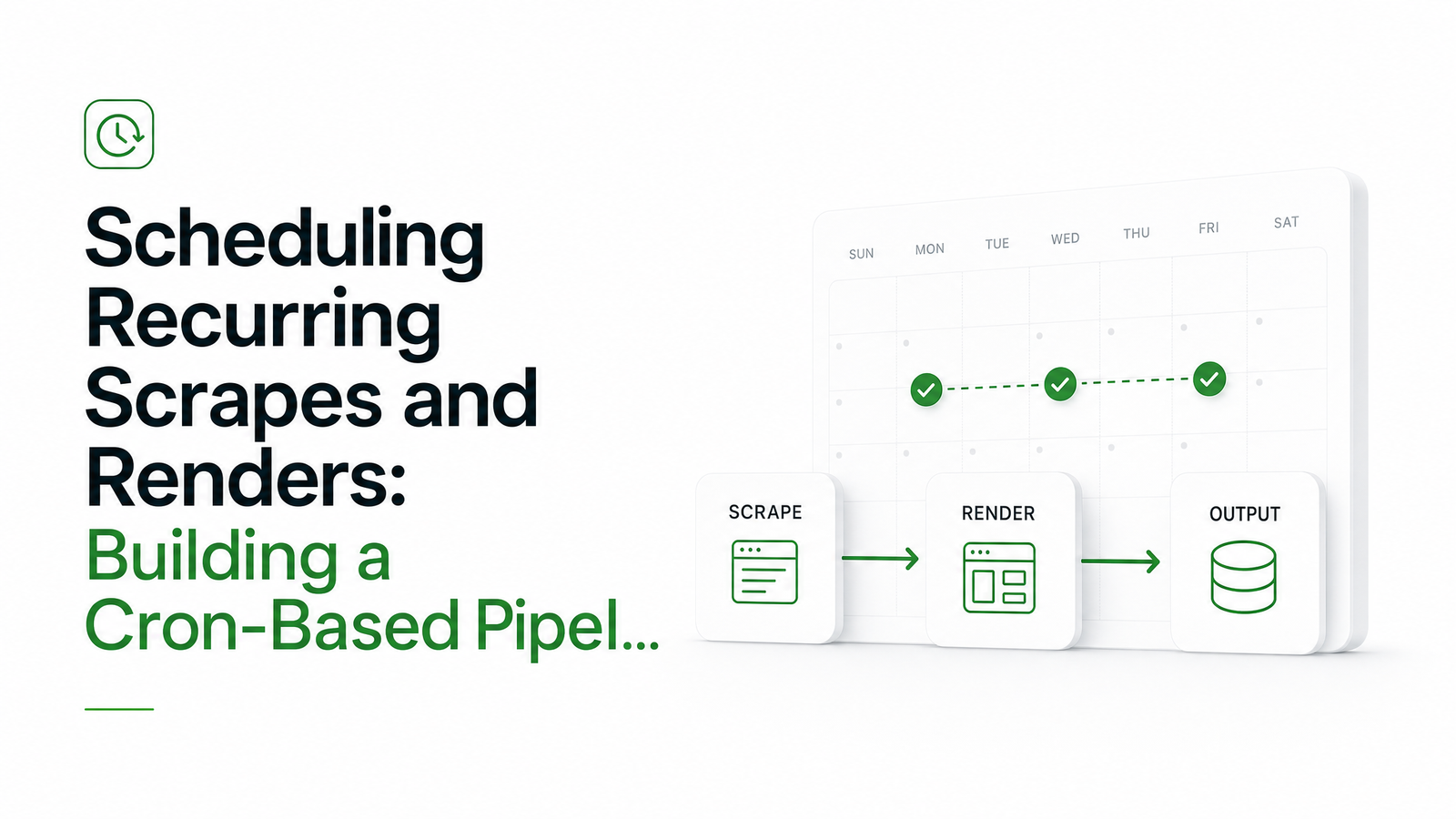
The architecture worth building looks like this: trigger → API call → async job → webhook or storage. Your scheduler — cron, a CI workflow, a cloud scheduler, or a task queue — does one job: send an HTTP request at the right time. It doesn't touch a browser, doesn't manage dependencies, and doesn't leak memory, because it has nothing heavy to clean up.
That request hits a stateless render API, which spins up an isolated headless browser instance server-side, executes the render (screenshot, PDF, HTML, or structured extraction), and returns a job ID immediately or a result once processing finishes. When the render completes, a webhook callback pushes the output to wherever you need it — S3, a database, an internal endpoint — instead of your scheduler polling and blocking.
This is the core shift behind a cron web scraping pipeline that doesn't degrade over time: the scheduler is disposable and stateless, the render layer is where reliability engineering lives, and neither one has to compensate for the other's job. If you're currently running Puppeteer directly inside a cron job, the Puppeteer to API migration runbook walks through moving that logic to an API call step by step.
Choosing Your Trigger Layer
Not all schedulers behave the same once you push past a handful of jobs.
Server crontab is free and predictable in isolation, but it's tied to a single machine's uptime, timezone config, and process health. If that box reboots or the cron daemon silently stops, nothing tells you.
GitHub Actions scheduled workflows are convenient if your code already lives there, but they come with real constraints: a five-minute minimum interval, load-based delays during high-traffic periods, and — critically — automatic disabling after 60 days of repository inactivity. That last one is a classic silent-failure trap: your pipeline just stops, with no error anywhere. Cronuru's breakdown of GitHub Actions scheduling traps covers these limits in detail.
Cloud schedulers like AWS EventBridge Scheduler, along with newer options such as Trigger.dev and Upstash QStash, trade some setup complexity for built-in retry policies, finer-grained intervals, and no dependency on a repo or a box you maintain. APIScout's 2026 comparison of cron and scheduling APIs is a useful reference if you're picking between these for a job web scraper that needs to run every few minutes rather than every few hours.
The right choice depends on budget and blast radius: crontab for a single low-stakes job, GitHub Actions for teams already living in CI, cloud schedulers when uptime and retry guarantees matter and you're willing to pay for them.
Designing for Idempotency and Drift
Every scheduler drifts. A job set for 9:00 might fire at 9:03 or 9:22 depending on load, and if downstream logic assumes exact timing, drift quietly corrupts the data window — you either double-count a run or miss one entirely.
The fix is an idempotency key per scheduled slot, not per request. Generate a run ID from the intended schedule time (2024-06-01T09:00Z, not the actual fire time), and pass it to your render API call. If the same slot fires twice — because a retry kicked in, or a scheduler double-triggered — the API or your storage layer can reject or dedupe based on that key instead of processing it twice.
Overlap protection matters just as much: if a render takes eight minutes and your interval is five, the next trigger shouldn't stack a second run on top of the first. Track job state (in a database row, a lock file, or your queue's built-in concurrency control) and have the trigger check "is the previous run for this key still active?" before firing. This is one place a stateless render API pays for itself — it doesn't care how long the previous browser session took, because it isn't the thing holding that session open.
Handling Failures Without Losing a Run
A scheduled render can fail for ordinary reasons — timeout, a bot-detection block, a changed selector — and the failure mode that actually hurts is silence. Build retries with backoff for transient failures, and route anything that exhausts its retries to a dead-letter queue rather than dropping it, so you can inspect and replay it later without losing the data window. Pair that with basic alerting: if a scheduled job fails or simply doesn't report back within its expected window, you want a notification, not a gap someone notices three weeks later. Treat timeout tuning and bot-detection handling as tuning the render API call itself once the retry and alerting scaffolding is in place.
A Minimal Working Example
A daily 9 AM screenshot job, using standard cron syntax plus a call to Browsevra's render endpoint:
# crontab: run daily at 09:00
0 9 * * * curl -s -X POST https://api.browsevra.com/v1/render \
  -H "Authorization: Bearer $BROWSEVRA_KEY" \
  -H "Idempotency-Key: daily-screenshot-2024-06-01T09:00Z" \
  -d '{
    "url": "https://example.com",
    "type": "screenshot",
    "webhook_url": "https://yourapp.com/hooks/render-complete"
  }'
The cron entry is the dumb trigger. The idempotency key ties the request to its intended slot, not its actual fire time. The webhook delivers the finished screenshot, PDF, or HTML back to your app once rendering completes, so nothing sits blocking or polling. Full parameters for scheduling, webhooks, and output formats are in the Browsevra docs.
Scaling Up: From One Cron Job to a Fleet of Scrapes
One job is trivial. A hundred jobs on identical schedules will hammer your rate limits and collide on shared resources at the same second. Stagger schedules with jitter instead of firing everything on the hour, cap concurrency per target domain, and prioritize time-sensitive jobs over bulk ones so a backlog doesn't starve your highest-value runs. That's a queueing and concurrency problem more than a cron problem — worth its own deeper playbook once you're past a handful of scheduled scrapes.
Frequently Asked Questions
Can I use a free scheduler like GitHub Actions to trigger a scheduled web scraping API?
Yes, and it's a solid starting point since most teams already have a repo. Just account for its five-minute minimum interval, possible load-based delays, and the automatic disabling of scheduled workflows after 60 days without repo activity, since that will silently stop your pipeline.
What's the best cron interval for scheduled screenshots or PDF renders?
It depends on how fast the underlying page changes, but most monitoring and reporting use cases work fine at 15-60 minute intervals rather than every minute. Tighter intervals mainly matter for time-sensitive pricing or availability checks, and should be paired with overlap protection so runs don't stack.
How do I stop a scheduled scrape from double-running if the job takes longer than expected?
Track an idempotency key tied to the intended schedule slot, and check whether the previous run for that key is still active before starting a new one. A stateless render API helps here because the browser session itself isn't tied to your scheduler's process lifecycle.
Do I need a queue if I'm only running a few scheduled render jobs a day?
Not usually — a few jobs a day can run fine on plain crontab or GitHub Actions calling a render API directly. A queue earns its place once you're running dozens to hundreds of jobs that need staggering, concurrency limits, or prioritization.
How do I get alerted when a scheduled scrape silently stops working?
Set up alerting on missed webhook callbacks or failed job statuses, not just on error responses, since silent failures often look like nothing happening at all. Combine that with a dead-letter queue for exhausted retries so failed runs are visible and replayable instead of just disappearing.
Your scheduler already exists — crontab, GitHub Actions, or EventBridge is almost certainly already running somewhere in your stack. Swap the browser-spinning step for a single API call, point the webhook at your storage, and you've got a scheduled web scraping API pipeline that won't leak memory at 3 AM. Check the docs for the exact scheduling and webhook parameters, see pricing if you're estimating monthly job volume, and start a free trial at browsevra to hit the render endpoint in minutes.