Scraping Multi-Step Authentication: Redirects & Logins
September 12, 2026
Why Redirects and Login Flows Break the Same Way
Every scraper that stalls on a redirect loop and every scraper that fails halfway through a login form suffers from the same root problem: it lost state between hops. A headless browser redirect loop happens because the client keeps requesting pages without remembering what it already saw — no cookie, no consent flag, no session token — so the server keeps sending it back to the same fork. A broken login flow is identical in structure: the scraper submits credentials, gets a fresh page, and has no memory of which step it's on, so it either resubmits the wrong thing or gives up.
Treat scraping multi-step authentication as a state-persistence problem, not a parsing problem, and both failure modes get a shared fix. The rest of this article builds one pattern — a redirect guard plus a persisted session — that solves infinite loops and multi-step logins with the same code path.
Diagnosing an Infinite Redirect Chain
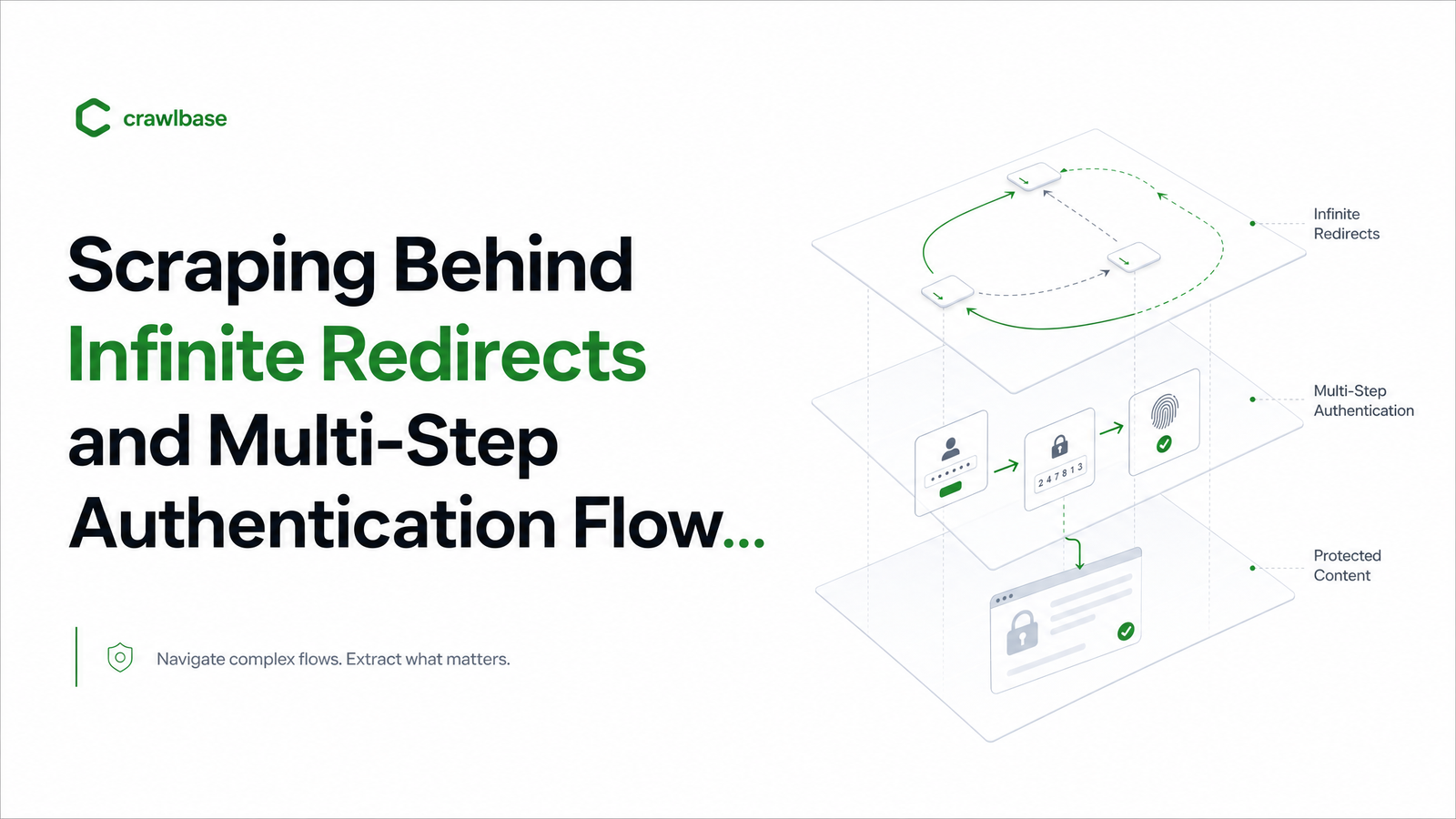
Before writing any extraction logic, trace the actual redirect chain a request produces. Most loops fall into a few categories: geo/locale bounces (a /us redirect that flips back to / because the locale cookie never got set), consent walls that redirect to a cookie-banner page and back once "accepted" — except your scraper never accepts anything — session-less redirects that dump anonymous requests into a login page that then redirects to a "session expired" page, and WAF/bot-challenge loops serving a JavaScript challenge instead of a terminal page.
You can't tell these apart from final output, because there often isn't one — the request just times out. Inspect the HTTP 3xx chain directly: log every Location header, the status code, and whether cookies changed between hops. If the same URL (or pattern) reappears without a new cookie being set, you're in a loop, not a legitimate multi-hop redirect. Every scraper needs a hard iteration cap — five to ten hops is a reasonable default — and a rule to bypass infinite redirect scraping failures by comparing the current URL against a rolling window of previous URLs, not just counting hops blindly. A site with six legitimate redirects (HTTP → HTTPS → locale → consent → SSO → dashboard) is normal; a site alternating between two URLs ten times is not.
Mapping a Multi-Step Authentication Flow
Once you've ruled out a pure redirect problem, map the login flow like an API: step by step, noting what state changes at each point. A practical checklist for multi-step login automation:
- Credential submission — does this set a session cookie immediately, or just advance a wizard step with no persistent state yet?
- MFA/OTP prompt — required every time, or only on new devices/IPs (common with "remember this browser" cookies)?
- Consent or terms screens — cosmetic, but often gate the redirect to your real cookie-setting step.
- SSO handoff — if login goes through an identity provider, note which domain actually issues the session token; OAuth scraping automation typically needs you to follow the redirect back to the origin app to capture the final authenticated cookie, not the IdP's own session.
For each step, flag whether it's cookie/token-setting or purely presentational. Automation should pause only at steps that require external input (an OTP, a CAPTCHA) and proceed automatically everywhere else — treating every screen as a pause point is why login automation breaks the moment a site adds a new interstitial.
The Pattern: Redirect Guard + Persisted Session State
The unified fix has three parts: cap and inspect the redirect chain, authenticate once, and persist the resulting browser context so subsequent requests reuse it instead of re-authenticating. This mirrors Playwright's storageState: capture cookies and localStorage after a successful login, then rehydrate a new browser context from that snapshot on every later run. If a redirect ever routes an authenticated request back to a login page, that's your signal the session expired, not a new problem to debug from scratch.
Against Browsevra's API, the pattern looks like this:
POST /v1/sessions
{
  "url": "https://app.example.com/login",
  "actions": [
    { "type": "fill", "selector": "#email", "value": "test@company.com" },
    { "type": "fill", "selector": "#password", "value": "••••••" },
    { "type": "click", "selector": "#submit" },
    { "type": "waitForSelector", "selector": "#dashboard" }
  ],
  "persistContextAs": "acct_prod_1",
  "redirectPolicy": { "maxHops": 8, "loopDetection": true }
}
POST /v1/render
{
  "url": "https://app.example.com/reports/42",
  "reuseContext": "acct_prod_1"
}
The first call runs the login once and stores the resulting cookies/tokens under a named context. Every subsequent render or extract call references that context instead of re-running the flow, which is faster and far less likely to trip rate limits or bot detection. The redirectPolicy block enforces the loop guard from the previous section on every call, not just the login step. Teams migrating off raw Puppeteer scripts can see the full before/after in Puppeteer to API Migration: A Step-by-Step Runbook.
Handling MFA, OTP, and Step-Up Verification
Some steps genuinely can't be scripted end-to-end, and pretending otherwise is how automation breaks in production. For a practical 2FA scraping workaround, you have three realistic options. First, seed the session manually once — log in by hand, capture the storageState, and reuse it until it expires; fine for low-frequency jobs against your own accounts. Second, use dedicated test/service accounts with a static TOTP secret, so your automation generates the one-time code the same way an authenticator app would — standard practice for accounts you control, and reliable for scheduled jobs. Third, for one-off human verification (SMS codes, device approval), route the prompt to a webhook and pause the session until a human supplies the code — genuine human-in-the-loop, not full automation, but it keeps the rest of the pipeline unattended. CAPTCHA-gated steps generally fall outside what should be automated at all; treat repeated CAPTCHA challenges as a signal to reconsider the approach rather than an obstacle to script around.
When to Stop Automating the Login
Session reuse is enough when the target account is one you control, the login flow is stable, and MFA is either absent or satisfiable with a static secret. It stops being appropriate when a flow requires unpredictable human verification on every session, when credentials belong to end users rather than your own service accounts, or when the site's terms explicitly prohibit automated access — at which point the question shifts from "can I build this" to "should I," covered in more depth in Web Scraping Legality: A Decision Framework for Engineers. An authenticated web scraping API should make session reuse easy and redirect handling explicit — but neither replaces judgment about whose account you're logging into and why.
Stop reimplementing storageState logic and redirect guards by hand for every project. Browsevra's docs cover the session/context and navigation-control endpoints behind the pattern above, and pricing is worth a look if you're scoping request volume for login-heavy jobs. Start at browsevra.
Frequently Asked Questions
Why does my scraper get stuck in a redirect loop even though the site works fine in a normal browser?
A normal browser silently accepts cookies, sets locale preferences, and passes consent screens, none of which your scraper does by default — so it keeps landing back at the same redirect fork. The fix is inspecting the actual 3xx chain, confirming cookies aren't being set between hops, and adding a hard iteration cap with loop detection rather than assuming more retries will help.
How do I keep a scraper logged in without repeating the entire login flow on every request?
Capture cookies and localStorage into a persisted browser context right after a successful login, then rehydrate that context on every subsequent request instead of resubmitting credentials. This is the same idea as Playwright's storageState, and it's dramatically faster and less likely to trigger bot detection than re-authenticating per job.
Can a headless browser API handle 2FA or one-time password logins automatically?
Yes, if you control the account and can generate a static TOTP secret the same way an authenticator app does. For one-off SMS codes or device verification prompts you don't control, the realistic option is a human-in-the-loop webhook that pauses the session until a code is supplied.
How many redirects should I let a headless browser follow before treating it as a failure?
Five to ten hops is a reasonable hard cap for legitimate flows like locale, consent, and SSO handoffs. Beyond that, or whenever the same URL pattern reappears without a new cookie being set, treat it as a loop and abort rather than keep following redirects blindly.
What's the safest way to reuse an authenticated session across many scraping jobs?
Use a dedicated service account, persist its session context once, and reuse that context across jobs while checking for redirects back to a login page as an expiry signal. Combine this with the legal and ToS considerations for the specific site before scaling up request volume.