Screenshot API at Scale: A Concurrency & Queue Playbook
September 5, 2026
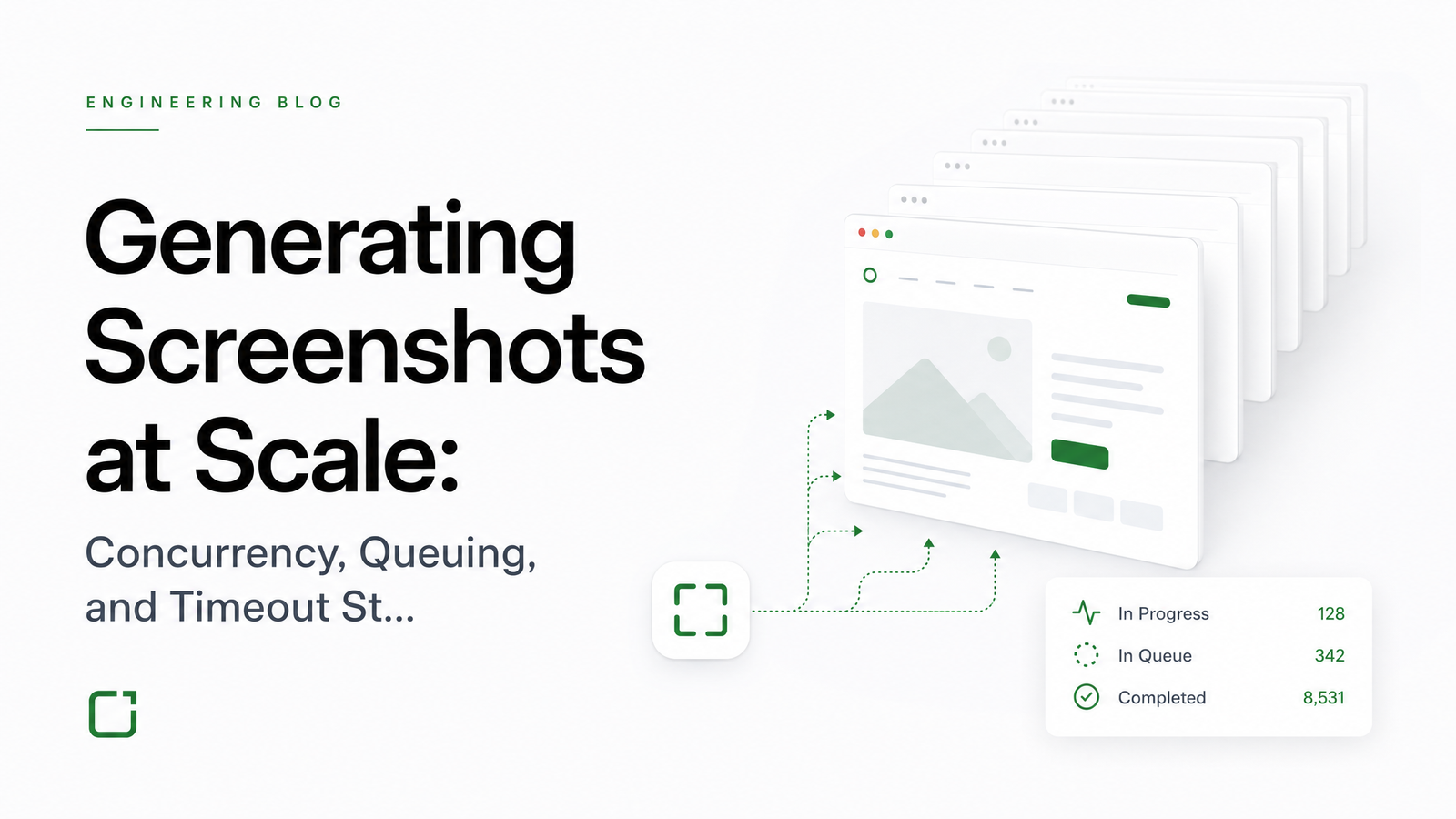
Why Screenshot Volume Breaks Naive Architectures
A script that launches Puppeteer or Playwright, opens a page, and saves a screenshot works fine at ten requests a day. Run it at ten thousand a day and it falls over — not because the code is wrong, but because nobody designed for concurrency, queuing, or timeouts. Those three pillars stay invisible until volume exposes them, and by then the failure mode is usually a crashed fleet or silently dropped jobs nobody notices until a customer complains.
Running a screenshot API at scale is a resource-allocation problem: how many browser processes can a machine actually run, what happens when demand exceeds that number, and how long should the system wait before deciding a render has failed. Headless browser concurrency isn't a single setting you tune once — it's the intersection of memory limits, scheduling fairness, and wait-condition logic. The rest of this piece walks through each pillar with real numbers, then puts them together into a reference architecture.
Concurrency: Sizing Your Browser Pool
Every Chromium instance carries real, non-negotiable overhead. Cold boot typically costs 50-150MB of RAM before a single page loads; once a page starts rendering, especially anything JavaScript-heavy, that instance can climb to 300-500MB — figures documented in this breakdown of the headless-browser memory tax. Multiply that by concurrent jobs and the math gets unforgiving fast: a server with 8GB of usable RAM doesn't give you "as many browsers as fit," it gives you maybe 12-16 concurrent renders before you're swapping memory and latency spikes across every job in flight.
This is why spinning up a fresh browser instance per request is the first mistake most teams make. Instance-per-job concurrency means every request pays full Chromium boot cost, and your effective ceiling is set by whichever job is heaviest. The alternative — and the pattern managed rendering infrastructure converges on — is context or page-based reuse: keep a pool of warm browser instances alive and hand out isolated contexts or tabs per job. Contexts are cheap compared to full processes, so one browser can safely serve several concurrent renders without re-paying boot cost each time.
To size a concurrency budget in practice: take available RAM, subtract a safety margin for the OS and application layer, then divide by your observed per-job memory footprint under realistic page complexity, not a blank test page. That number is your real chromium instance scaling ceiling — treat it as a hard cap, not a target to occasionally exceed. Pricing pages for managed APIs, including Browsevra's plan tiers, typically express this directly as a concurrency limit per plan, which is really just this same RAM-per-instance math already solved for you.
Queuing: Handling Bursts Without Losing Jobs
Concurrency limits only work if there's somewhere for excess requests to go. A queue turns "server falls over at request 17" into "request 17 waits its turn." But a queue with no depth limit just delays the crash — it doesn't prevent it. You need a bounded queue with an explicit policy for what happens when it's full: dropping jobs silently is the worst option, since callers can't distinguish "processing" from "lost." Delaying indefinitely is barely better; clients time out anyway, just later and more confusingly.
The correct pattern is backpressure signaling: reject new jobs at the edge with a 429 response and a Retry-After header once the queue hits capacity, so clients know exactly when to retry rather than guessing. Well-designed screenshot infrastructure also applies fair scheduling and per-customer quotas so one client's burst can't starve everyone else's jobs, plus priority tiers so latency-sensitive requests skip ahead of bulk batch work. This queue design — fair scheduling, priority tiers, timeout ejection, explicit backpressure — is described in detail in this architecture deep dive on screenshot APIs, and it's the difference between a burst that degrades gracefully and one that takes down the whole fleet.
Timeouts: Why a Single Fixed Value Fails
"Page load complete" sounds like a clear condition until you try to define it programmatically. A fixed delay (wait 3 seconds, then screenshot) either wastes time on simple pages or captures a half-rendered mess on complex ones. Networkidle-based waiting — pausing until network activity quiets down — works better for most sites but can hang indefinitely on pages with polling requests, ads, or analytics beacons that never fully go silent. Element-based waiting, where you wait for a specific selector to appear, is more precise but requires knowing the target page's structure in advance, which isn't always possible for a general-purpose rendering API.
Pages that load blank despite a "successful" screenshot are usually a symptom of exactly this mismatch — the render fired before dynamic content painted. That failure mode, and how to diagnose it, is covered in this piece on dynamic content and blank-page screenshots.
The practical fix is tiered timeouts rather than one global value: a short, aggressive timeout for simple static pages, a longer allowance for JS-heavy single-page apps, and fast-fail behavior that returns an error immediately rather than holding a browser context hostage for the full timeout window on a job that's clearly stuck. Combine that with retry logic that backs off rather than re-firing instantly, and you avoid the common trap where timeout handling itself becomes a load amplifier during a slow patch. Browsevra's docs expose these timeout and concurrency parameters directly, so you can tune wait strategy per request rather than accepting a one-size-fits-all default.
Putting It Together: A Reference Architecture
End to end, a request enters at the queue, gets accepted or rejected with backpressure signaling based on current depth, waits for a slot from the sized concurrency pool, runs against a tiered timeout matched to page complexity, and on failure retries with backoff rather than an immediate resubmission. That's the whole system — concurrency budget, queue policy, and timeout tiering working as one pipeline rather than three unrelated settings. This is also the shape batch screenshot processing takes at real volume: batches get chunked against the same concurrency ceiling and fair-scheduled against live traffic, not treated as a separate system.
The build-vs-buy line is mostly about volume and team size. At a few hundred renders a day, a single self-managed instance with basic queuing might be fine. Past a few thousand a day, you're maintaining fleet monitoring, restart policies, browser version upgrades, and backpressure code as a permanent engineering responsibility — work that managed browser infrastructure exists specifically to absorb, since the automation script was never the hard part.
Frequently Asked Questions
How do you calculate how many concurrent screenshot/render jobs a server can handle?
Take total available RAM, subtract a safety margin for the OS and application processes, then divide by observed per-job memory usage under realistic (not blank) page rendering — typically 300-500MB per active Chromium instance. The result is your concurrency ceiling; treat it as a hard cap rather than a soft target.
What's the difference between browser-instance-per-job and context/page-based concurrency models?
Instance-per-job launches a fresh Chromium process for every request, paying full boot cost (50-150MB minimum) each time and capping throughput at whatever the heaviest job allows. Context or page-based concurrency keeps a pool of warm browsers alive and issues isolated contexts per job, which is far cheaper and lets one browser safely serve multiple concurrent renders.
How should a queue behave when it's full — drop, delay, or reject with a retry signal?
Reject with an explicit signal — a 429 response plus a Retry-After header — rather than silently dropping jobs or delaying indefinitely. Silent drops make it impossible for clients to know a job failed, and unbounded delay just postpones the same timeout problem further down the pipeline.
What timeout value should you actually set, and should it vary by page type?
Yes, timeouts should be tiered by page complexity: short and aggressive for static pages, longer for JavaScript-heavy single-page apps, with fast-fail behavior for jobs that are clearly stuck. A single fixed timeout either wastes time on simple pages or cuts off complex ones before they finish rendering.
How do you handle partial failures and retries without amplifying load during an incident?
Use backoff-based retries rather than immediate resubmission, so a slow or partially failing system isn't hit with a retry storm on top of existing load. Combine this with fast-fail timeout ejection so stuck jobs release their concurrency slot quickly instead of holding resources during the incident.
Building this stack — sized concurrency pools, backpressure-aware queuing, tiered timeouts, and the fleet monitoring and restart policies that keep it all running — is real, ongoing engineering work, not a one-time setup. Browsevra ships that stack as a managed API; check the Pricing page for concurrency limits by plan and see how it compares to running your own Chromium fleet.