Shadow DOM Scraping: How to Extract Data From Web Components
September 21, 2026
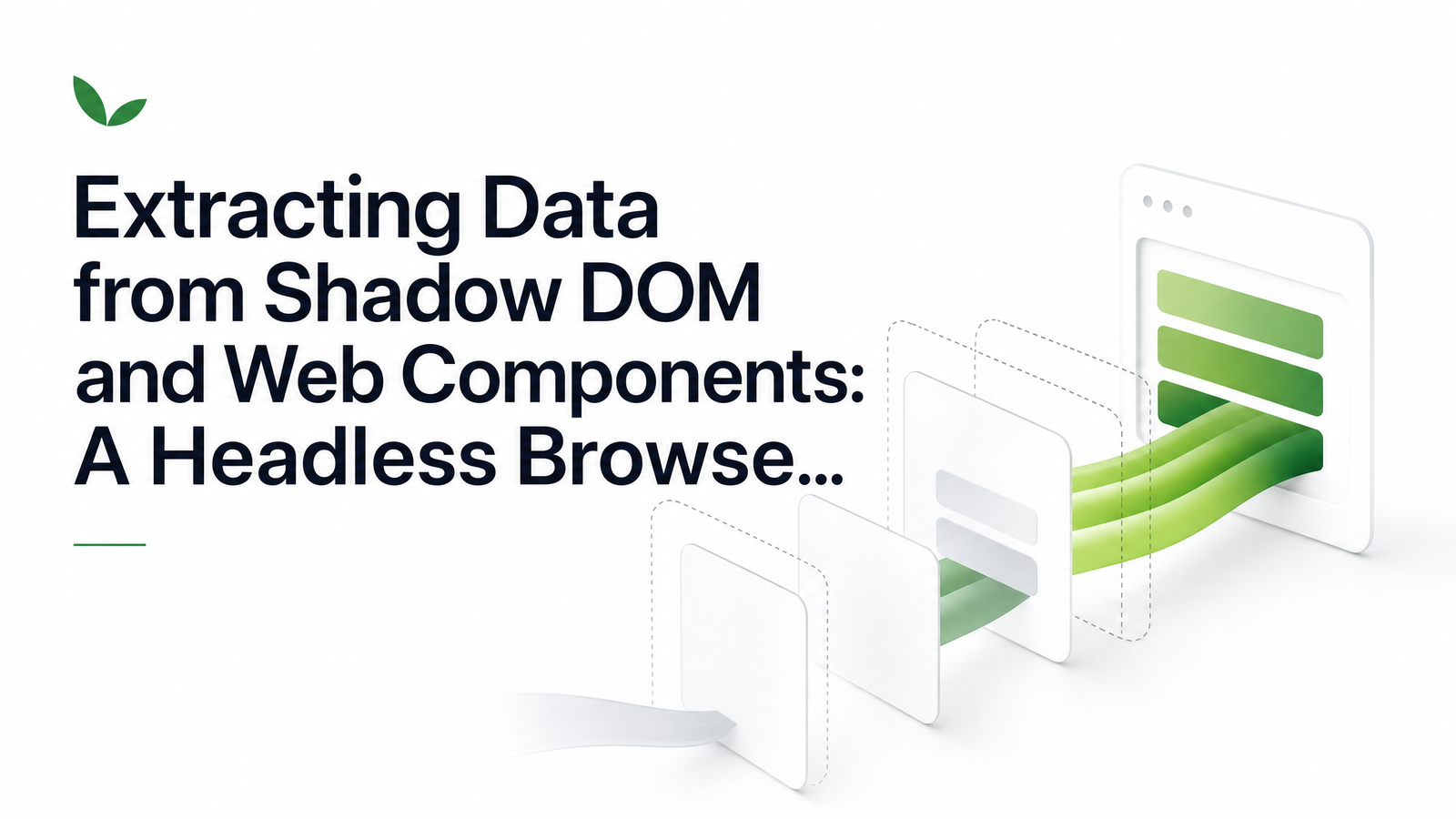
Shadow DOM scraping is the practice of extracting data from web pages that hide their markup inside encapsulated custom elements — and it trips up almost every scraper not built to handle it. If you've pointed a scraper at a page, watched it render perfectly in a browser tab, then gotten null or an empty string back from your script, shadow DOM is very likely the reason.
This isn't the usual "shadow DOM for testing" explainer aimed at QA engineers writing Playwright assertions. It's a practical guide for developers who need to pull structured data out of pages built with modern design systems, reliably at scale — not just once, in a debugger.
Why Shadow DOM Breaks Ordinary Scrapers
Shadow DOM is a browser feature that lets a custom element attach its own isolated DOM subtree — a shadow root — with markup and styles that don't leak into, or get affected by, the rest of the page. It's the mechanism behind design systems like Shoelace, Spectrum, and countless internal component libraries. From a UI engineering standpoint, that encapsulation is the whole point.
From a scraping standpoint, it's a wall. document.querySelector stops at the boundary of a shadow root unless you explicitly walk into it. Raw HTML parsers — BeautifulSoup, Cheerio, or a requests call followed by regex — never see shadow content at all, because they only operate on the HTML fetched over the wire. If a page assembles its content via JavaScript that attaches shadow roots after load, the initial HTML response contains none of it: no text, no attributes, just empty custom element tags waiting to be hydrated.
This is why the scraper returns null even though a human looking at the rendered page sees the data plainly. The content exists in the composed DOM the browser builds at runtime, not in the document source. Any pipeline that treats "fetch the page" and "parse the HTML" as separate, static steps will silently miss everything inside encapsulated markup — no error, no exception, just missing fields where a screenshot clearly shows a price, a review, or a table.
Open vs. Closed Shadow Roots: What You Can and Can't Reach
The practical distinction for extraction is whether a shadow root was attached with mode: 'open' or mode: 'closed'.
An open shadow root exposes element.shadowRoot, so any script running in the page — including code injected via a headless browser — can traverse into it just like a normal DOM node. Most component libraries use open roots by default, since closing them off makes debugging and third-party integration painful, so most shadow DOM scraping problems are solvable with straightforward traversal.
Closed shadow roots are different by design: element.shadowRoot returns null, deliberately blocking script-level access even from code running in the same page context. There's no supported DOM API workaround. The realistic paths are either accepting the data isn't accessible through page-level scripting, or using Chrome DevTools Protocol-level access from a controlled browser session, which can inspect the render tree beneath the script sandbox. That CDP route is meaningfully more complex and worth reserving for cases where open-root traversal genuinely isn't an option — as this deep dive on Playwright's shadow DOM mechanics explains, querySelector simply stops at a closed boundary with no elegant workaround from standard scripting.
A Working Pattern for Piercing Nested Shadow Trees
For open shadow roots — the common case — a recursive walk handles arbitrary nesting depth. Run something like this inside page.evaluate():
function extractShadowData(root = document) {
  const results = [];
  const walk = (node) => {
    const all = node.querySelectorAll('*');
    all.forEach((el) => {
      if (el.shadowRoot) {
        results.push({
          tag: el.tagName.toLowerCase(),
          text: el.shadowRoot.textContent?.trim(),
        });
        walk(el.shadowRoot); // recurse into nested shadow trees
      }
    });
  };
  walk(root);
  return results;
}
This checks every element for a live shadowRoot, records what it finds, then recurses into that shadow root looking for further nested custom elements — because design systems frequently nest components (a containing an textContent for targeted attribute reads or nested querySelector calls once you know the structure you're after.
If you'd rather not write a manual walker, modern Playwright versions pierce open shadow DOM automatically in their CSS selector engine — a selector like page.locator('my-component >>> .price') reaches into nested open shadow roots without extra code, as documented in Playwright's element selectors reference. That's often the fastest path when extracting a handful of known fields rather than crawling an unknown component tree.
Declarative Shadow DOM: A New Wrinkle for Scrapers
Declarative shadow DOM changes one of the assumptions above. Using , a server can serialize a shadow root directly into the HTML response, so the browser attaches it during initial parsing rather than waiting for JavaScript to run. This is now supported across major browsers, as confirmed in DebugBear's technical explainer on declarative shadow DOM.
For scraping, this is a meaningful shift: content that previously only existed after JS execution can now be visible in the raw server-rendered HTML source. A lightweight HTTP fetch might actually capture shadow content on a page using shadowrootmode, whereas the same page built with imperative attachShadow() calls would return nothing without a real browser. The catch is you can't tell which technique a site uses without checking — most sites mix declarative shadow DOM for some server-rendered web components with imperative attachment for others added dynamically. Treating "shadow DOM means I need a browser" as an absolute rule is no longer quite accurate; it depends on the rendering strategy per component.
Why This Needs a Real Headless Browser (Not a Fetch Request)
Shadow DOM, in either form, only fully exists once a browser engine parses the page and builds the composed DOM — the merged tree of light DOM and shadow content that's actually rendered. A fetch request retrieves bytes; it doesn't execute a rendering engine, doesn't attach shadow roots that arrive via JavaScript, and can't guarantee it's even looking at the declarative version if component logic branches at runtime.
Reliable shadow DOM extraction, especially at scale across many pages and component libraries, requires an actual browser instance: Chromium, doing what Chromium does, then handing you the composed HTML or a structured result. This is precisely the gap Browsevra is built for — running full Chromium instances so you can request a page and get back the fully composed DOM, shadow content included, through a rendering API rather than maintaining your own fleet of browser processes. For component-heavy sites, pairing this with resource-blocking strategies — covered in this guide on blocking resources for faster headless renders — keeps extraction fast even as page weight grows.
Frequently Asked Questions
Why does my scraper return an empty result on a page that clearly shows the data in the browser?
Your scraper is almost certainly reading the raw HTML response, but the visible data lives inside a shadow root attached by JavaScript after the initial page load. Since raw HTML parsers and simple fetch calls never execute that JavaScript, they never see the shadow tree's contents, even though a real browser renders it correctly.
Can you scrape data out of a closed shadow root?
Not through standard DOM scripting — element.shadowRoot deliberately returns null for closed roots, blocking script-level access by design. The only realistic option is CDP-level inspection through a controlled browser session, more complex and best reserved for cases where no open-root or alternative data source exists.
Do I need Puppeteer or Playwright specifically, or does any headless browser handle shadow DOM?
Any tool running a real browser engine — one that actually parses and executes the page — can access open shadow DOM, since the composed DOM exists at the engine level, not the tooling level. Playwright and Puppeteer are popular because their APIs make traversal convenient, but the underlying requirement is a genuine rendering engine, not a specific library.
What's the difference between scraping shadow DOM and scraping a React or Vue app?
React and Vue render into regular, unencapsulated DOM nodes that standard selectors like querySelector can reach directly once JavaScript has run. Shadow DOM adds an extra encapsulation boundary on top of that JavaScript-execution requirement, meaning you need both a real browser and shadow-aware traversal logic to reach the content.
Does declarative shadow DOM mean the data is now in the raw HTML source?
Yes, when a component uses , the shadow root's content is serialized directly into the server-rendered HTML and visible before any JavaScript executes. However, many pages mix declarative and imperative shadow DOM across different components, so you can't assume every shadow root on a page will show up in raw source.
How do I handle multiple levels of nested web components when extracting data?
Use a recursive function that checks each element for a shadowRoot property and, when found, queries inside it before moving to the next level — this handles arbitrary nesting depth without hardcoding a fixed number of levels. Running that recursion inside a real browser's page context, rather than trying to replicate it in a static parser, is what makes it reliable across differently structured component trees.
Point Browsevra's rendering API at a shadow-DOM-heavy page — a Shoelace or Spectrum-based site is a good stress test — and see the composed DOM come back as clean HTML or JSON, shadow content included. Check the Docs for the endpoint reference and the Pricing page for usage tiers before you integrate.