Structured Data Extraction Methods: CSS vs XPath vs AI
September 26, 2026
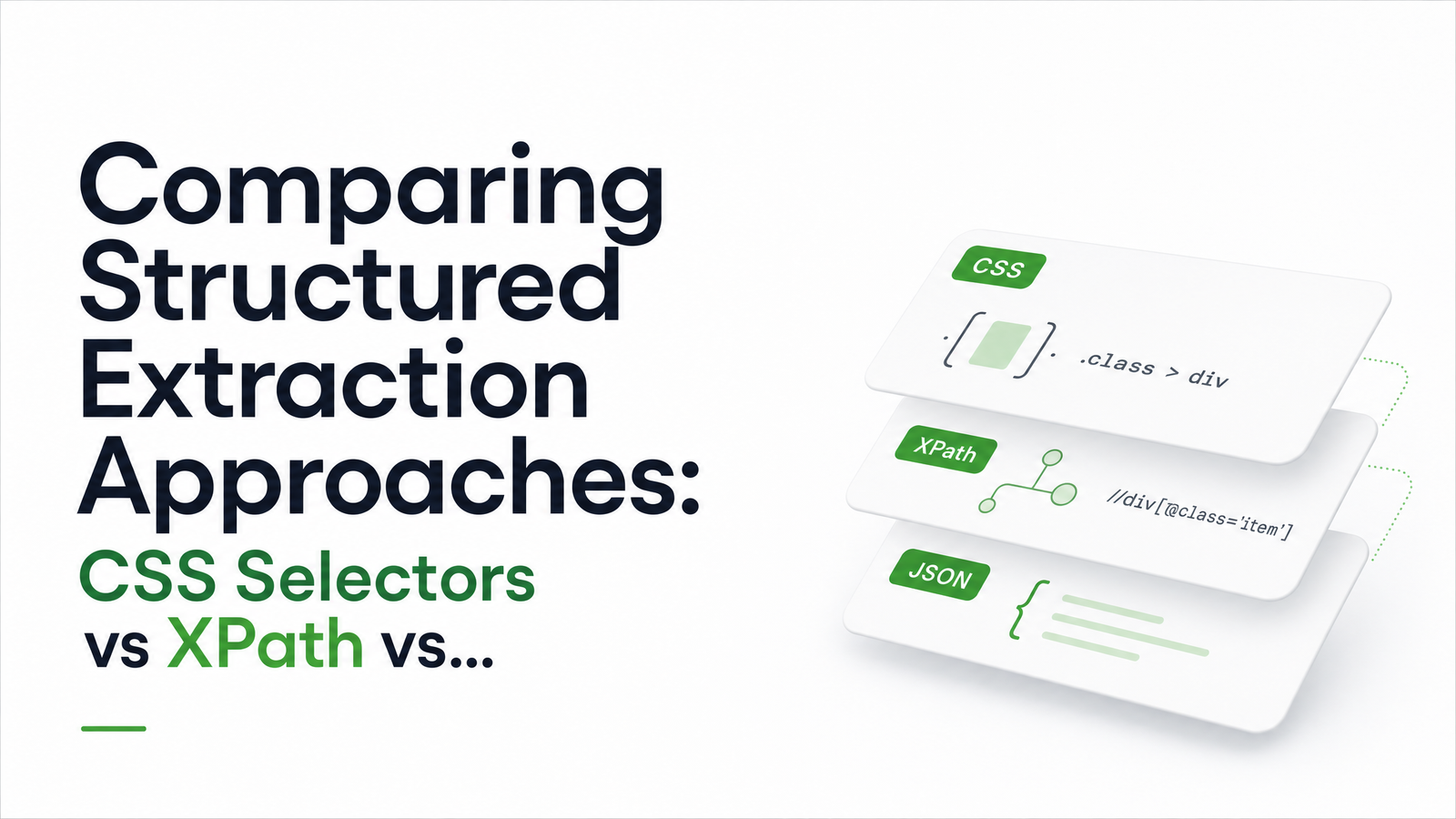
Why the Extraction Method Matters More Than the Renderer
Rendering a JS-heavy page is a solved problem — headless browsers like Playwright and Puppeteer load almost any site and hand you a fully populated DOM. The hard part starts after that: turning that DOM into clean, structured JSON.
That's where extraction methods diverge, and the choice determines how much maintenance your pipeline needs six months from now. Three approaches dominate: CSS selectors, XPath, and AI-based field detection. Each behaves differently across the criteria that matter for production scraping — speed, resilience to layout change, setup effort, cost, and accuracy. Treating this as "old parsing vs new AI" misses the point. The right answer depends on how many sites you're targeting, how often their markup changes, and how much volume you're running.
CSS Selectors: Fast and Simple, Until the Markup Shifts
CSS selectors target DOM nodes by tag, class, ID, or attribute — the same syntax browsers use for styling. Libraries like lxml and frameworks like Scrapy match them extremely quickly, and the syntax is short enough that most engineers can read a selector and immediately know what it targets.
That readability is also the weakness. A selector like CSS is still the right default for stable, high-volume targets: your own site, a partner feed, or any page template that rarely changes where you're pulling thousands of records a day. Crawlbase's comparison makes the same recommendation — CSS as the sensible default for well-structured pages, with most production scrapers mixing in other tools rather than picking one exclusively. XPath does everything CSS does and more, because it can traverse the DOM in both directions and match on text content, not just structure. That matters when the target isn't cleanly wrapped in a class name — for example, "find the This makes XPath the better tool for structurally messy pages, older sites without consistent class naming, or targets where the only reliable anchor is visible text. The tradeoff is verbosity — XPath expressions are harder to read at a glance — and a steeper learning curve for engineers used to CSS. On raw execution speed, the difference is smaller than most teams assume. HasData's analysis argues that selector speed differences are largely irrelevant in production scraping compared to maintainability, and recommends CSS for navigation with XPath reserved for precise data extraction. WebScrapingAPI's breakdown adds that there's no standardized public benchmark proving a meaningful real-world speed gap — network latency and page rendering time dominate the request lifecycle far more than the microseconds spent evaluating a selector. AI-based field detection flips the model. Instead of writing a selector tied to specific markup, you describe the fields you want — "product name," "price," "availability" — via a schema or prompt, and a large language model reads the rendered page and returns normalized JSON regardless of how the underlying HTML is structured. This is where LLM extraction genuinely outperforms traditional parsing: when you're scraping many different site layouts and can't justify writing and maintaining custom selectors for each one. Competitor price monitoring across thirty retailer sites is the textbook case — thirty templates, thirty class-naming conventions, one semantic schema. The costs are real, though. AI extraction adds latency per call, since a model has to process page content rather than evaluate a syntax expression, and it comes with per-call compute cost instead of near-free selector evaluation. It's also non-deterministic — the same page can occasionally yield slightly different output. ScrapeGraphAI's overview is direct about this: LLM extraction doesn't help with anti-bot access, and traditional parsing remains more efficient when markup is stable and volume is high. AI-based detection solves layout variance, not access. No single row wins across the board — which is exactly why the decision should be criteria-driven, not ideology-driven. A practical framework: if you're scraping one site (or a handful of near-identical templates) at high volume, use CSS selectors — fast, cheap, easy to debug. If your target has structurally awkward markup or the only reliable anchor is visible text, reach for XPath instead of forcing a fragile CSS workaround. If you're covering many unpredictable layouts at moderate volume — competitor monitoring, one-off research pulls, aggregating listings across dozens of sources — AI-based detection saves far more engineering time than it costs in latency. The production-grade answer for most teams isn't picking one — it's a hybrid pipeline: attempt selector-based extraction first, and fall back to AI-based detection automatically when the selector returns empty or low-confidence results. This gives you selector-speed economics on the common path and AI resilience only when something breaks, all inside a single API call rather than stitching together a renderer, a parser, and a separate LLM service. That's the model behind a structured data extraction API built on a headless browser: one request renders the page and returns structured JSON via selector or AI-based extraction, with fallback logic handled server-side instead of in your codebase. If you're evaluating this for your own pipeline, the fastest way to see it in practice is a single test call. Check the docs to try both selector-based and AI-based extraction against a real page, and use the pricing page to estimate what a hybrid selector-plus-AI-fallback setup costs at your expected volume. browsevra handles the rendering and extraction layer so your team can focus on the data, not the scraper. Use CSS selectors by default for well-structured, stable pages — they're faster to write and easier to maintain. Switch to XPath when you need to match on visible text, traverse upward in the DOM, or target elements without reliable class names, since CSS can't express those relationships. Not on stable, well-known page templates — selectors are typically more accurate and consistent there because they target exact, unchanging markup. AI-based extraction becomes more accurate in relative terms when layouts vary or change unpredictably, since selectors fail outright while an LLM can still identify the right field semantically. The difference is negligible in most real pipelines. Public benchmarks don't show a meaningful gap, and network requests and page rendering time dominate total latency far more than selector evaluation speed. Yes, and most production scrapers do exactly this. A common pattern uses CSS for navigation and high-volume stable fields, XPath for text-anchored or structurally tricky targets, and AI-based detection as a fallback when either selector approach returns nothing. No — AI-based field detection addresses parsing and layout variance, not access. Bypassing anti-bot systems or CAPTCHAs requires separate techniques at the rendering and request layer, not a smarter extraction model. AI-based extraction costs more per record because each call involves model inference rather than near-instant selector evaluation. It's most cost-effective when used selectively — as a fallback for pages selectors can't handle — rather than as the default method across a high-volume, stable-markup workload..product-card .price works until a front-end team renames .price to .price-value during a redesign, or wraps it in an extra XPath: More Power for Messy or Text-Based Targeting
containing the text 'Price.'" CSS has no way to express that; XPath handles it natively with axes like following-sibling and functions like contains(text(), ...).
AI-Based Field Detection: Semantic Extraction Without Selectors
Head-to-Head: Speed, Resilience, Cost, and Accuracy
Criterion
CSS Selectors
XPath
AI Field Detection
Speed
Fastest evaluation
Near-identical to CSS in practice
Slower — model inference per call
Resilience to redesigns
Low — breaks on class/structure changes
Low-moderate — text anchors survive some changes
High — adapts to markup it's never seen
Setup effort
Low, per site
Moderate, per site
Low per site, but schema design upfront
Cost at scale
Lowest
Lowest
Highest per record
Accuracy
High on stable pages
High, better for text-anchored targets
Good but non-deterministic
Choosing (or Combining) Methods in Practice
Frequently Asked Questions
Should I use CSS selectors or XPath for web scraping?
Is AI-based extraction more accurate than CSS selectors or XPath?
Does XPath really run slower than CSS selectors in production?
Can I combine CSS selectors, XPath, and AI extraction in the same pipeline?
Will AI-based extraction help me get past anti-bot protection?
How much does AI-based field detection cost compared to selector-based scraping?