User Agent Explained: Why Yours Is Probably Leaking
September 11, 2026
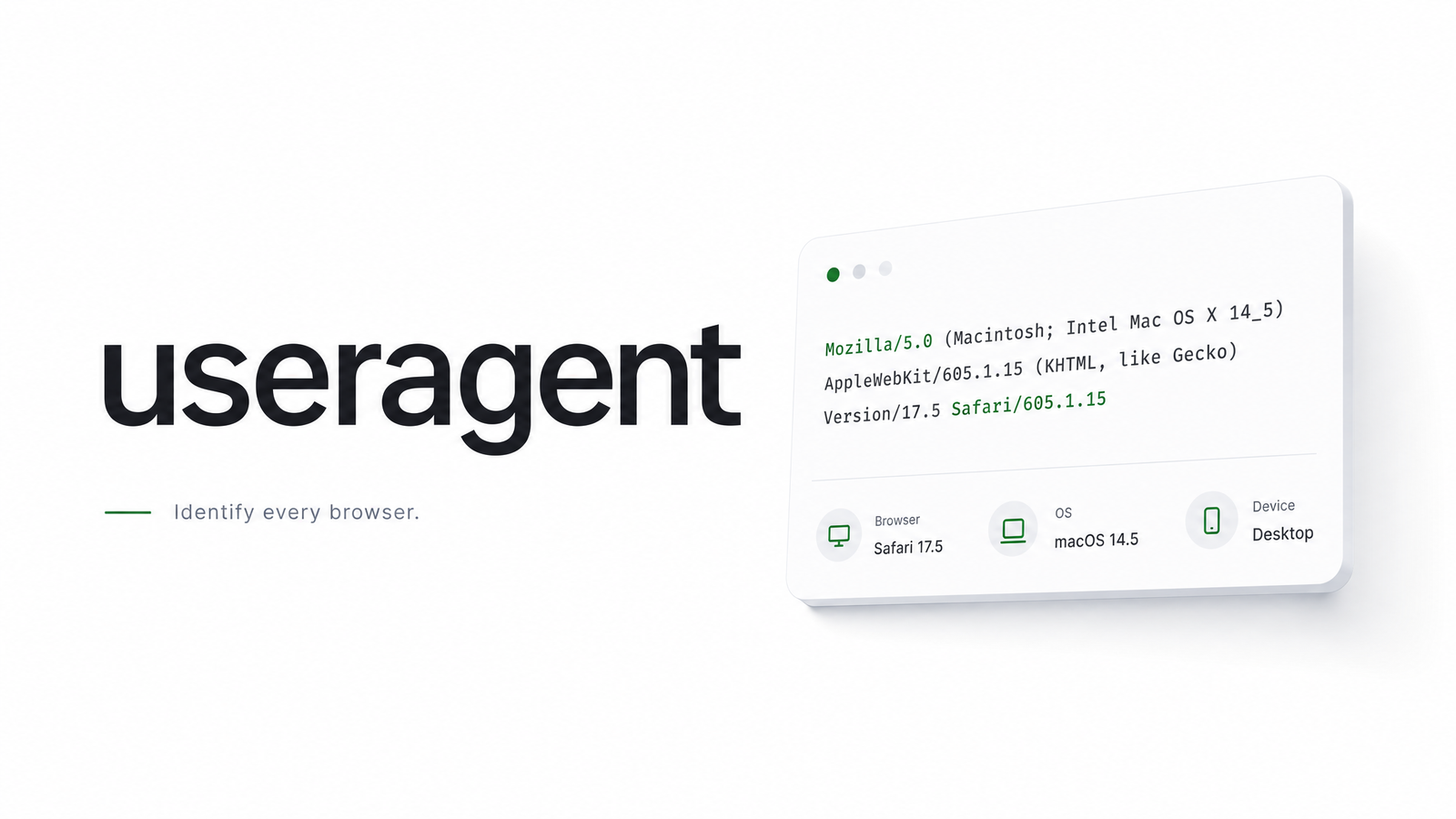
Every HTTP request carries a small, easily overlooked header that tells the server what's asking: browser, engine, OS, sometimes device. That's the user agent, and for anyone running headless browsers or scrapers, it's usually the first fingerprint signal to get flagged — often for reasons that have nothing to do with the string itself.
Most explainers stop at "here's the header, here's a list of strings to copy." That's not enough anymore. Bot detection in 2026 checks whether the user agent agrees with everything else in the request. This piece covers the mechanics, the cross-checks, the checklist for getting it right, and where to stop maintaining it by hand entirely.
What a User-Agent String Actually Is
The user agent header is a plain-text field sent with every HTTP request, and it's the same value exposed in the browser via navigator.userAgent. A typical real-world string looks like this:
Mozilla/5.0 (Windows NT 10.0; Win64; x64) AppleWebKit/537.36 (KHTML, like Gecko) Chrome/131.0.0.0 Safari/537.36
Each token has a job, though most are historical baggage. "Mozilla/5.0" is a legacy compatibility token nearly every browser still sends. The parenthetical block gives OS and platform details. "AppleWebKit" and "Chrome" identify the rendering engine and browser version; "Safari" at the end is a holdover from WebKit's shared lineage.
Servers use the header for three things: content negotiation (serving a mobile layout to a phone), analytics (traffic by browser and OS), and — the one that matters here — bot filtering. Any request where the user agent looks wrong, outdated, or absent gets deprioritized or blocked before deeper checks even run. Knowing what a user agent should look like is step one; matching that expectation consistently is the actual work.
Why Headless Browsers Leak the Wrong User Agent by Default
Puppeteer, Playwright, and Selenium all launch Chromium (or Chrome) with a default configuration that, historically, self-identified as headless. Older versions of the headless Chrome user agent literally included the word "HeadlessChrome" in place of "Chrome" — an instant, trivial tell requiring zero fingerprinting sophistication to catch.
Even where that specific string has been quietly patched over Chromium releases, the underlying problem hasn't gone away: headless launches still differ from a normal user's browser in subtle default settings, and developers who don't override the user agent are relying on defaults never designed to look convincing.
Overriding the string is straightforward — Playwright and Puppeteer both expose a way to set user agent Puppeteer-side via context or page options, and most custom user agent API wrappers make it a one-line call. But that's step one, not the fix. Setting a fresh Chrome string on a browser that still behaves like automation, still sends stale headers, or still runs with automation flags visible in the JS environment just moves the tell somewhere else.
How Sites Cross-Check Your User Agent Against Everything Else
This is where naive spoofing falls apart. Modern bot detection treats the user agent as one claim to be verified against several others.
The biggest shift is User-Agent Client Hints. Chrome introduced UA-CH to reduce passive fingerprinting and give sites an opt-in way to request detailed browser/platform data instead of receiving it by default — Chrome's own writeup covers the privacy and developer-experience motivation in detail, and the WICG spec lays out why the old header was considered a fingerprinting liability. Starting with Chrome 100, the User-Agent string itself was frozen and reduced, with granular version and platform data moved into Sec-CH-UA, Sec-CH-UA-Platform, and related headers that a page must explicitly request.
That creates a consistency problem for spoofers: if your classic UA string claims Chrome 131 but Sec-CH-UA is missing, malformed, or reports a different version, that mismatch is now a stronger signal than the UA string ever was alone. Safari, by contrast, has frozen its user agent string and doesn't support Client Hints at all; neither does Firefox. A site that knows this can catch a "Safari" UA sending Client Hints, or a "Chrome" UA sending none — either pattern doesn't happen in nature.
Beyond headers, detection layers increasingly cross-check TLS handshake fingerprints, HTTP/2 frame ordering, and JS-environment properties against what the claimed browser and OS would actually produce. A user agent string is cheap to fake; matching everything downstream of it is not.
Setting and Rotating a User Agent Without Breaking Consistency
A working checklist, in order of what actually gets checked:
- Use current, real browser strings — pull from actual shipping Chrome/Firefox/Safari releases, not one accurate two major versions ago.
- Match
Accept,Accept-Language, andSec-CH-UA(where applicable) to whatever browser and OS the user agent claims. A Windows Chrome UA with a macOSSec-CH-UA-Platformvalue is a free tell. - Rotate the user agent as part of a full identity swap, not alone. Rotating scraping UAs while keeping the same TLS fingerprint, viewport, and header order just glues a new UA to an old, already-flagged fingerprint.
- Refresh your string pool on a schedule. Browser versions age out; a user agent claiming a two-year-old Chrome build looks abandoned, since real users don't run it.
User agent rotation works when it's rotation of a coherent identity — headers, TLS behavior, and JS environment moving together — not rotation of a single header in isolation.
Common Useragent Mistakes That Get Requests Blocked
The recurring failure modes, roughly in order of frequency:
- Default library UAs. Leaving
python-requests,node-fetch, or a raw HTTP client's default string in place — an immediate, zero-effort block signal. - Stale versions. Shipping a hardcoded UA that ages a version or two behind current releases within weeks.
- Header/UA mismatches. Claiming a browser the
Accept-Language, header casing, or header order doesn't support. - Rotating UA but nothing else. Swapping the string while TLS fingerprint and header order stay static — the classic blocked user agent pattern, because the UA was never the actual identifier.
- Treating the user agent as a silver bullet. Spoofing it correctly and assuming detection stops there, when it's one input among many in a broader fingerprint stack.
Where a Managed Browser API Removes the Bookkeeping
None of this is conceptually hard — it's ongoing maintenance. Someone has to track current browser versions, keep Client Hints headers in sync with the claimed UA, and make sure TLS and JS-environment signals aren't contradicting the header block. That upkeep compounds across every browser version bump and every detection update.
A managed headless browser API handles this server-side: consistent, current fingerprints — user agent, Client Hints, TLS behavior — shipped together and kept current, instead of a hand-maintained string list drifting out of date. If you're running Puppeteer or Playwright yourself and hitting this wall, the Puppeteer to API migration runbook walks through the switch step by step. The docs show exactly how request headers and rendering options are controlled through the API.
Stop Maintaining This by Hand
Every rotation strategy above is maintenance debt: version lists to refresh, headers to keep in sync, fingerprints to audit as detection evolves. Browsevra runs a managed rendering API that sends consistent, current browser fingerprints automatically, so your team stops babysitting user agent strings and header combinations. Check the docs for setup details or the pricing page to see what plan fits your request volume.
Frequently Asked Questions
What is a user agent in simple terms?
A user agent is a short text label a browser or app sends with every web request, identifying itself — browser name, version, engine, and operating system. Servers read it to decide what content to send back and, increasingly, to help judge whether the request is coming from a real browser or automated software.
How do I change the user agent in Puppeteer or Playwright?
Both let you set it explicitly: Puppeteer via page.setUserAgent(), Playwright via the userAgent option when creating a browser context. That changes the header and navigator.userAgent, but it doesn't fix mismatched Client Hints, TLS fingerprints, or other automation tells — those need separate handling.
Is changing your user agent illegal or against a site's terms of service?
Changing your user agent isn't illegal on its own — it's a standard, widely supported HTTP header that any client can set. Some sites' terms of service do restrict automated access or misrepresenting your client, so the legal and policy exposure comes from what you do with the access, not from setting the header itself.
Why does my scraper get blocked even with a real Chrome user agent?
A correct-looking user agent string still gets blocked when everything around it doesn't match: missing or wrong Client Hints headers, a TLS fingerprint that doesn't match real Chrome, or JS-environment properties that betray automation. Detection systems weigh the whole request, not just the UA string.
What's the difference between a User-Agent string and User-Agent Client Hints?
The classic User-Agent string is one header sent automatically on every request; Client Hints are separate headers like Sec-CH-UA that a site must explicitly request and that reveal browser and platform details in a more structured, opt-in way. Chrome introduced Client Hints to cut down on passive fingerprinting while still letting sites get accurate browser data when they need it.
How often should I rotate my user agent when scraping?
Rotate it whenever you rotate the rest of your fingerprint — new session, new TLS profile, new header set — not on a fixed timer by itself. Refresh your pool of strings whenever the browser versions they reference start aging out, since an outdated version number is itself a signal.