Visual Regression Testing Screenshot API: A CI/CD Pattern
September 18, 2026
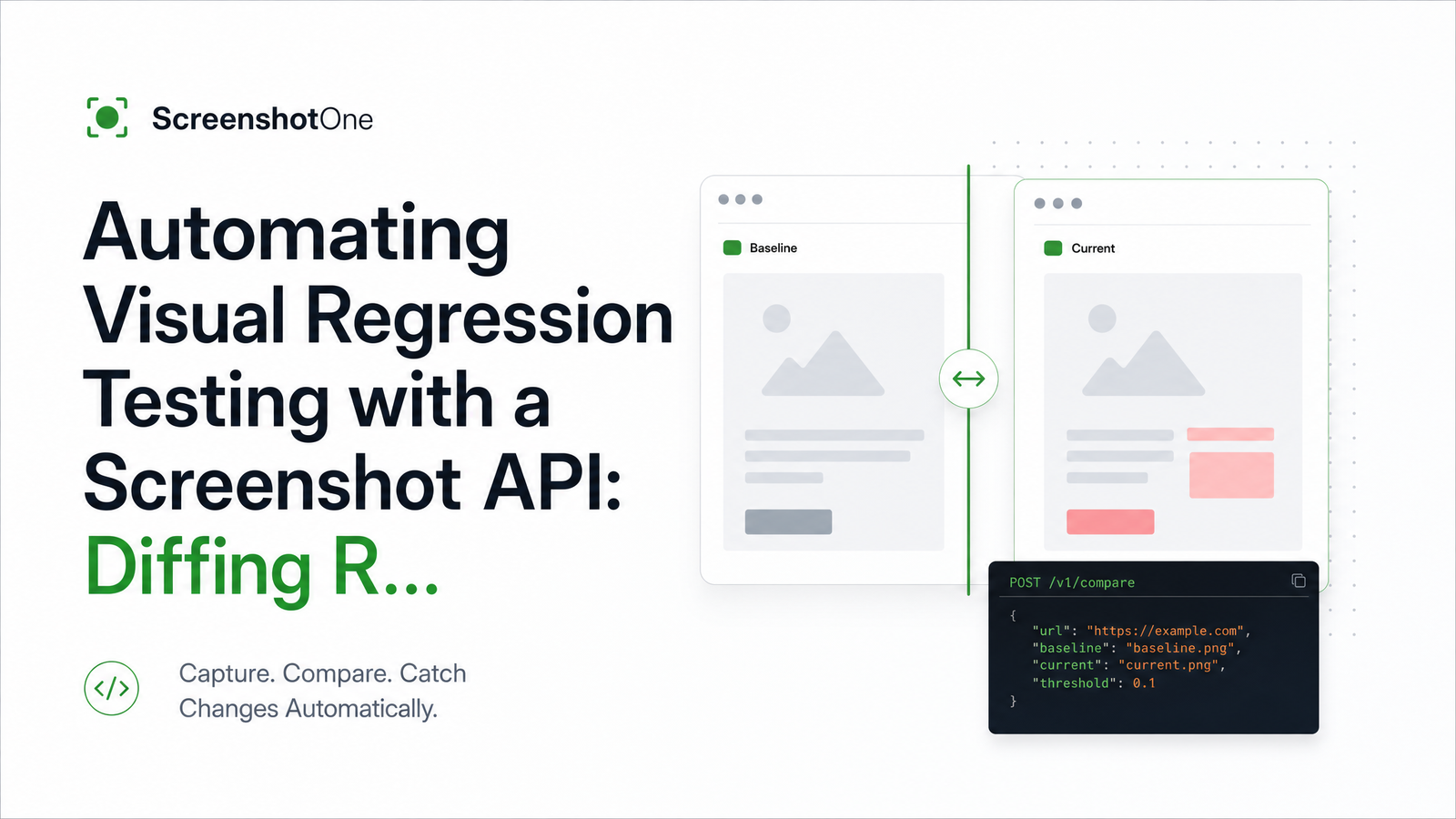
Why Screenshot-Based Visual Regression Testing Catches What Unit Tests Miss
A test suite can pass in full while a CSS deploy quietly breaks your checkout page layout. Unit and integration tests assert on logic and data, not on what actually renders in a browser — so a stray z-index change, a broken font load, or an overflowing flex container ships straight to production undetected.
Visual regression testing closes that gap by comparing a rendered page, pixel by pixel, against a known-good version. It needs a rendering layer, not just assertions: something has to actually load the page in a browser engine and produce a bitmap before any comparison logic can run. That's where a screenshot api earns its place in the pipeline — it's the capture step everything else depends on.
The Core Pipeline: Capture, Diff, Threshold, Report
Every visual regression setup, regardless of vendor or tooling, reduces to the same four-stage loop:
- Capture — render a URL (or component) and save it as an image.
- Compare — diff that image against a stored baseline screenshot.
- Threshold — decide how much pixel difference counts as a real regression versus noise.
- Report or gate — surface the diff to a human, or fail the build outright.
Screenshot diffing in CI/CD is really just this loop running on every pull request and every deploy. Tools like Percy, Chromatic, Applitools, or a homegrown pixelmatch script mostly differ in how much of this loop they manage for you. The baseline screenshot comparison itself — old image vs. new image — is conceptually simple. The hard part, which most teams underestimate, is making step one reliably produce the same image for the same input, every single time.
Why Self-Hosted Headless Browsers Break Baseline Consistency
This is where most self-built pipelines quietly fail. A developer runs Playwright or Puppeteer locally, generates a baseline, commits it — then CI runs the same script on a different machine and the diff lights up red for no functional reason.
The cause is environmental drift, not a real bug. Font rendering differs between macOS, Linux, and whatever base image your CI runner uses, so text edges land on different pixels. Anti-aliasing behaves differently depending on whether the renderer falls back to software rendering or has GPU acceleration available — most CI containers don't have a GPU, so Chrome silently switches rendering paths. Even Chrome's own version and flags can shift sub-pixel output between runs.
None of this is a defect in Playwright or Puppeteer — they're doing exactly what you asked. The problem is that headless browser screenshot testing assumes a consistent render environment, and self-hosting one across laptops, CI runners, and eventually a fleet of parallel workers is an operational burden most teams don't sign up for. Keeping fonts, OS packages, GPU drivers, and Chrome versions identical across every environment that touches a screenshot is a maintenance job in itself — and the hidden infrastructure cost of running headless Chrome yourself tends to be higher than teams expect once you count updates, scaling, and crash recovery.
Offloading the capture step to a managed screenshot API sidesteps this entirely. One controlled render environment produces the image, regardless of whether the request came from a laptop, a GitHub Actions runner, or a nightly cron job. That single change removes most of the noise responsible for flaky visual regression tests, before you've touched your diffing logic at all.
Wiring a Screenshot API Into Your Deploy Pipeline
You don't need to replace your diffing stack to fix the capture problem. A typical CI step looks like this:
- name: Capture screenshots
  run: |
    for url in $(cat urls.txt); do
      curl -s "https://api.browsevra.com/v1/screenshot?url=$url&width=1280" \
        -H "Authorization: Bearer $BROWSEVRA_KEY" \
        -o "candidates/$(basename $url).png"
    done

- name: Diff against baselines
  run: node scripts/diff.js --candidates candidates/ --baselines baselines/ --threshold 0.1

- name: Fail on regression
  run: node scripts/check-diff-results.js
The pattern holds for any visual regression testing GitHub Actions pipeline: maintain a fixed list of URLs (or component states) that matter, call the screenshot endpoint for each on every PR, drop the results into a candidates folder, and run your existing pixelmatch or Resemble.js comparison against stored baselines. Nothing about your diff logic, thresholds, or reporting changes — you've just swapped an unreliable local render step for a consistent one.
This same call is what makes a screenshot API for pull request previews practical: trigger it against the PR's deploy preview URL, and reviewers get a visual diff comment alongside the code diff, generated from the exact same environment every time.
Setting Diff Thresholds and Handling Dynamic Content
Pixelmatch and Resemble.js solve slightly different problems. Pixelmatch is fast and strictly pixel-based, good for a first pass with an anti-aliasing tolerance option built in. Resemble.js supports perceptual comparison and region-based ignoring, which helps when you need more nuance than raw pixel counts. For a small team starting out, pixelmatch with its anti-aliasing flag enabled and a threshold around 0.1–0.2% changed pixels is a reasonable default — tight enough to catch real layout shifts, loose enough to survive font hinting differences.
To compare screenshots before and after deploy without noise, mask or crop out regions that are expected to change: ad slots, timestamps, avatars, carousels. Most diff libraries support ignore regions or bounding boxes for this. For animation-heavy pages, freeze CSS animations and transitions before capture (disable them via a query param or injected stylesheet) so you're not diffing two different frames of the same motion.
Managing Baselines: Where They Live and When to Update Them
Baseline image management for visual testing comes down to two decisions: where images live, and who approves changes to them. Small repos can commit baselines directly to version control; anything beyond a few dozen pages is better served by a cloud storage bucket, keyed by URL and viewport, with the CI job pulling the latest approved set at diff time.
Updating a baseline should never be automatic. Treat it as a reviewed action — a developer or designer looks at the new render, confirms it reflects an intentional UI change, and explicitly promotes it as the new baseline. That approval step is what keeps the whole system trustworthy over time.
Blocking vs. Reporting: Where to Put the Gate
Don't gate everything on day one. A tiered rollout works better:
- Feature branches: report-only. Post the diff as a PR comment or artifact; don't block merges.
- Main branch / critical paths: blocking. Checkout, signup, and pricing pages fail the build above threshold.
- Nightly: full-suite audit across every tracked URL, regardless of what changed that day.
This is how you automate visual regression testing with a screenshot API without stalling velocity — teams get comfortable with the diffs before the check has teeth, and confidence in the pipeline grows well before it starts blocking anyone. If your app serves multiple locales, extend the same URL list with localized variants; locale emulation at the capture layer lets you catch layout breaks in translated strings the same way.
Frequently Asked Questions
Do I need a full platform like Percy or Chromatic, or can I build visual regression testing myself?
You can build it yourself with a screenshot API for capture plus pixelmatch or Resemble.js for diffing — full platforms mainly add hosted dashboards, approval workflows, and cross-browser grids on top of that same core loop. For teams with existing CI conventions who want to keep diffing logic in-house, the DIY pattern is often simpler to reason about and cheaper to run.
How do I stop visual regression tests from failing on things that didn't actually change?
Most false positives come from inconsistent rendering environments, not real UI bugs. Standardizing capture through a managed screenshot API removes font, OS, and GPU-driven drift, and enabling anti-aliasing tolerance in your diff tool removes most of what's left.
What screenshot diff threshold should I use to avoid false positives?
Start around 0.1–0.2% changed pixels with anti-aliasing tolerance enabled, then adjust per page based on how noisy its results are. Pages with dynamic regions may need a slightly higher threshold or masked areas rather than a global loosening.
Can visual regression testing run on every pull request without slowing down CI?
Yes, if you limit checks to a fixed, meaningful set of URLs and run capture and diffing in parallel steps. A managed screenshot endpoint also removes the overhead of spinning up and warming a local browser instance on every run.
How do I handle dynamic content like ads or timestamps when diffing screenshots?
Mask or exclude those regions from the diff using bounding-box ignore areas supported by pixelmatch and Resemble.js. For animated elements, disable CSS transitions and animations before capture so you're comparing stable frames.
What's the difference between pixel-diffing and perceptual/AI-based diffing?
Pixel-diffing (pixelmatch) compares raw pixel values directly and is fast but sensitive to rendering noise unless tolerances are set. Perceptual or AI-based diffing (as used by tools like Applitools) evaluates visual similarity more like a human would, catching real regressions while ignoring cosmetic noise, at the cost of more setup and less transparency into why a diff failed.
If you're still capturing screenshots with a local Puppeteer or Playwright script, the fastest improvement you can make is swapping that step for one API call. Check the docs for the endpoint reference, and the pricing page for usage-based costs before rolling it into every deploy — then keep the rest of your pipeline exactly as it is. Explore it at browsevra.