Web Scraping Architecture: Queues, Workers, and Rendering
September 12, 2026
Why Most Scrapers Fail at the Architecture Level, Not the Code Level
Almost every scraping project starts the same way: a script opens a browser, fetches a page, parses it, saves the result. It works — until someone runs 200 of these at once and the whole thing falls over, not because selectors broke, but because there was never any architecture to absorb concurrency in the first place.
The failure mode is predictable. Memory climbs until the host swaps. Chrome processes hang around after their job finished, orphaned and still holding RAM. Retries either don't happen or happen too aggressively, duplicating work or losing it silently. None of this is fixable with a better try/catch block — it's a sign the system was never decomposed into layers that can each be scaled and debugged independently.
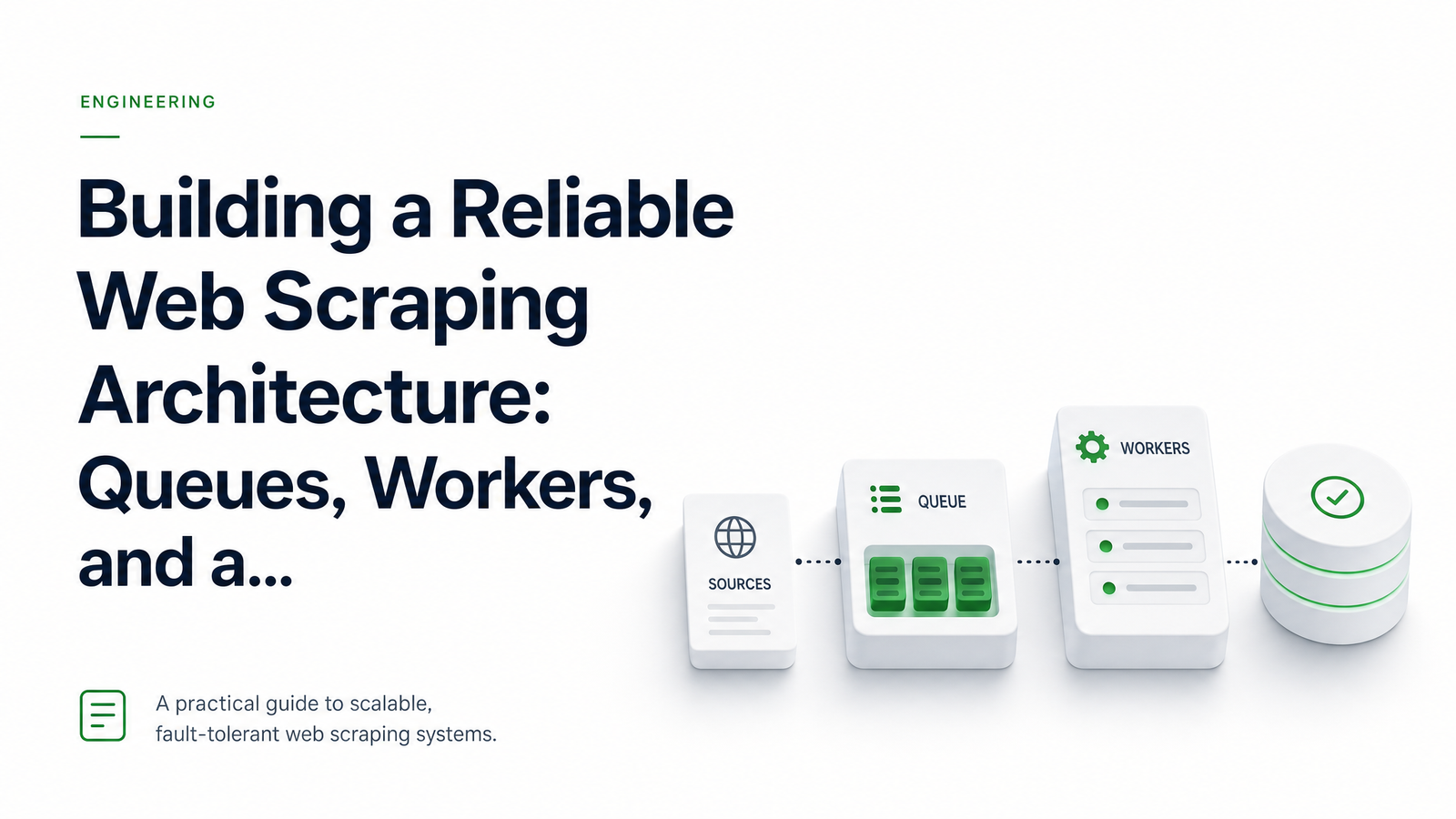
A production-grade web scraping architecture separates concerns into three layers: a job queue that absorbs load and manages retries, a worker fleet that orchestrates the work, and a rendering layer that does the actual browser rendering. Each layer scales differently, fails differently, and should be built (or bought) differently.
Layer 1: The Job Queue as a Backpressure Buffer
The queue's job is simple to state and easy to underestimate: decouple when work is created from when work is executed. Whether it's Redis with BullMQ, SQS, or a managed alternative, the queue absorbs spikes — 10,000 URLs submitted at once don't become 10,000 simultaneous browser sessions, they become a backlog that workers drain at a sustainable rate.
This is also where retry logic and dead-letter handling belong structurally, even if a worker executes the actual retry decisions. A failed job should get requeued with backoff, and a job that fails repeatedly should land in a dead-letter queue for inspection rather than vanishing or looping forever. Without this, teams end up with two silent failure modes: data quietly missing with no record of why, or the same URL re-scraped a dozen times because nothing tracked that it had already failed.
Queue design deserves its own deep dive, particularly for scraping that runs on a schedule rather than on-demand — covered in Scheduled Web Scraping API: A Reliable Cron Blueprint. For this article, the important point is narrower: the queue's role is buffering and bookkeeping, not execution.
Layer 2: Workers — Orchestration, Not Rendering
Workers pull jobs off the queue, apply retry and backoff policy, dispatch the actual fetch or render, and normalize the result before it's stored or sent onward. That's the whole job description. What frequently goes wrong is scope creep: a worker that also manages a pool of Puppeteer or Playwright instances, tracks browser health, and juggles proxy rotation and session cookies, all inside the same container meant to be lightweight orchestration logic.
A worker should be replaceable and horizontally scalable without anyone worrying about browser memory. It reads a job, decides how to handle a failure, parses HTML or JSON into a normalized shape, and writes the output somewhere durable. Proxy and session management are real concerns at scale, but they're a separate problem from orchestration — worth solving deliberately rather than bolting onto the worker layer, and outside the scope of this piece.
The moment a worker's job description includes "keep a Chromium process alive," it's no longer just a worker — it's absorbed part of the rendering layer's responsibility, and that's exactly where the architecture starts to strain.
Layer 3: The Rendering Layer — Why Headless Chrome Doesn't Belong in Your Worker Process
Headless Chrome is not a lightweight dependency. A single instance typically holds several hundred megabytes of memory at idle and considerably more under load, and the realistic isolation pattern is one tab per browser process rather than dozens of tabs sharing an instance — cramming many tabs into one browser trades memory savings for shared-crash risk and unpredictable resource contention, as detailed in production notes from teams running millions of renders.
Do that math against a typical worker host and the ceiling appears fast: a server that could comfortably run hundreds of lightweight orchestration workers might only sustain a low double-digit number of concurrent Chrome instances before memory pressure and CPU contention cause timeouts and crashes — figures broken down further in analysis of memory and cost per headless instance. Chrome doesn't degrade gracefully under this pressure; it degrades by hanging, leaking memory across renders, or leaving zombie processes that never get reaped.
This is why rendering deserves its own layer rather than living inside the worker. A warm pool of browser instances, kept alive and recycled between jobs rather than spun up and torn down per request, is what makes headless rendering viable at real scale — and it's operationally distinct enough from job orchestration to argue for a dedicated service (self-hosted or managed) rather than a shared process, a pattern explored well in the memory and CPU cost breakdown of running headless browsers. A managed rendering API exists specifically to own this warm-pool problem so your worker fleet never has to.
Putting It Together: A Reference Flow
A job's lifecycle across all three layers looks like this:
- A URL or task is enqueued, either from an API call or a scheduled trigger.
- A worker picks it up, checks whether it needs JS rendering or a plain HTTP fetch, and applies retry/backoff state.
- If rendering is needed, the worker dispatches the request to the rendering layer — a headless browser API — rather than spawning Chrome itself.
- The rendering layer returns HTML, a screenshot, a PDF, or structured data.
- The worker parses and normalizes the response, then stores it or fires a webhook.
- On failure, the job is requeued with backoff or routed to a dead-letter queue after enough attempts.
Each arrow in that flow is a place where a monolithic scraper would instead have a tangled function call — and a place where this architecture lets you scale, monitor, and debug one layer without touching the others.
Common Mistakes That Break This Architecture at Scale
- Running headless browsers inside worker containers. It works at low volume and becomes the first thing to fail as concurrency grows.
- No dead-letter handling. Failures either loop forever or disappear without a trace.
- Unbounded concurrency. Nothing caps how many jobs can render simultaneously, so traffic spikes turn into resource exhaustion.
- Treating every URL identically. Static pages don't need a browser at all; forcing everything through headless rendering wastes memory and money.
- Ignoring per-instance memory ceilings. Chrome's memory footprint grows with page complexity and session length — pools need hard limits and recycling, not indefinite reuse.
Teams currently running Puppeteer or Playwright directly inside their orchestration layer and hitting these walls have a clear next step, walked through in Puppeteer to API Migration: A Step-by-Step Runbook.
Queues and workers are commodity infrastructure — most engineering teams already run Redis or SQS and container fleets competently. The rendering layer is the one piece that genuinely isn't worth self-hosting once you account for warm-pool management, memory ceilings, and Chrome's failure modes at scale. Drop a managed rendering API in behind the queue and workers you already have — see the docs to integrate it, check the pricing against what self-hosting a browser fleet actually costs, or start at browsevra.
Frequently Asked Questions
Do I need a message queue for a small scraping project, or only at scale?
For a handful of URLs run occasionally, a queue is overhead you don't need — a simple script or cron job is fine. Once you're running concurrent jobs, retrying failures, or scheduling recurring scrapes, a queue becomes the mechanism that prevents traffic spikes and failures from taking down the whole system.
What's the difference between horizontal scaling of workers and scaling headless browser instances?
Workers are lightweight orchestration processes that scale cheaply and near-linearly — spin up more containers and you get more throughput for parsing and dispatch. Headless Chrome instances are memory- and CPU-heavy, with a hard ceiling per host, so scaling rendering capacity requires managing warm pools and resource limits rather than just adding more processes.
Can I run headless Chrome directly inside my worker containers?
You can, and many teams start this way, but it doesn't hold up under concurrency. Each Chrome instance consumes hundreds of megabytes or more, so packing browsers into the same containers responsible for orchestration quickly hits memory limits and causes crashes, timeouts, and zombie processes.
How do you handle a headless browser crashing mid-job without losing the queued task?
The job should remain in the queue (or move to a retry state) until the worker receives a confirmed success response from the rendering layer — never mark it complete before that. If the rendering layer crashes mid-render, the worker's retry/backoff logic requeues the job automatically, and repeated failures route to a dead-letter queue for inspection instead of silent loss.
Is it better to build a browser pool myself or use a headless browser API?
A managed headless browser API is generally the better trade-off once you account for the ongoing cost of managing warm pools, memory ceilings, and Chrome crash recovery yourself. Self-hosting makes sense only if rendering volume and control requirements justify the dedicated engineering time to operate it reliably.
How do queues, workers, and rendering layers fit together with cron-based scraping schedules?
A cron trigger enqueues jobs on a schedule instead of on-demand, but from there the flow is identical: workers pick up jobs, dispatch rendering to the rendering layer, and handle retries the same way. Scheduled scraping simply changes how jobs enter the queue, not how the rest of the architecture processes them.