Web Scraping Tool: The Developer's Category Map (2026)
September 8, 2026
What Is a Web Scraping Tool?
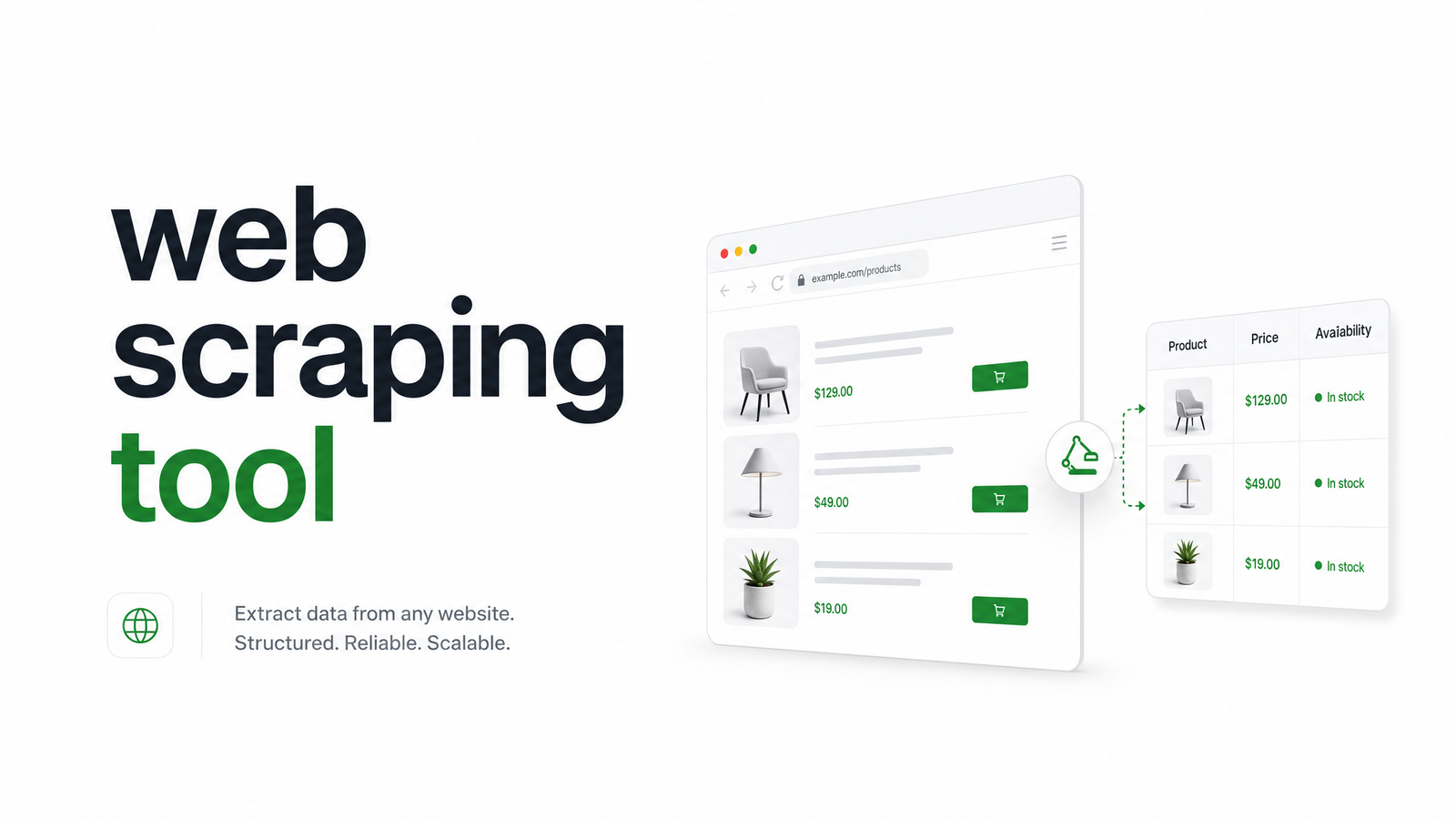
A web scraping tool is software that automates pulling data from websites — fetching pages, rendering content, and extracting structured information instead of copying it by hand. The idea is turning unstructured web pages into usable data: product prices, job listings, search results, or full-page renders for archiving.
The term covers a lot of ground, though. It could mean a browser extension a marketer clicks through, a Python library an engineer scripts, or an API that renders JavaScript-heavy pages and returns clean HTML on demand. Picking the right one starts with knowing which category you actually need — that's what the rest of this guide sorts out.
The 3 Types of Web Scraping Tools
Nearly every product on the market falls into one of three buckets. Any web scraping tool comparison should start here, because the category matters more than the specific brand name — it determines setup time, maintenance burden, and how far the tool scales before it breaks.
No-Code / Visual Scrapers
These are point-and-click apps: you open a browser-based interface, click the elements you want, and the tool generates an extraction pattern behind the scenes. They're built for non-developers — marketers, researchers, ops teams — who need a one-off dataset or a small recurring job without writing code.
The tradeoff shows up fast at scale. No-code tools tend to struggle with heavy JavaScript rendering, rotating anti-bot defenses, and large concurrent jobs. They're excellent for a 500-row spreadsheet pull; they're the wrong tool for a production pipeline feeding your app data every hour.
Open-Source Libraries & Frameworks
This is the code-first tier: Scrapy and BeautifulSoup for parsing static HTML, and Playwright or Puppeteer when you need actual JavaScript rendering. This is where most engineering teams start, because there's no vendor to pay and full control over the logic.
The catch is infrastructure. A web scraping API vs library decision comes down to who owns the operational burden. With open-source libraries, you own it: proxy rotation, headless browser instances, CAPTCHA handling, retries, and scaling all sit on your team. That's reasonable for low-volume, in-house jobs — less so once you're running thousands of requests a day against sites that actively fight scrapers. If you're evaluating this path in Python specifically, our deeper Python Scraping Tools guide walks through library-by-library tradeoffs.
Headless Browser & Scraping APIs
The managed tier: a hosted headless browser scraping tool that renders pages, handles proxies and anti-bot challenges, and returns the output format you asked for — HTML, screenshot, PDF, or structured JSON — over a simple API call. You send a URL; you get back clean data.
This category has grown because the DIY tax on scraping infrastructure has gone up, not down. Sites increasingly detect and block naive automation, and running a fleet of headless browsers reliably is its own ongoing job. A scraping API absorbs that complexity so engineering time goes into the product, not into babysitting browser instances. This is the bucket Browsevra sits in, and we'll come back to it below.
How to Choose the Right Web Scraping Tool
Before doing a deep technical comparison, run your use case through these five questions — the fastest way to figure out how to choose a web scraping tool without reading fifteen reviews first.
- JS rendering — Does the target site render content client-side? If yes, you need a real browser engine (Playwright, Puppeteer, or a managed equivalent), not a simple HTTP fetch.
- Anti-bot exposure — Are you scraping sites with CAPTCHAs, fingerprinting, or aggressive rate-limiting? That pushes you toward a managed API with proxy and bypass handling built in.
- Output format — Do you need raw HTML, a screenshot, a PDF, or structured JSON? Not every tool produces every format cleanly.
- Scale and concurrency — Is this a one-time pull or a job running thousands of times a day? Concurrency needs are usually the single biggest cost driver.
- Who maintains it — Can your team own selector breakage, proxy rotation, and browser upgrades long-term, or do you want that abstracted away?
Answer those honestly and the right bucket becomes obvious — the best web scraping tool for developers is almost always the one that matches your actual maintenance appetite, not the one with the most features on paper. If you want deeper technical scoring criteria, our full decision-framework guides on the site go further into benchmarking specific products.
Is Web Scraping Legal?
Legality depends on what you're collecting, how you're accessing it, and what the site's terms of service say — there's no single yes/no answer that covers every case. Publicly available data generally carries less legal risk than data behind a login wall, and courts in different jurisdictions have reached different conclusions on similar facts. Scraping personal data also brings privacy law (like GDPR) into play, separate from the scraping method itself.
None of this is legal advice, and "is web scraping legal" is really a question your legal counsel should answer for your specific target sites and data types. Responsible practice — respecting robots.txt where feasible, avoiding scraping behind authentication without permission, and being deliberate about personal data — reduces risk regardless of which tool you use.
Why Developers Pick a Headless Browser API Like Browsevra
For teams that just answered "no-code is too limited" and "we don't want to own browser infrastructure," a managed headless browser API is the practical middle ground. Instead of running Playwright fleets, rotating proxies, and patching anti-bot workarounds yourselves, you call an API and get back rendered HTML, a screenshot, a PDF, or structured extraction — with the browser layer fully managed on the other end.
That's the core of what browsevra does: a headless browser API built for developers who need reliable rendering and extraction without owning the infrastructure behind it. If your checklist above pointed toward JS-heavy pages, anti-bot exposure, or scale beyond what a script on a laptop can handle, it's worth checking the docs or pricing to see if a managed API fits your stack better than the DIY route.
Frequently Asked Questions
What's the difference between a web scraping tool and a web scraping API?
A web scraping tool is the broad category — any software that extracts web data, including no-code apps and open-source libraries. A web scraping API is a specific type within that category: a hosted service you call over HTTP that handles rendering, proxies, and anti-bot logic on managed infrastructure, so you don't run the scraping stack yourself.
Do I need to know how to code to use a web scraping tool?
No — no-code, point-and-click scrapers exist specifically for non-developers handling one-off or small recurring jobs. But for production use cases involving scale, JavaScript rendering, or anti-bot handling, you'll typically need code, either through an open-source library or by calling a scraping API.
Is web scraping legal?
It depends on the data type, how it's accessed, and the target site's terms of service, so there's no blanket answer. Publicly available data generally carries lower risk than data behind logins, and personal data brings additional privacy-law considerations. Consult legal counsel for guidance specific to your use case.
Can a web scraping tool render JavaScript-heavy pages?
Only if it runs a real browser engine. Static HTTP-based tools miss content that loads via JavaScript, while headless browser tools — whether open-source (Playwright, Puppeteer) or managed APIs — execute the page's scripts and return the fully rendered result.
What's the best type of web scraping tool for a small engineering team?
A managed headless browser or scraping API is usually the best fit, since it avoids the ongoing cost of maintaining browser infrastructure, proxies, and anti-bot workarounds in-house. Open-source libraries make sense if the team has spare capacity to own that infrastructure long-term.
How much does a web scraping tool typically cost?
Costs range from free (open-source libraries, though you pay in engineering time and infrastructure) to usage-based pricing for managed APIs, which typically scale with request volume, rendering complexity, and output format. No-code tools often sit in between with subscription tiers based on job volume.