What Does "Proxied" Mean? Cloudflare, Proxies & Scraping
September 14, 2026
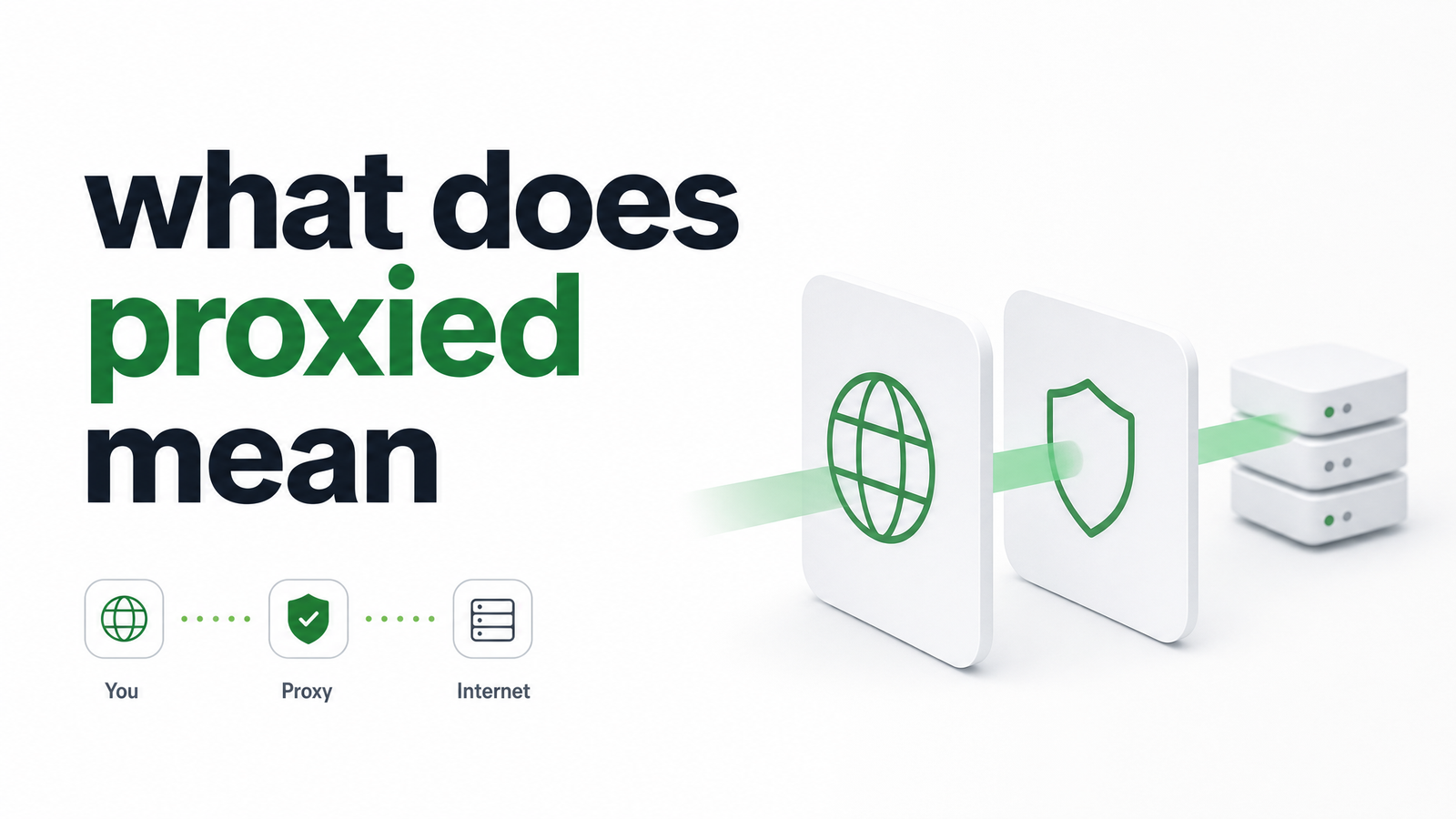
What Does "Proxied" Mean?
"Proxied" means traffic is routed through an intermediary server instead of traveling straight to its destination. That intermediary — the proxy — sits in the middle of the connection, inspecting, forwarding, or modifying requests before they reach their target.
The confusion starts because "proxied" gets used in two related but distinct contexts. The first is the general networking sense: a client sends its traffic through a proxy server on the way out to the internet. The second — and the one driving most searches on this exact phrase — is Cloudflare's dashboard, where a DNS record can be set to "Proxied" (orange cloud) instead of "DNS Only" (grey cloud). These describe opposite directions of traffic flow, which is exactly why they get mixed up.
Understanding both matters if you're a developer, because a site being "proxied" and a client "using a proxy" produce completely different technical realities — and only one of them is under your control.
Forward Proxy vs. Reverse Proxy: The Two Directions of "Proxied"
The cleanest way to separate these concepts is direction: a forward proxy sits in front of the client, a reverse proxy sits in front of the server.
A forward proxy is something you (or your organization) choose to route traffic through — think of a corporate network forcing outbound requests through a filtering proxy, or a developer routing scraper requests through a residential proxy pool to change their apparent IP. The origin server usually has no idea a proxy was involved.
A reverse proxy works the opposite way. It sits in front of a server, intercepting inbound requests before they reach the origin. The client thinks it's talking directly to the website; in reality, it's talking to the reverse proxy, which decides whether to forward the request, cache a response, block it, or challenge it. One protects and represents the requester, the other protects and represents the destination.
Cloudflare's "Proxied" setting is a reverse proxy in the classic sense — and that framing makes the rest of this article click into place.
"Proxied" in Cloudflare: What the Orange Cloud Actually Does
When someone asks what does proxied mean in Cloudflare, the answer is specific: a Proxied DNS record resolves to one of Cloudflare's anycast IP addresses instead of the site's real origin IP. Cloudflare's edge network receives the request first, then forwards it to the origin server on the backend — invisibly to the end user.
This is the core of the proxied vs DNS only meaning distinction. Set a record to "DNS Only" (grey cloud), and it resolves directly to the origin server's real IP — no intermediary, just standard DNS resolution pointing at the actual machine. Set it to "Proxied" (orange cloud), and Cloudflare's network becomes the first point of contact for every request.
That switch unlocks capabilities that explain why so many production sites use it by default: the origin IP is hidden from public DNS lookups, static assets can be cached at the edge, a Web Application Firewall (WAF) can inspect and filter malicious traffic, and DDoS mitigation absorbs volumetric attacks before they reach the real server. It's a genuinely useful default for uptime and security — but it also means the server you're actually trying to reach is no longer the first thing your request touches.
Why This Matters If You're Scraping or Rendering a Website
Here's the piece missing from most explanations: what does it mean when a website is proxied from the perspective of someone trying to programmatically access it?
It means your request never reaches the origin server directly — it hits Cloudflare's (or another CDN/reverse proxy's) edge first. That edge layer makes its own decisions before your request gets anywhere near the actual application code or database. This is why proxied-site scraping tends to be less predictable than hitting a plain, unproxied server: the edge can serve a cached response, silently rate-limit based on IP reputation, or — most commonly — throw up a JavaScript challenge or CAPTCHA instead of the real content.
A plain curl to a proxied target often returns something completely different from what a real browser sees, because the WAF evaluates signals — TLS fingerprint, header order, JavaScript execution, IP reputation — that a simple HTTP client can't replicate. Shared IP ranges from data centers and cloud providers get flagged more aggressively than residential ones, so scrapers running from standard cloud infrastructure frequently get challenged even when doing nothing malicious. None of this is a bug in your scraper; it's the reverse proxy doing exactly what it's configured to do. If you're designing a scraping pipeline around this reality, it's worth reading how proxy and rendering concerns fit into the broader architecture of queues, workers, and rendering.
What to Do About It
You can't — and shouldn't try to — bypass a site's reverse proxy through DNS tricks or IP spoofing. The origin IP is deliberately hidden, and attempting to route around Cloudflare's edge is both unreliable and, depending on the target's terms of service, a bad idea. The practical fix isn't fighting the proxy layer; it's rendering with tooling built to get through the challenges that layer presents.
That means using a real headless browser engine — one that executes JavaScript, holds sessions, and presents a legitimate browser fingerprint — combined with infrastructure designed around modern bot detection, rather than a bare HTTP request library. A headless browser rendering service handles the challenge page, waits for client-side checks to clear, and returns the actual rendered HTML, screenshot, or PDF you asked for, instead of an interstitial "Checking your browser" page.
When the target of your scrape or render job is proxied — Cloudflare or otherwise — that's the problem worth solving for. Browsevra's rendering layer is built to handle exactly this: real browser rendering against CDN- and WAF-protected targets, without you having to manage proxy rotation or reverse-engineer challenge pages yourself. Check the docs to see how it fits your pipeline, or compare plans on the pricing page. If proxied targets are slowing down your scraping or rendering jobs, browsevra is built to take that friction off your plate.
Frequently Asked Questions
Is 'proxied' the same as using a VPN?
No. A VPN encrypts and routes your own device's traffic through a remote server, typically for privacy or location-shifting, and it's something the client chooses to use. "Proxied" in the Cloudflare sense describes the destination server routing incoming traffic through a reverse proxy — the client doesn't choose this, and it's invisible from the requester's side.
Why does Cloudflare set new DNS records to 'Proxied' by default?
Because it immediately enables the protections most sites want: origin IP hiding, DDoS mitigation, WAF filtering, and edge caching. For most production websites, those benefits outweigh the minor added latency of routing through Cloudflare's network first.
Can I tell if a website is proxied just by looking at it?
Not reliably from the browser alone, since proxying is designed to be invisible to end users. A DNS lookup is the clearer signal: if the resolved IP belongs to Cloudflare's known ranges rather than a hosting provider, the record is Proxied rather than DNS Only.
Does a proxied site hide the real server IP address from everyone, including scrapers?
Yes, from standard DNS resolution — that's the point. Anyone, including a scraper, doing a normal DNS lookup will get Cloudflare's anycast IP, not the origin's real address, which is part of why simple IP-based scraping tricks don't work against proxied targets.
What's the difference between a proxy and a reverse proxy?
A (forward) proxy sits in front of the client and represents the requester, often used to mask a client's identity or filter its outbound traffic. A reverse proxy sits in front of the server and represents the destination, deciding how to handle inbound requests before they reach the origin.
Why do my requests get blocked more often on proxied sites?
Because the reverse proxy's WAF and bot-detection layer evaluates signals like IP reputation, TLS fingerprint, and JavaScript execution before your request ever reaches the origin application. Cloud and data-center IP ranges are flagged more often than residential ones, and simple HTTP clients that don't behave like a real browser are easy for that layer to challenge or block.