E-Commerce Web Scraping API: Extracting Price & Stock
September 22, 2026
Why Product Pages Break Ordinary Scrapers
A plain HTTP fetch against most product pages returns a shell. Price, stock badge, and the selected variant's SKU are often absent from the raw response because the storefront renders them client-side after JavaScript calls resolve — a pricing service, an inventory microservice, a personalization layer that adjusts price by region or membership tier. ScrapingBee's price scraper research confirms this is the norm: many sites load price data asynchronously, leaving the initial HTML incomplete by design.
This is why an e-commerce web scraping API needs an actual browser engine underneath it, not a request library. A headless browser executes the page's JavaScript the way a shopper's Chrome tab would, waits for pricing and inventory calls to settle, and only then exposes a DOM (or network log) worth parsing. Treat any product-data pipeline as a dynamic pricing scraper problem from the start: assume the number you want is a JavaScript rendered price, computed after load, and build extraction logic around that rather than fighting it page by page.
Three Places Product Data Actually Lives
Once rendering happens, the question is where to read data from afterward. There are three sources, in strict priority order.
1. Embedded JSON-LD / schema.org data. Most mainstream storefronts inject a block describing the page as a schema.org Product — with nested Offer objects carrying price, priceCurrency, and availability. This is the most resilient extraction target because it's written for Google's Merchant Center and search rich results, not for your scraper, giving retailers a business incentive to keep it accurate and stable. Google's own structured data reference lists exactly which Product/Offer fields to expect — check that list before writing a single CSS selector.
2. Intercepted network/XHR responses. When there's no JSON-LD, or it only reflects the default variant, the next-best source is the same JSON the page's own frontend consumed — a /api/price, /inventory/{sku}, or GraphQL response captured via network interception scraping. This data is typically clean, typed, and complete, and often includes fields the visible DOM never displays, like backorder ETAs.
3. DOM parsing. Reading rendered text and attributes off the page is the fallback of last resort. It's brittle against CSS refactors, locale formatting quirks, and components hidden behind Shadow DOM — some variant pickers and price widgets are encapsulated web components, requiring piercing the shadow root rather than querying the light DOM (see this walkthrough on shadow DOM scraping). Use DOM parsing only for fields JSON-LD and network capture don't expose.
This priority order is also a maintenance strategy. As one deep-dive on 2026-era e-commerce scraping points out, generic advice tends to skip straight to DOM selectors and then wonders why scrapers break every redesign — JSON-LD and API responses change far less often than a site's markup.
Handling Variant Selectors Without Missing Combinations
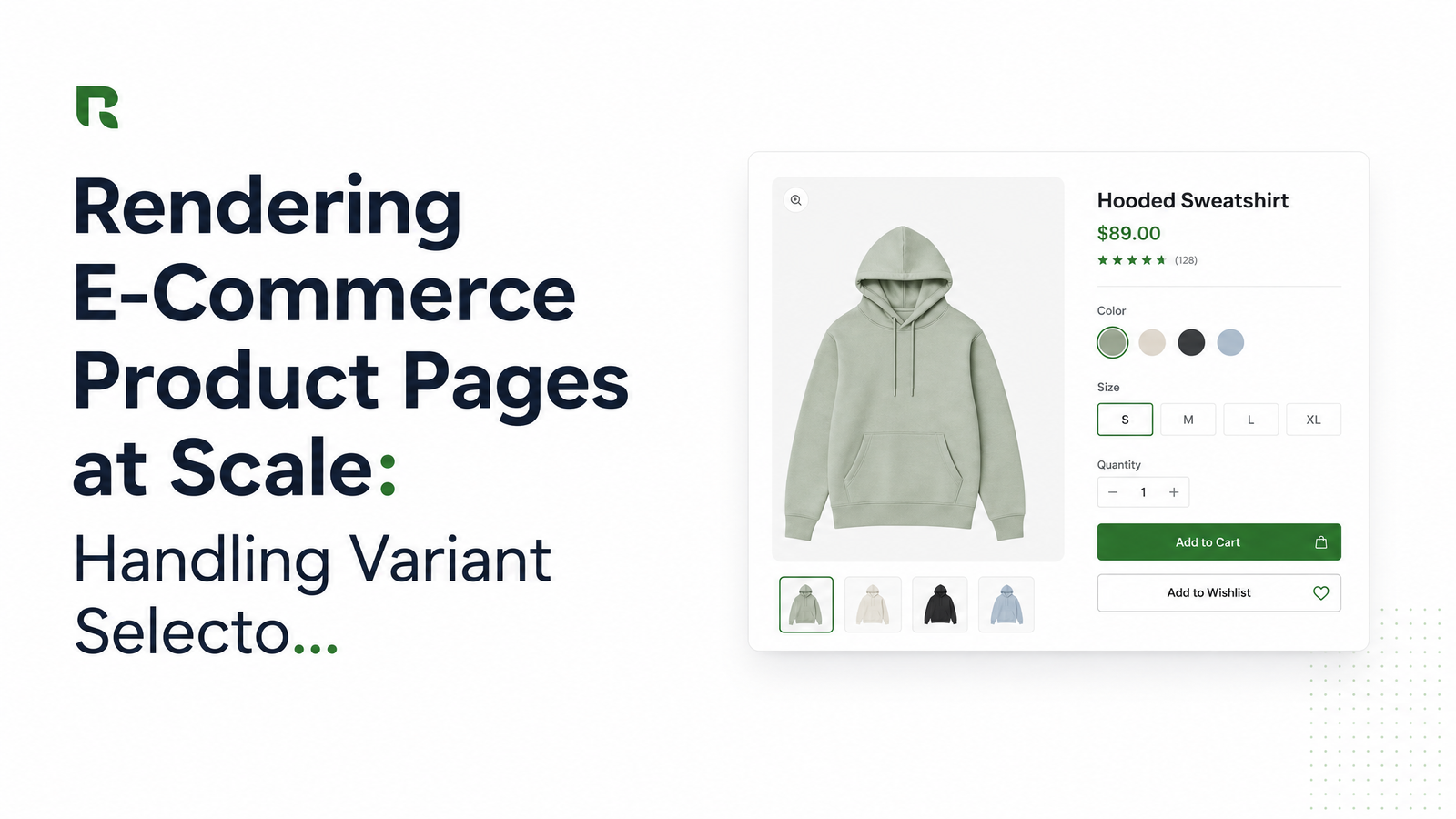
A product page showing one price is rarely the full story. A shirt in five colors and four sizes carries twenty distinct price/availability records, and variant selector scraping has to enumerate them without issuing twenty full page loads per product.
The reliable pattern: load the page once, extract the default variant from JSON-LD or the initial network response, then programmatically trigger each remaining color/size combination — via click or a direct state-setting call if exposed — and capture only the delta response rather than re-rendering the whole page. A headless browser API supporting wait-for-selector lets you pause after each click until the price node or network call updates, instead of guessing with a fixed sleep.
Watch the request math: naive color × size matrix scraping issues one full navigation per combination, exploding N × M requests across a large catalog. Batching variant clicks within a single loaded page session — reusing the browser context instead of reloading the URL — keeps cost proportional to the number of products, not SKUs. Coverage of generic scraping guides makes the same point: each variant combination is a separate record, and maintenance burden scales with catalog size if your architecture doesn't account for that upfront.
Reading Live Inventory and Stock Status Reliably
Stock status carries more ambiguity than price. "In Stock," "Only 3 left," "Backordered — ships in 2 weeks," and a greyed-out Add to Cart button can all appear in different render states depending on how far the page has progressed. Scrape inventory data before the async stock call resolves, and you'll capture a stale default rather than the truth.
The fix is the same wait-for-selector discipline used for variants: don't extract until the specific stock-status element has updated post-interaction, not just until the page has "loaded." Where available, prefer the schema.org availability field over badge text — values like InStock, OutOfStock, LimitedAvailability, and BackOrder are standardized, machine-readable, and immune to copywriting changes ("Only a few left!" vs. "Low stock" mean the same thing structurally). Falling back to DOM text for stock status scraping should be a last resort reserved for sites that never populate availability schema.org fields.
Scaling Extraction Across a Full Catalog
Extraction logic that works on one product page needs different engineering to run across thousands. Three levers matter most. Block unnecessary resources — fonts, ad scripts, tracking pixels, most images — so each render finishes faster and cheaper; you need the DOM and pricing/inventory network calls, not a pixel-perfect screenshot. Batch requests instead of firing them serially, and expect per-site render differences: one platform exposes clean JSON-LD, another requires network interception, a third demands variant-click interaction, so your pipeline needs a per-domain strategy, not one universal selector set.
At meaningful volume — thousands of product pages a day across a catalog with regular price and stock churn — self-hosting headless Chrome becomes an infrastructure project of its own: browser crash recovery, proxy rotation, memory leaks, and scaling concurrency all compete with the actual scraping logic. This is the point where handing rendering off to a managed product catalog scraping API stops being a convenience and starts being the more cost-effective engineering decision. The batch screenshot pattern Browsevra uses for full-site QA is directly applicable here — the same batching mechanics that screenshot thousands of URLs efficiently apply to scraping thousands of product pages.
Putting It Together With Browsevra
Browsevra's render API is built around the JSON-LD-first, interception-second, DOM-last pattern described above. Wait-for-selector parameters let you pause extraction until a specific price or stock element updates after a variant click; network capture returns the same price/inventory API responses the storefront's own frontend consumes, so you're not reverse-engineering markup; and batch request support handles catalog-scale volume without you managing browser pools. That's Browsevra product scraping in practice: one headless browser API call configured per source type, not a bespoke script per retailer.
Stop maintaining a different scraper for every storefront redesign. Run a test request against a live product page using the docs for wait-for-selector and network-capture parameters, then check pricing once you're ready to scale requests across a full catalog. Start at browsevra.
Frequently Asked Questions
Why is the price missing when I fetch a product page's raw HTML?
Because most storefronts render price client-side after the initial page load, typically via a separate JavaScript call to a pricing or personalization service. The raw HTML is captured before that call resolves, so the price node is empty or a placeholder. A headless browser that executes JavaScript and waits for network activity to settle is required to see the real value.
How do I scrape prices for every color and size variant on a product page?
Load the page once, extract the default variant from JSON-LD or the first network response, then programmatically trigger each remaining variant combination and capture the price/stock delta after each interaction. Reuse the same browser session across combinations instead of reloading the URL per variant to avoid an N × M explosion in requests. Wait for the specific price element to update before reading it, rather than relying on a fixed delay.
Is it better to scrape the rendered DOM or intercept the site's API calls?
Neither should be your first choice — check embedded JSON-LD structured data first, since it's the most stable and least likely to change on redesign. If that's incomplete, intercepting the network/XHR response the page itself uses is next best, because it's clean and typed. DOM parsing should only be a fallback for fields that appear nowhere else.
How do I know if a product is actually in stock versus just showing a stock badge?
Check the schema.org availability field (InStock, OutOfStock, LimitedAvailability, BackOrder) rather than badge copy, since wording varies by site while these values are standardized. Also make sure extraction happens after the stock-status element has updated post-render or post-interaction, not immediately on page load, since early reads often capture a stale default state.
Will my scraper break every time a retailer redesigns their site?
Only if it depends primarily on DOM selectors. JSON-LD and the underlying network API responses change far less often than visual markup, so prioritizing those sources over CSS-based DOM parsing significantly reduces how often a redesign forces maintenance work.
Can I scrape thousands of product pages without running my own browser infrastructure?
Yes — a managed headless browser API handles browser pooling, crash recovery, and concurrency so you can batch requests across a catalog without operating Chrome instances yourself. This is generally more cost-effective than self-hosting once you're running rendering jobs at meaningful daily volume.