Network Request Interception in Headless Browsers
September 22, 2026
What Network Request Interception Actually Means Before Capture
When a headless browser loads a page for a screenshot, PDF, or scraping job, it fires off dozens of network requests before the page is "ready" — HTML, JS bundles, fonts, analytics beacons, third-party widgets, API calls. Network request interception is the mechanism that lets you sit between the browser and the network and decide, per request, what actually happens.
This is a different problem than the test-automation framing most tutorials use. In UI testing, you intercept requests to verify your frontend reacts correctly to a mocked backend. In a capture or scraping pipeline, there's no UI behavior to assert — you're trying to produce a clean, fast, reproducible render, and the network layer is the biggest source of flakiness. A slow third-party endpoint, a paginated API that returns different data every run, or a script pinging six ad networks can all delay or corrupt your output.
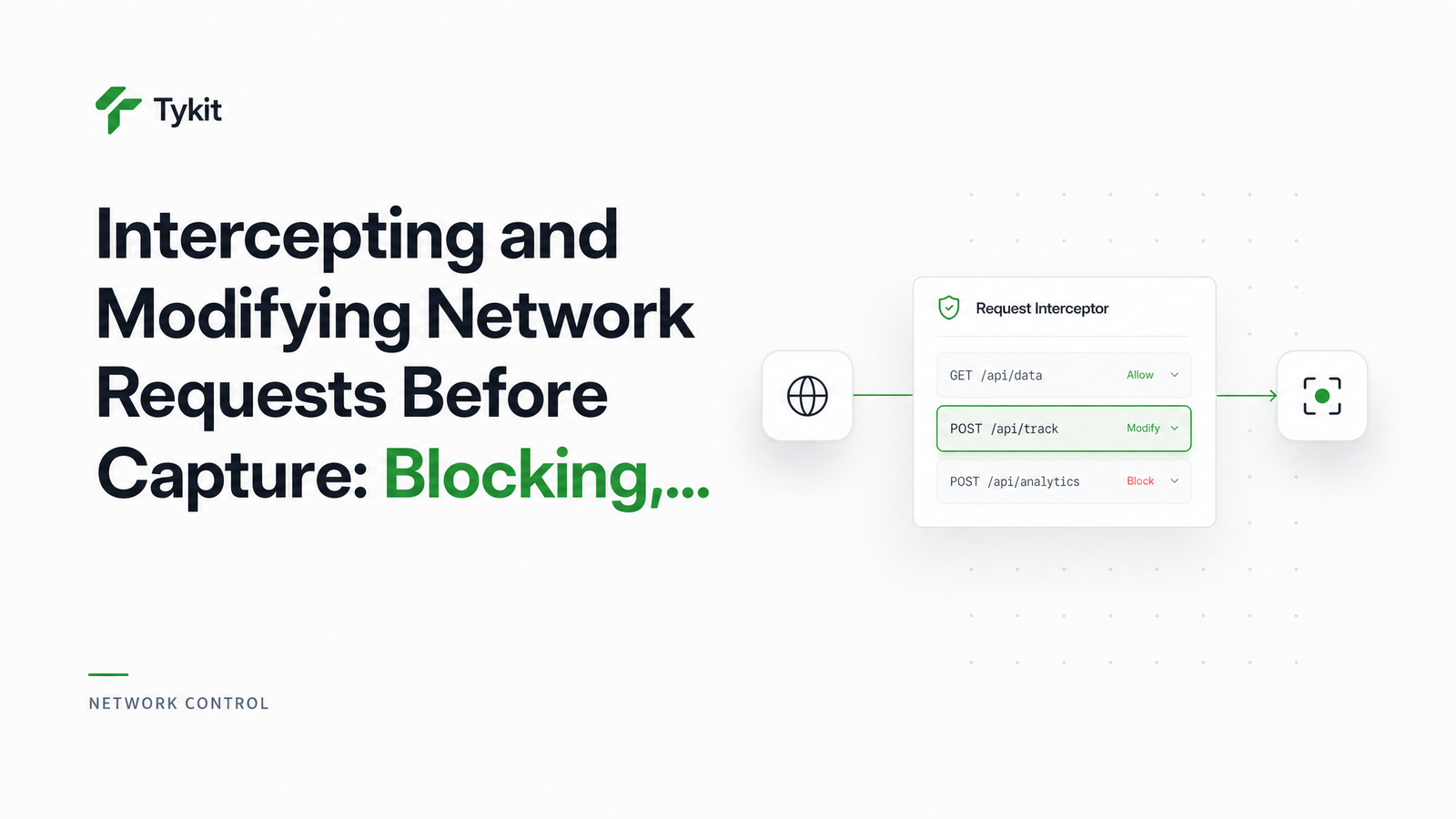
To intercept requests before render, you register a handler that inspects each outgoing request and resolves it with one of three terminal actions: block/abort it, mock/fulfill it with a synthetic response, or rewrite/continue it with modified headers, body, or status. Every request must resolve to exactly one of these — that constraint is what makes the system predictable, and also where most homegrown implementations go wrong.
The Three Interception Modes and When to Use Each
Blocking removes noise. Mocking replaces unreliable or undesired dependencies. Rewriting adjusts what's already there without fabricating a whole new response.
Blocking: Stop Requests From Ever Firing
Aborting a request is the lightest-touch mode — the browser never sends it. This is the right tool for trackers, ad networks, analytics pixels, and non-essential fonts that add load time without affecting the content you actually want to capture. Blocking trackers is also useful for compliance: you don't want a rendering job silently pinging third-party analytics on every run. Short version: if a request doesn't affect the pixels or data you're extracting, abort it.
Mocking: Replace a Response Entirely
Fulfilling a request means you intercept it and hand back a fixed response — status code, headers, body — without ever hitting the real server. This matters for capture jobs in a few concrete situations: a flaky third-party pricing widget that times out unpredictably, a slow analytics beacon that delays the page's load event, an internal API that needs credentials you'd rather not pass through the browser, or a paginated endpoint whose response changes between requests. If you need deterministic scraping snapshots — the same DOM state every time you hit a page — mocking the underlying API response before capture is often the only reliable way to get it, especially on sites like the e-commerce price and stock extraction use case, where live pricing APIs can shift mid-scrape.
Rewriting: Modify Headers, Body, or Status Before It Reaches the Page
Rewriting lets the real request go through, but not unmodified. You can inject an Authorization header at the network layer instead of manipulating cookies or session storage — useful when you need authenticated session access without logging in through the UI. You can strip or relax a Content-Security-Policy header that would otherwise block injected scripts or resources, spoof Accept-Language to force a locale-specific render, or alter a response body/status mid-flight to neutralize a paywall check or force a feature flag into a known state before the page renders.
How This Works Under the Hood: Puppeteer and Playwright Patterns
Both major automation libraries build on the Chrome DevTools Protocol's Network domain, which gives you visibility into requests before they resolve.
In Puppeteer, you call page.setRequestInterception(true), then listen for the request event. Each intercepted request must be resolved with request.abort(), request.respond(), or request.continue():
await page.setRequestInterception(true);
page.on('request', (req) => {
  if (req.resourceType() === 'image') return req.abort();
  if (req.url().includes('/api/price')) {
    return req.respond({
      status: 200,
      contentType: 'application/json',
      body: JSON.stringify({ price: 19.99 }),
    });
  }
  req.continue();
});
In Playwright, the equivalent is page.route() with a glob or regex pattern, resolved via route.abort(), route.fulfill(), or route.continue():
await page.route('**/api/price', (route) =>
  route.fulfill({ status: 200, body: JSON.stringify({ price: 19.99 }) })
);
await page.route('**/*.{png,jpg}', (route) => route.abort());
Both APIs share the same conceptual shape: intercept, inspect, resolve. route.fulfill() short-circuits the network entirely; route.continue() lets the request through, optionally with overridden headers or postData; route.abort() kills it. Get the pattern matching wrong — an over-broad glob, a regex that also catches your main document request — and you'll block or mock something you didn't intend to.
The Problems With Rolling This Yourself
Writing this logic once for a demo script is easy. Running it reliably across a fleet of rendering jobs is not. You end up maintaining route handlers per job type, tuning glob and regex patterns so they don't over-match adjacent endpoints, and cleaning up event listeners between runs so state doesn't leak across captures. A single unresolved request — one that never calls continue(), abort(), or fulfill() — will hang the page's load event and time out your capture job, often with no clear error pointing at the cause.
None of that gets easier at scale. Managing this across many concurrent headless browser instances means version-pinning Puppeteer/Playwright, patching Chromium, and monitoring for memory leaks in long-running interception handlers — real headless browser infrastructure work, not a rendering problem.
Doing This Through Browsevra's Rendering API
Browsevra exposes the same three terminal actions — block, mock, rewrite — as declarative rules passed in a single API request, instead of custom route-handler code you have to write, test, and maintain. You specify which URL patterns to abort, which to fulfill with fixed JSON, and which headers to inject or strip, and the managed rendering API applies those rules before the page is captured. No setRequestInterception boilerplate, no listener cleanup, no glob-matching bugs to chase down at 2am — just network rules attached to a render call.
Check the Browsevra docs to see the network-rules parameter in the API reference, and if you're currently running your own Puppeteer or Playwright fleet just to get this level of control, take a look at pricing — it's often cheaper than maintaining the infrastructure yourself.
Frequently Asked Questions
What's the difference between blocking a request and mocking its response?
Blocking (abort()) prevents the request from ever reaching the network — no response exists. Mocking (fulfill()/respond()) lets the request appear to succeed, returning a synthetic status, headers, and body you define. Use blocking for requests you don't need at all, and mocking when the page's script expects a response to continue rendering correctly.
Can you modify a response body without owning the backend it comes from?
Yes — interception happens client-side in the browser process, before the response reaches the page's JavaScript. You can rewrite status codes, headers, or body content for any request the browser makes, regardless of who controls the origin server.
Does intercepting requests slow down page rendering or screenshot capture?
Interception itself adds negligible overhead; what actually slows renders is leaving slow third-party requests unresolved. Blocking or mocking those requests typically makes captures faster and more reliable, not slower.
What happens if an intercepted request is never resolved with continue, abort, or fulfill?
The request hangs indefinitely, which stalls the page's load event and eventually times out the entire capture job. This is the most common cause of mysteriously hung screenshot or PDF jobs when hand-rolling interception logic.
Can network interception bypass a paywall or authentication check?
It can neutralize client-side checks that rely on a specific API response or header — for example, forcing a "subscribed" flag in a mocked response — but it cannot bypass real server-side authorization. Interception only affects what the browser sees, not what the backend actually enforces.
Is request interception available in a hosted headless browser API, or only in self-hosted Puppeteer/Playwright?
Both — raw Puppeteer and Playwright expose the low-level primitives for self-hosted setups, while managed APIs like Browsevra expose the same block/mock/rewrite control as a simple request parameter, without requiring you to run or maintain browser infrastructure.